

Wispr FlowFreemium
Dictate polished text into almost any app and adapt to your vocabulary
Krisp AI Meeting Assistant and Noise Cancellation Review
Clean meeting audio, transcribe conversations and generate editable notes
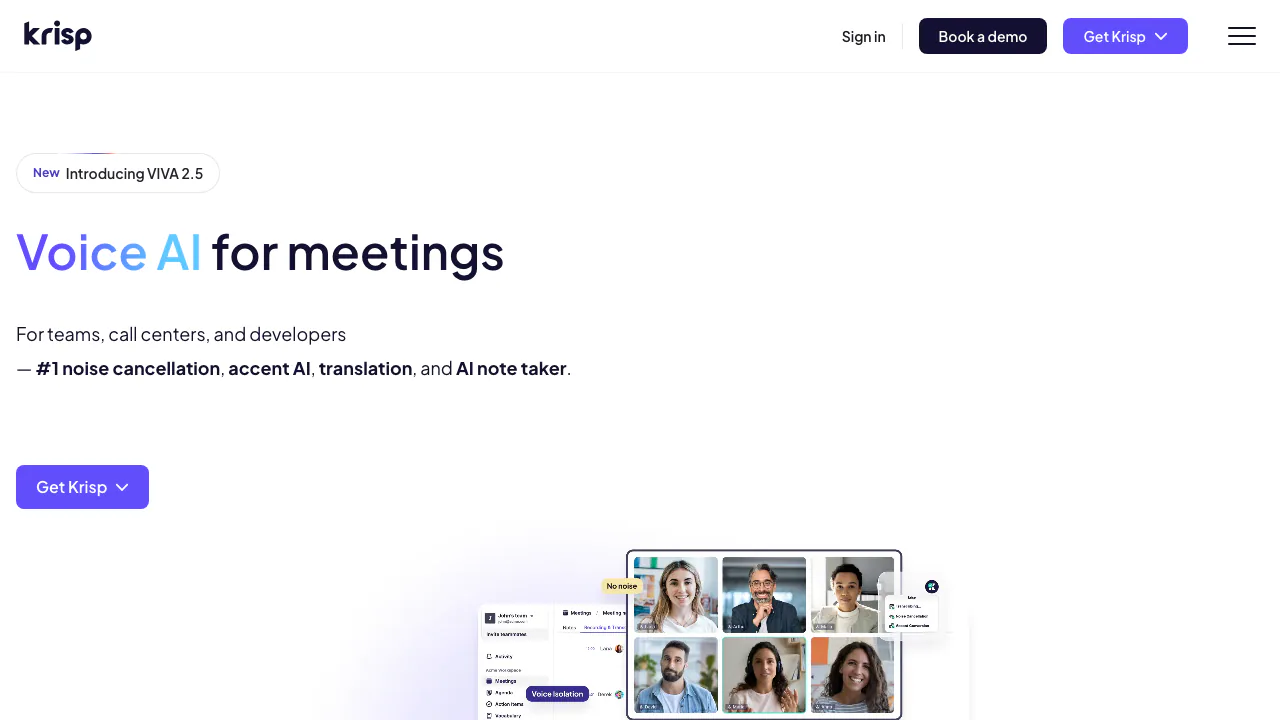
Krisp is a voice and meeting assistant that combines real-time noise cancellation with transcription, recording, summaries and action items. It works at the device audio layer, so users can capture many online calls without adding a visible bot; an optional bot is also available for some meeting platforms. This makes Krisp useful for noisy rooms and mixed conferencing tools, but an automatically cleaned transcript is not a certified record.
Configure audio before trusting the notes
Install Krisp, then select Krisp Microphone and Krisp Speaker in the communication app. The official Meeting Assistant overview warns that omitting Krisp Speaker can leave only the user's speech in the transcript, producing incomplete notes. Run a harmless test call, confirm every participant is captured and compare the original sound with noise cancellation enabled. Strong filtering can occasionally remove quiet speech or unusual sounds along with noise.
Choose transcript-only or recording according to the meeting purpose and policy. Inform participants before capture, even when no bot is visible. After the call, check speaker names, decisions, numbers, deadlines and assigned tasks against the recording or transcript. Add custom vocabulary for product names and technical terms, but do not assume a glossary fixes accents, overlapping speech or poor microphones. Treat AI Chat and summaries as navigation aids, then open the relevant passage for every consequential claim.
Plans, privacy and practical limits
Krisp offers a free entry point and paid plans whose minutes, recording, note-taking and team controls can change. Check the live Krisp pricing page for current allowances before adopting it. Platform, language and bot availability also vary, so verify the current help center for the intended devices.
Review the Krisp security information and privacy policy before recording confidential calls. Transcript-only, recording and server-based language options can have different data paths. Define retention, sharing and deletion rules, and confirm that your organization and local law permit the chosen capture mode.
Does Krisp need a meeting bot?
Not always. It can work through device audio without a visible attendee, while an optional bot exists for certain platforms. Consent duties still apply.
Is Krisp free?
A limited free plan is available. Paid levels expand allowances and features; consult the current pricing page for exact terms.
Related tools
AI Workspace & Notes Tools →
DictantorFree
Record speech, find the exact passage and keep transcription on your Apple devices.
HemoryFreemium
Turn conversations into searchable memory for your AI agents.
GranolaFreemium
A bot-free AI notepad that combines your notes with meeting transcripts
FathomFreemium
AI meeting notetaker for recording, transcription, summaries, action items, clips and searchable call history.
Fireflies.aiFreemium
AI meeting assistant for transcription, summaries, searchable notes, action items and team workflows.