

Hemory AI conversation memory and searchable notes
Turn conversations into searchable memory for your AI agents.
Updated November 17, 2026

Key facts
- What it is
- Turn conversations into searchable memory for your AI agents.
- Pricing
- Freemium
- Category
- AI Productivity & Document Tools
- Website
- hemory.com
Hemory turns conversations you choose to capture into transcripts, activity summaries and searchable memory. Its distinctive use is recalling a decision across past conversations and supplying that context to an AI agent through MCP. Recording other people requires the notices and consent applicable where you are.
What is Hemory, in plain English?
Think of Hemory as a listening notebook for conversations. Start a listening session on a phone or Apple Watch, or set a schedule and confirm the prompt to listen. The app transcribes speech, sorts the day into activities such as meetings and work, and prepares summaries suited to each activity. Later, ask what someone promised or search the transcript rather than replaying an entire day. It is designed for people whose work depends on many conversations, including interviews, client discussions and project meetings. It does not guarantee a perfect record: check names, figures and commitments against the transcript before acting on them.
From a conversation to a useful follow-up
After installing the mobile app, choose manual listening for a specific discussion or set listening hours. Confirm that participants know about and consent to the recording where required. Once processing finishes, inspect the timestamped, speaker-tagged transcript and the activity summary. Hemory can produce meeting minutes with decisions and action items; its built-in Q&A agent can answer questions across stored conversations. Confirm any uncertain speaker label before treating an answer as an attribution. For a follow-up, ask the agent to locate the relevant conversation and draft a checklist or report, then verify the draft against the source lines.
Give an AI agent context through MCP
Hemory provides a read-only MCP connection to its memory vault. The official site names Claude Code, Codex, Gemini, Cursor and other standard MCP clients. Create an MCP key in Hemory, connect your chosen client, and ask it to search memory for a person, topic or date before drafting something. This is access to your existing Hemory memory, not a general-purpose API or a promise that every agent feature works in every client. The official features page shows the current integration and listening options.
Plans, devices and the privacy decision
The free trial offers 10 hours of voice-activity-detected listening once; it does not renew monthly. Paid Starter, Pro and Max plans mainly change listening hours, while the listed capabilities are shared. Once the allowance is exhausted, the pricing FAQ says recording can continue locally, but new audio will not upload for processing until hours are added. Check the current plans and regional checkout before subscribing; the site displays US-dollar monthly examples, and app-store pricing may vary. iPhone, Apple Watch and Android are listed; desktop apps, web app and self-hosting are marked coming soon.
The privacy policy says raw audio is retained for a limited period during processing and then deleted, while transcripts remain until you remove them or the account. It says user content and voiceprints are not used to train AI models. With consent, transcript content may go to third-party AI providers for AI features; speaker labeling can create a voiceprint if you opt in. Read the recording-consent terms before using it around clients, colleagues or family.
Common questions
Is Hemory just a meeting recorder?
No. Meetings are one use; it also sorts other captured conversations into a timeline and lets you query memory across sessions. The benefit is recall and follow-up, not merely a saved audio file.
Does the free plan renew every month?
No. The official free trial is a one-time 10-hour listening allowance. Paid plans add monthly hours; check the pricing page for current purchase conditions.
Is all processing done on the device?
No. Audio is kept on the listening device and may be uploaded briefly for processing. Transcripts and other content can be stored by the service and, with consent, sent to AI providers for related features. Consult the privacy policy for retention and deletion details.
Official resources and community
- Hemory pricing and FAQ — current hours, billing and quota behavior.
- Privacy policy — processing, retention and user rights.
- Hemory About and community links — the official contact, Discord and announcement account.
Alternatives to Hemory
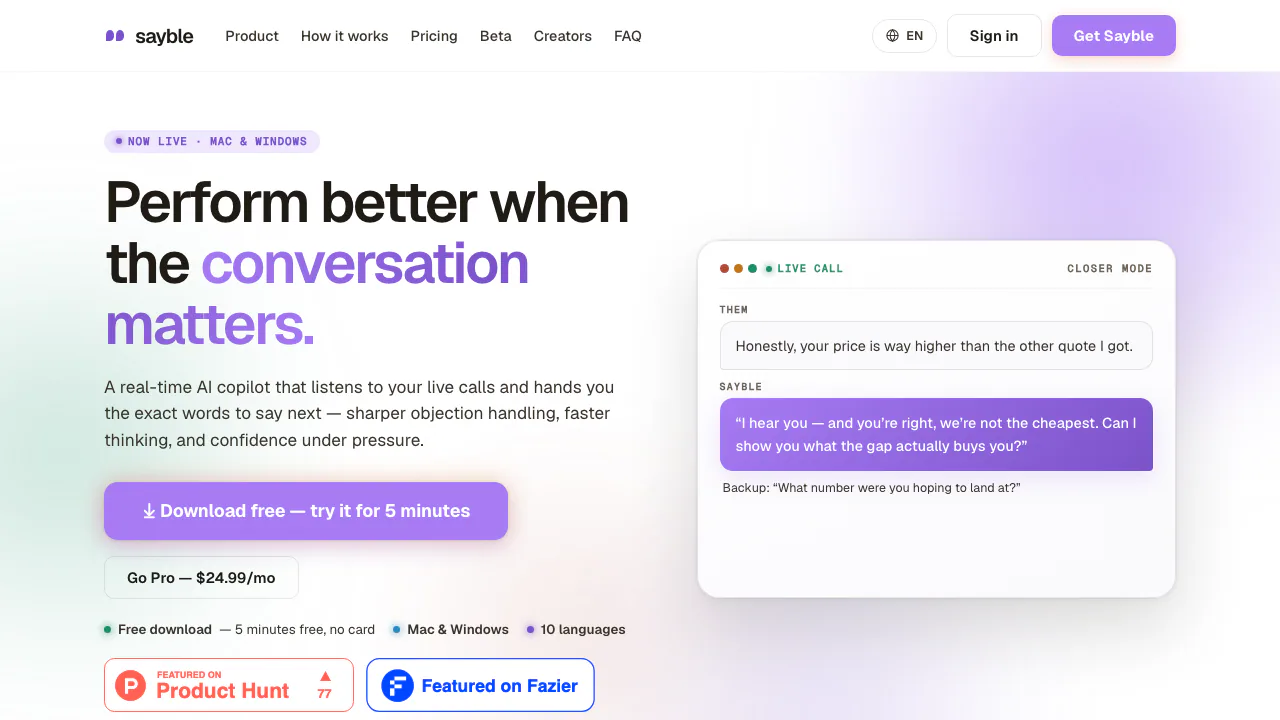

Sayble
Live conversation prompts and practical follow-up for important calls.
AI Marketing & Sales ToolsFreemium

Circle Panel
Plan studies, interview real users and turn recordings into reviewable findings.
AI User Research & Testing ToolsPaid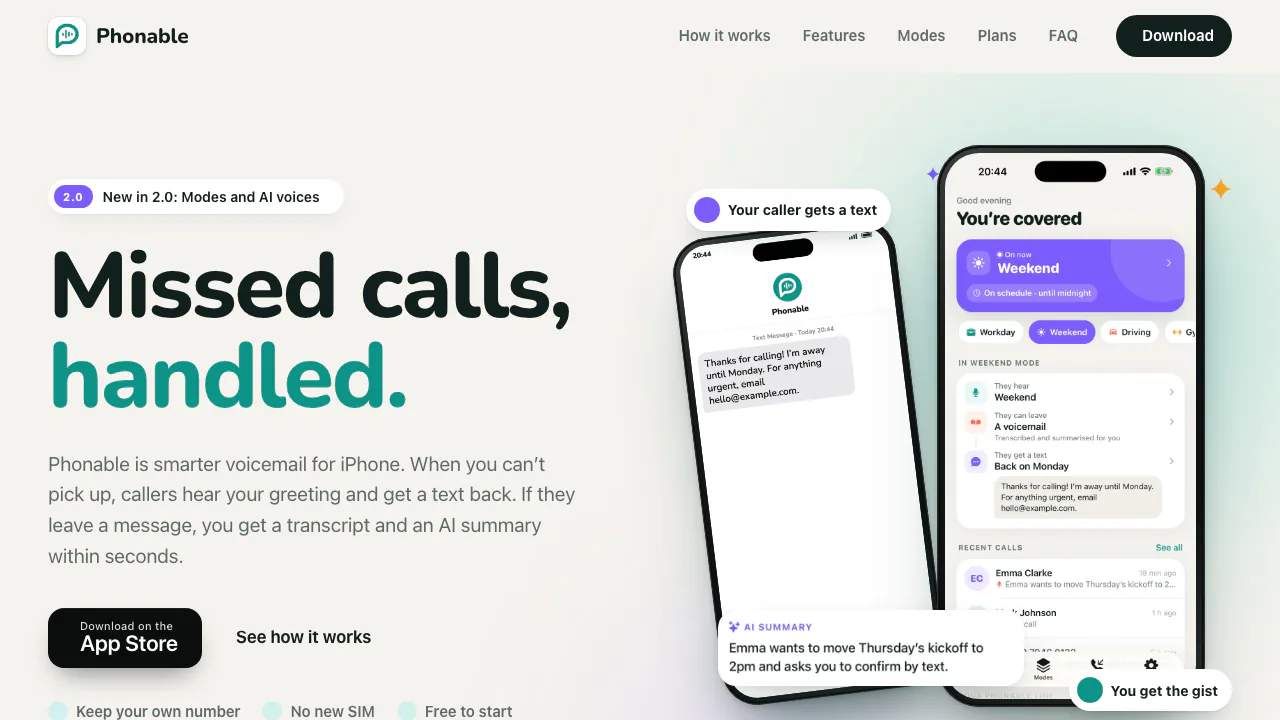

Phonable
Read missed-call messages and send callers a useful text reply.
AI Voice AgentsFreemium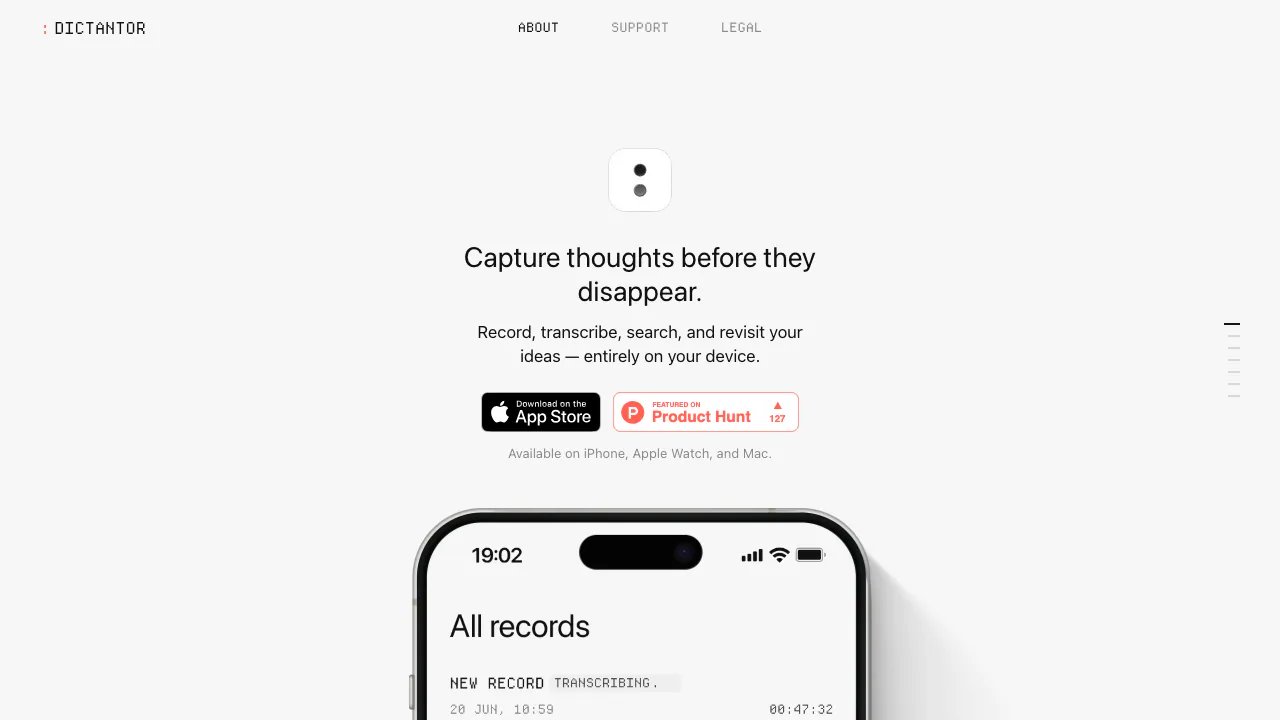

Dictantor
Record speech, find the exact passage and keep transcription on your Apple devices.
AI Productivity & Document ToolsFree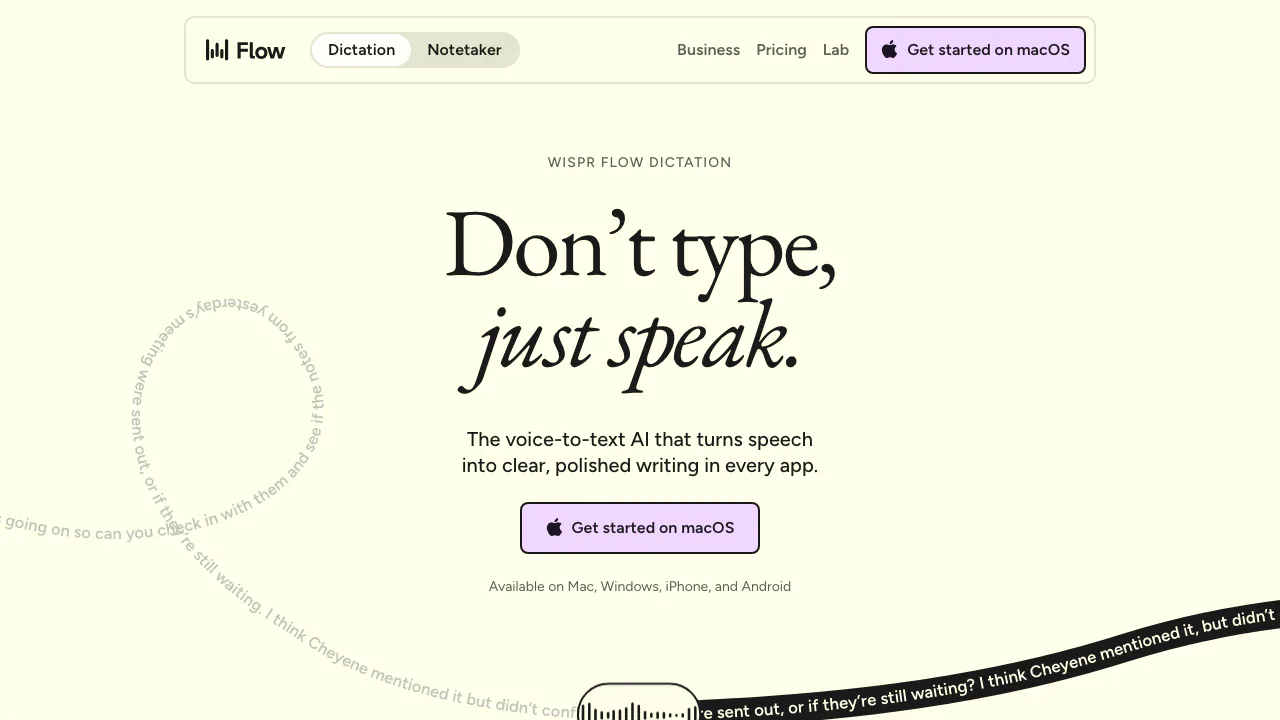

Wispr Flow
Dictate polished text into almost any app and adapt to your vocabulary
AI Writing AssistantsFreemium

Krisp
Clean meeting audio, transcribe conversations and generate editable notes
AI Workspace & Notes ToolsFreemium
- Pricing
- Freemium
- Website
- hemory.com
- Added
- September 2026
- Updated
- November 17, 2026
More in AI Productivity & Document Tools
 VoyagerFreeBrowse local folders, save searches and give selected files to your own AI agents.
 fileAIPaidExtract document fields to JSON and route suspicious files for review.
 ContextGemFreeExtract typed document data with source references using Python, LLMs and decision models.
 PapermarkFreemiumShare confidential files, track readership and review documents with AI.
Add the badgeShow you're listed on AITroveX
<a href="https://aitrovex.com/tool/hemory?ref=badge" target="_blank">
  <img src="https://aitrovex.com/badge-listed-light.svg" alt="Listed on AITroveX" style="height: 54px; width: auto;" />
</a>