
 NEW
Aisma AI Video Editor
AI video editor for real footage—edit by prompt on web, iOS, Android, API, or MCP.
Updated November 25, 2026
Best for
- Creators fixing short clips by removing clutter or swapping outfits and backgrounds
- Marketers and e-commerce teams swapping products or styling footage using reference photos
- Developers and agents automating video edits through a quoted REST API or MCP server
Not for
- Projects needing long-form timeline editing beyond one-minute clips or native 4K export
- Users looking for a free watermarked video renderer without buying credits
Key facts
- What it is
- AI video editor for real footage—edit by prompt on web, iOS, Android, API, or MCP.
- Pricing
- Paid
- Category
- AI Video Editing & Workflow Tools
- Website
- aisma.ai
- Free plan
- No free rendering; apps are free to download and web accounts can prepare 3 edits before paying source
- Starting price
- $1.99 one-time (100-credit pack (10 credits/sec at 720p, 20 at 1080p); weekly plans start at $9.99/week) source
- Platforms
- Web, iOS, Android, API (Browser app, iOS 16.4+ and Android apps, REST API, and remote MCP server) source
- API
- Yes (REST API (OpenAPI 3.1) and Streamable HTTP MCP server sharing the same account and credits) source
- AI training on your data
- Tasks may be analyzed to improve editing rules; opt out via support@aisma.ai (Privacy §3) (Never published, shared with other users, or used in ads; deleting a task removes it from future learning) source
- Company
- BeInTouch Pte. Ltd. (Singapore) (Mobile apps are published on the App Store and Google Play by Frostpixel, Unipessoal LDA) source
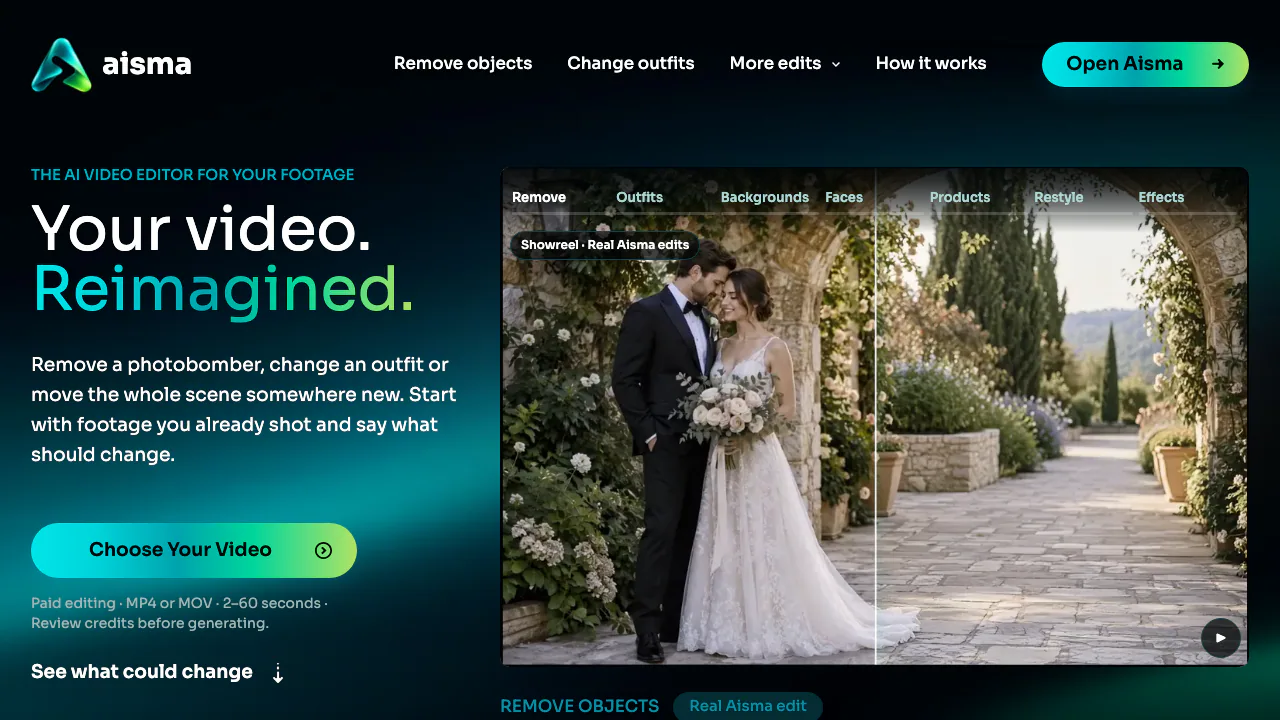
Aisma is an AI video editor that modifies real footage you have already shot using plain-text instructions and optional reference photos, designed for creators, marketers, and developers. Built by BeInTouch Pte. Ltd. in Singapore, Aisma prices edits by the second—10 credits per second at 720p and 20 at 1080p—with one-time credit packs starting at $1.99 for 100 credits (as of November 2026).
What you can do with Aisma
Instead of generating scenes from scratch, Aisma keeps your original camera movement, framing, clip length, and audio track while changing only what you describe. You upload a 2–60 second MP4 or MOV clip (up to 500 MB), write a brief up to 2,000 characters, and optionally attach up to 10 reference photos (JPEG, PNG, or WebP) to remove people or objects, swap clothes, replace backgrounds, swap faces or products, or restyle the footage without masks or keyframes.
Aisma runs in the browser, on iOS (16.4+) and Android, and through programmatic endpoints documented on the Aisma developers page. Developers and AI assistants can upload media, request a non-binding credit quote valid for 15 minutes, start an edit with an Idempotency-Key, receive webhook updates, and download the private MP4 over either the OpenAPI 3.1 REST API or a remote Streamable HTTP MCP server.
How Aisma compares
Unlike Descript, which starts free for transcript-based timeline editing, podcast audio cleanup, and screen recording (as of November 2026), Aisma focuses on visual in-shot transformations of existing video clips rather than cutting dialogue or managing multitrack timelines. Compared with Runway, which emphasizes text-to-video and image-to-video generation alongside broader studio tools, Aisma is built around preserving an existing take's framing and original sound with upfront per-second credit quotes. And compared with CapCut, Aisma trades manual mobile timeline templates for prompt-driven object, outfit, product, and background swaps that can also run headless via REST or MCP.
Limits to know
Aisma does not offer free video rendering: you can download the mobile apps or prepare three web edits before paying, but every render spends credits. Clips are capped at 2–60 seconds (500 MB) and export as 720p or 1080p MP4 at 24 fps, so it is not a 4K or long-form editor. On the Aisma pricing page, each separate shot between cuts rounds up to a whole second and counts as at least 2 seconds, so fast-cut montages cost more than a single continuous take of the same length. Without an active weekly plan, completed edits expire from your Library after 72 hours. Under Aisma Privacy Policy §3, authorized staff and AI tools may analyze tasks to improve general editing rules unless you email support@aisma.ai to opt out.
FAQ
Is Aisma free to use?
No, rendering edited videos in Aisma always requires paid credits (as of November 2026). The iOS and Android apps are free to download, and new web accounts can prepare their first three edits and see exact credit quotes before purchasing.
How much does Aisma cost?
Standard web rates are 10 credits per second at 720p and 20 credits per second at 1080p (as of November 2026). One-time credit packs start at $1.99 for 100 credits (never expiring), and weekly subscriptions start at $9.99 per week for 1,000 credits with ongoing Library storage.
Does Aisma have an API or MCP server?
Yes, Aisma offers both an OpenAPI 3.1 REST API (https://api.aisma.ai/v1) and a remote OAuth MCP server (https://api.aisma.ai/mcp) that use the same account, credit balance, and Library as the web and mobile apps.
Does Aisma use uploaded videos to improve its system?
Yes, by default for tasks created after 20 October 2026, Aisma's Privacy Policy (§3) notes that staff and AI tools may analyze retained tasks to refine general editing rules without publishing or sharing them. You can opt out by emailing support@aisma.ai with your account email or account ID.
What we checked
On November 25, 2026 we checked 6 facts in Key facts against Aisma’s own pages:
Not tested: we did not sign up, pay or run Aisma ourselves. Prices and plans change; confirm them on aisma.ai before you buy.
Alternatives to Aisma

Shot.video
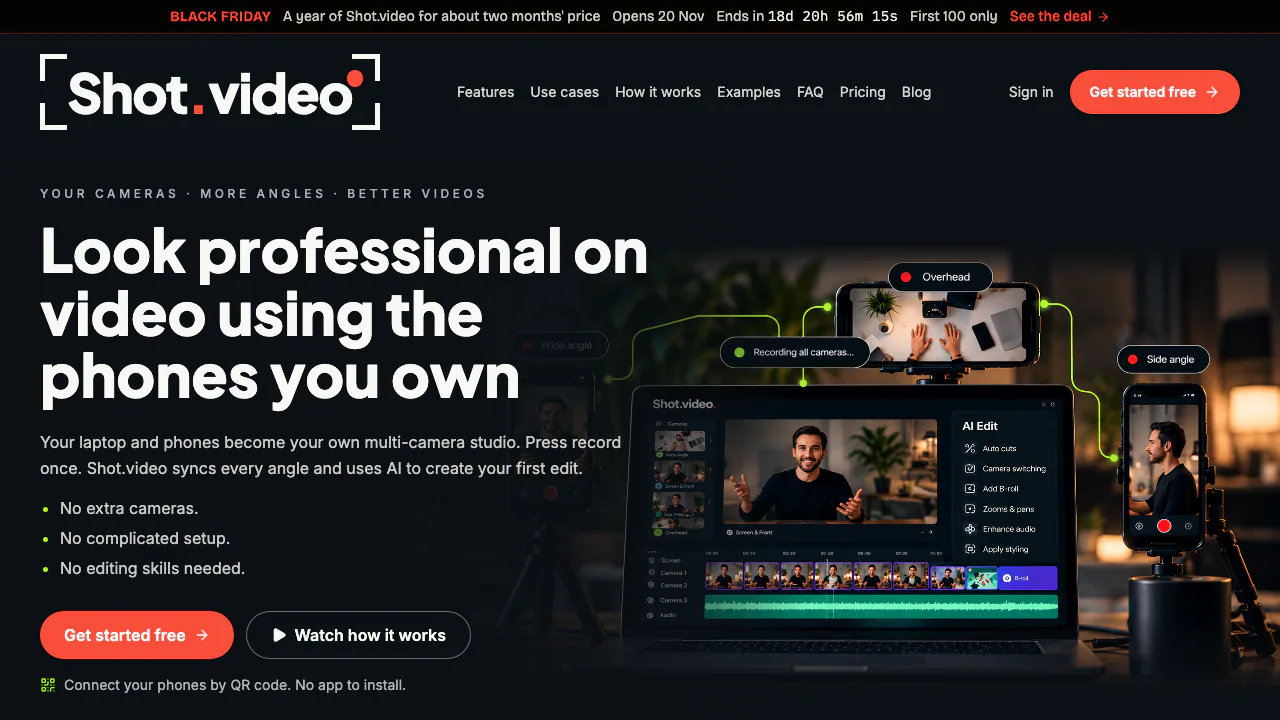
Record your screen and phone cameras together, then refine an AI first cut.
AI Video Editing & Workflow ToolsFreemium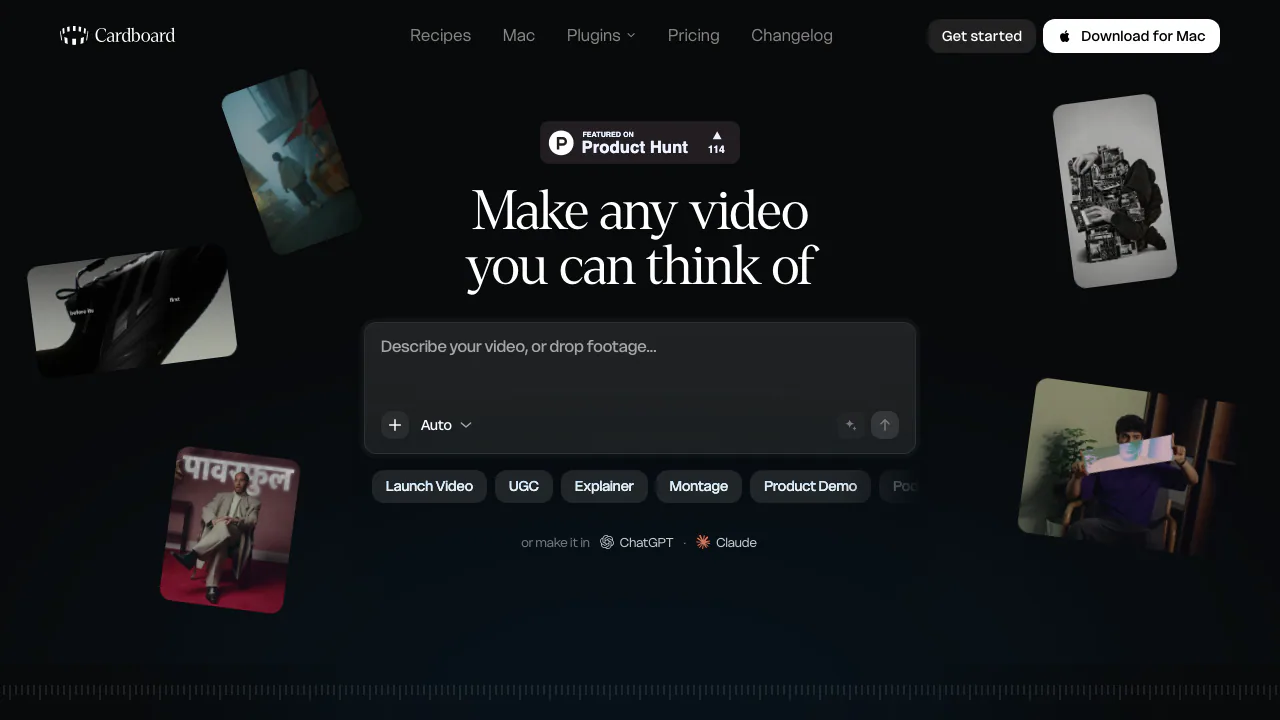

Cardboard
Turn footage or an idea into an editable cut, then refine it through chat or the timeline.
AI Video Editing & Workflow ToolsFreemium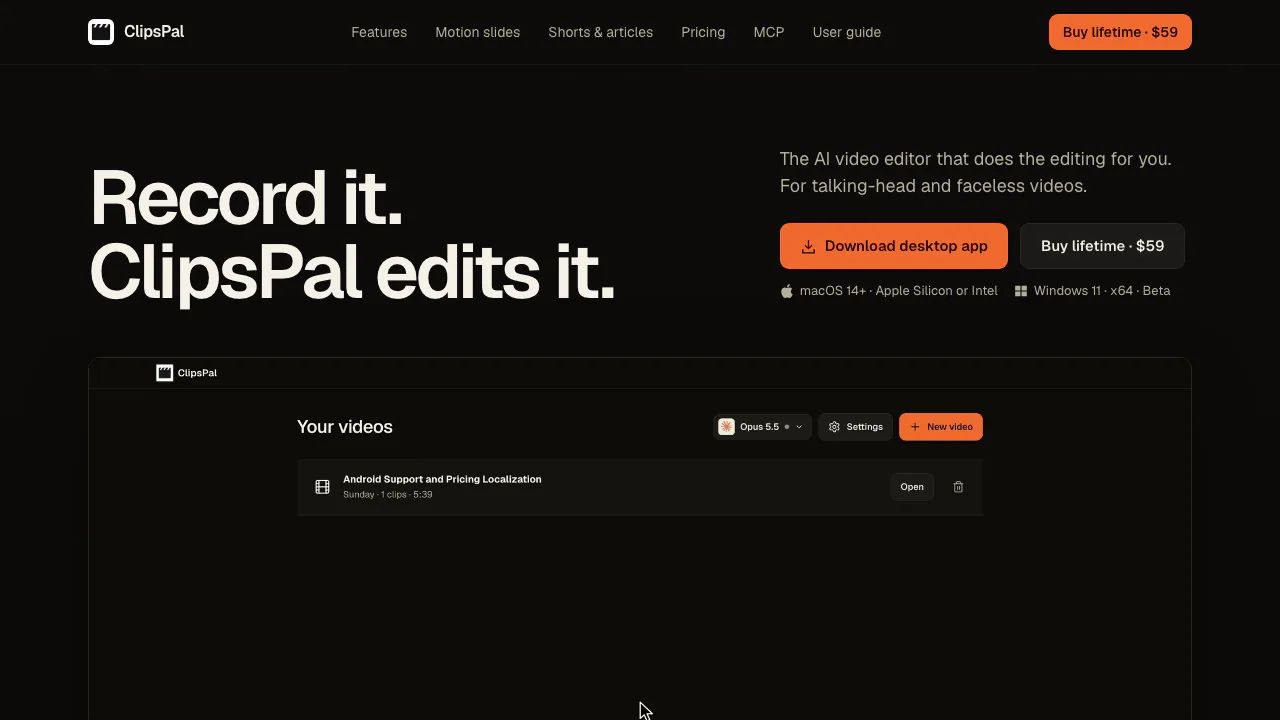

ClipsPal
Turn multiple takes into an editable video with captions, then cut vertical shorts.
AI Video Editing & Workflow ToolsPaid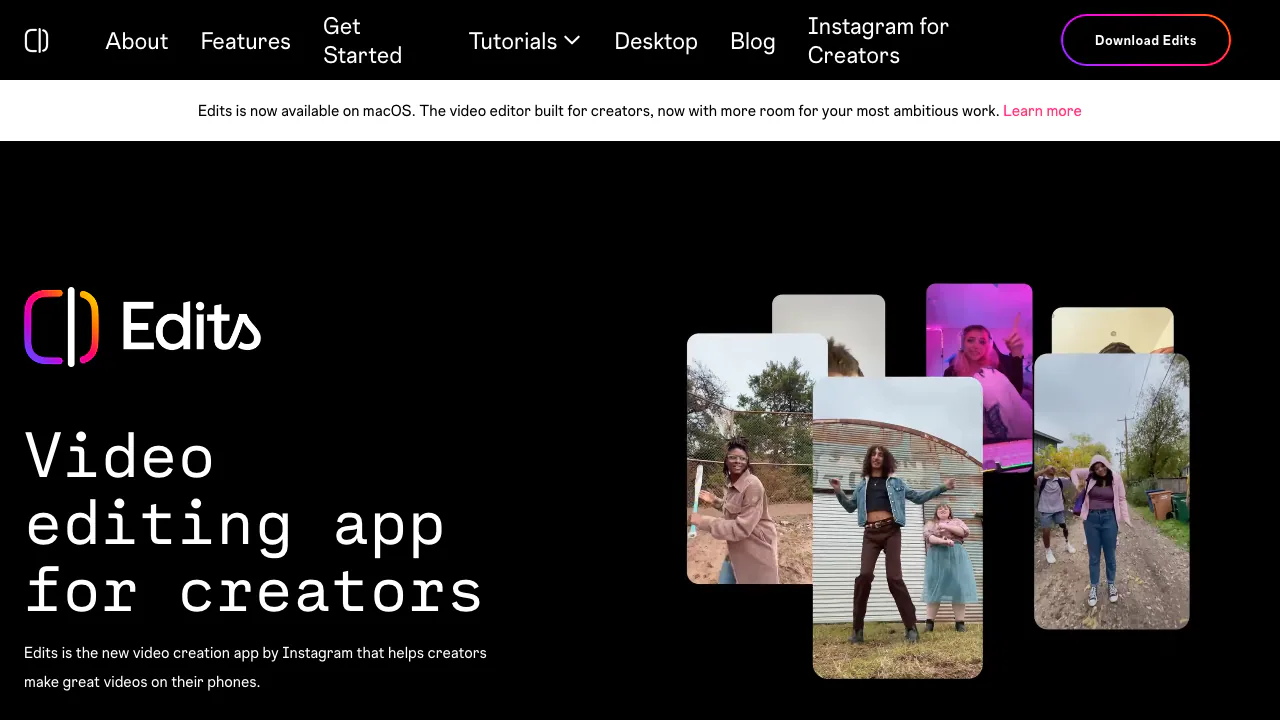

Edits
Edit on your phone or Mac, add captions and share a clean 4K export.
AI Video Editing & Workflow ToolsFreemium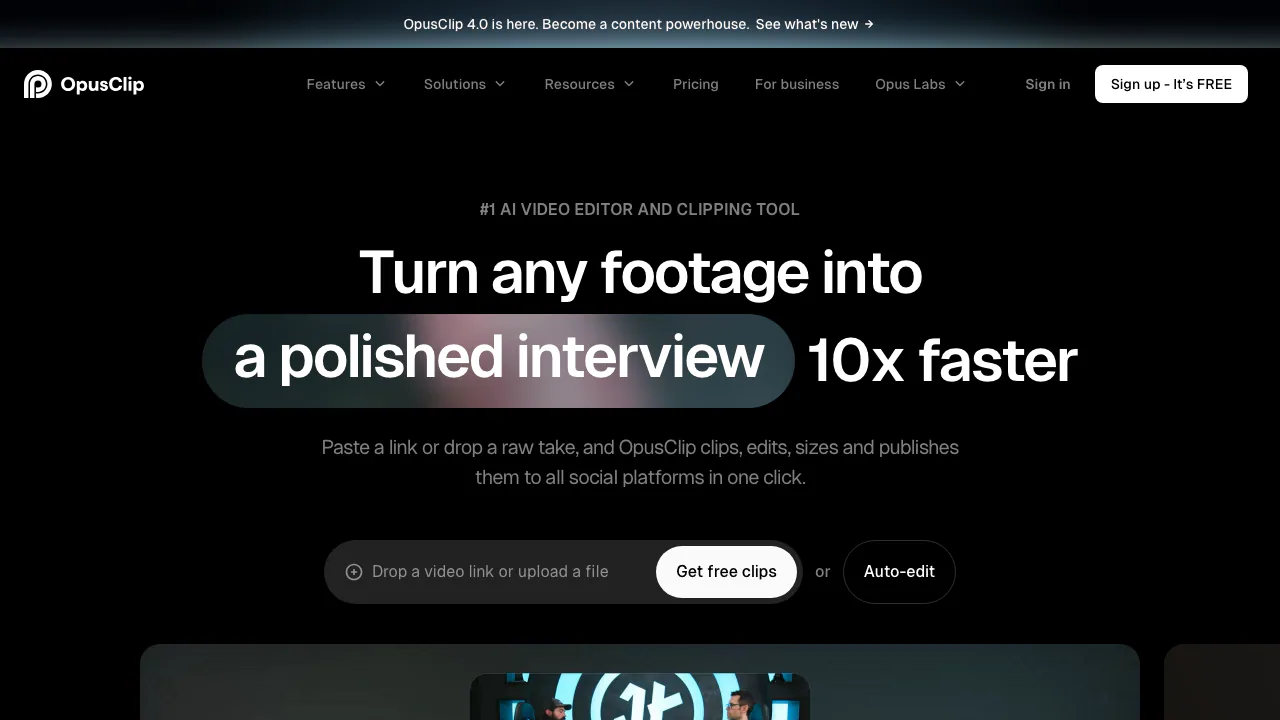

OpusClip
Clip and reframe long recordings for Shorts, Reels and TikTok.
AI Video Editing & Workflow ToolsFreemium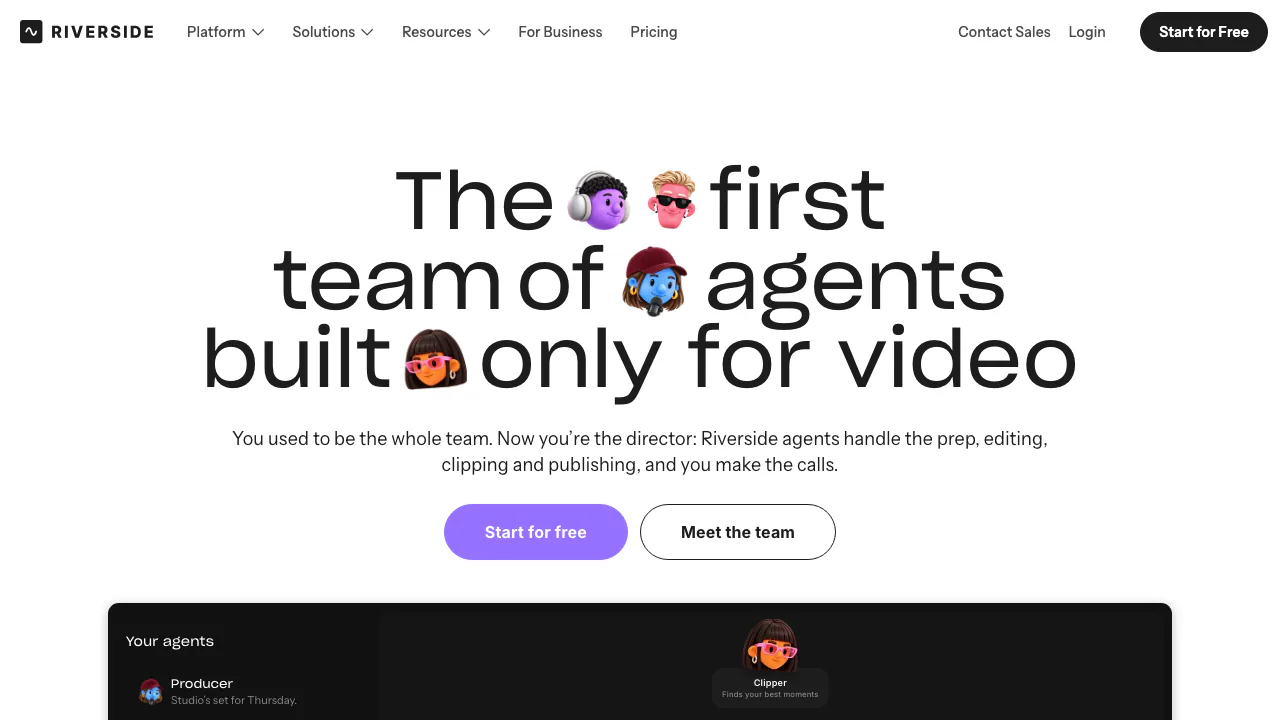

Riverside Agents
A native AI production team for preparing, editing, clipping and publishing recorded conversations.
AI Video Editing & Workflow ToolsFreemium
- Pricing
- Paid
- Website
- aisma.ai
- Added
- November 2026
- Updated
- November 25, 2026
- Checked
- November 25, 2026
More in AI Video Editing & Workflow Tools
- Shot.videoFreemiumRecord your screen and phone cameras together, then refine an AI first cut.
- CardboardFreemiumTurn footage or an idea into an editable cut, then refine it through chat or the timeline.
- ClipsPalPaidTurn multiple takes into an editable video with captions, then cut vertical shorts.
- EditsFreemiumEdit on your phone or Mac, add captions and share a clean 4K export.
Add the badgeShow you're listed on AITroveX
<a href="https://aitrovex.com/tool/aisma?ref=badge" target="_blank">
  <img src="https://aitrovex.com/badge-listed-light.svg" alt="Listed on AITroveX" style="height: 54px; width: auto;" />
</a>