

VidecoPaid
Turn recorded demos and webinars into campaign content.
Riverside Agents for AI video editing and production
A native AI production team for preparing, editing, clipping and publishing recorded conversations.
What does Riverside Agents actually do?
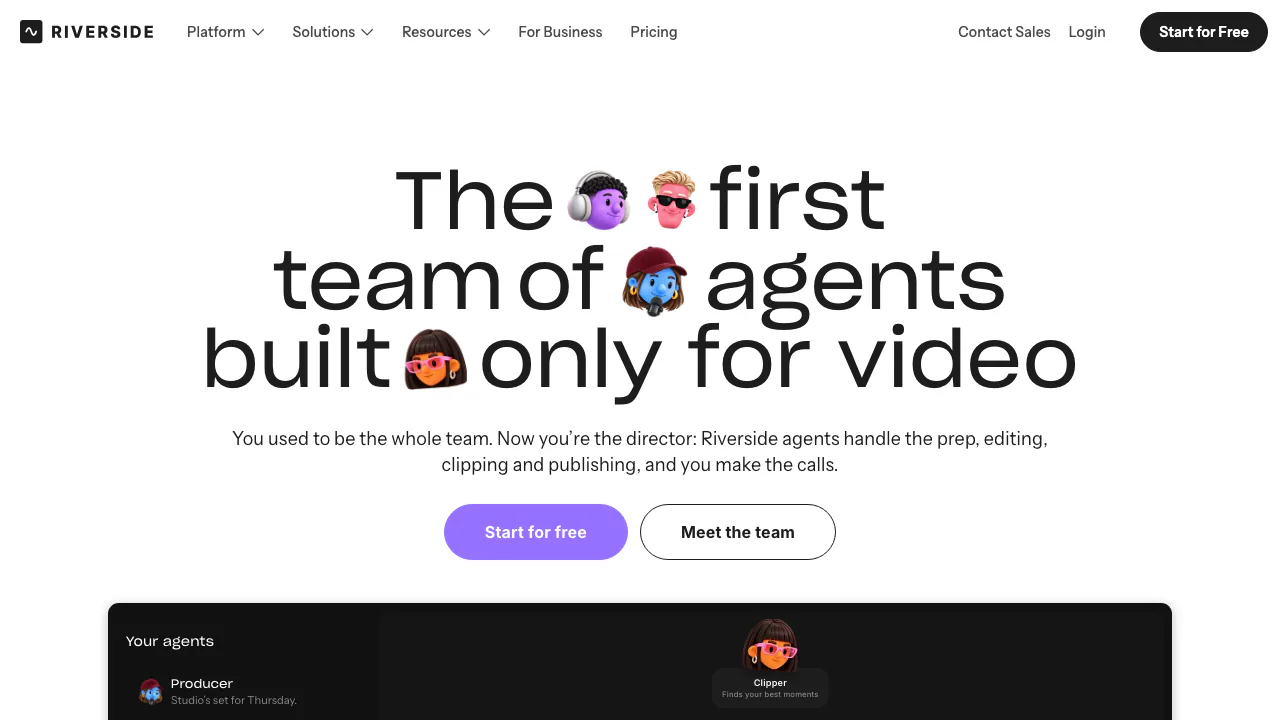
Riverside Agents is an AI video editing team inside Riverside, operated by RiversideFM, Inc. You bring an interview, podcast or talking-head recording; four specialists help prepare the session, edit the episode, make short clips and organize distribution. In plain terms, it handles production chores around your recording while you decide which edits and posts are ready for an audience.
Four agents for one recording-to-publishing workflow
- Producer prepares interview questions, teleprompter scripts, invitations and the studio. During supported recording sessions it can use the live transcript to suggest follow-up questions.
- Editor proposes an editing plan, improves audio, removes filler words and long pauses, and adjusts layouts, branding and captions.
- Clipper finds useful moments and creates Magic Clips that you can review and revise, with optional graphics, B-roll and music.
- Marketer drafts captions, thumbnails, episode titles and descriptions, then helps publish or schedule approved content.
Tasks can pass to the appropriate agent within chat. Each agent has an ongoing conversation with studio-level context; tone and workflow settings are shared. During long sessions, Producer references the most recent 45 minutes, so supply relevant older context again when necessary.
For webinars, Producer can prepare the registration page, registration emails, polls and Q&A under the relevant webinar plan.
How to edit a recording with the AI Editor
- Sign in and open a recording in the editor, or upload an external recording. Set up a saved logo, background and caption style for consistent branding.
- Open Agents → Editor. Describe the result, such as a tighter interview opening with fewer long pauses.
- Review its proposed plan and approve the changes you want. Ask for audio cleanup, a different layout, captions or text, image and music overlays as needed.
- Watch the edited sections and check that cuts preserve the speaker’s meaning. Review names, captions and audio.
- Use Export → Download for an available video or audio output, or continue to clips and distribution.
The official Editor guide documents this starting path. A precise request gives you a clearer result to review than asking for a vaguely better video.
Turn full episodes into clips and reviewed posts
Clipper can work from a recording or an existing edit, so an interview can become a full episode plus shorter highlights. Review clips with branding and captions applied; saved clip-generation preferences require Pro or higher. Boost can add graphics, B-roll or music, subject to the relevant feature conditions. Check that a short excerpt makes sense without the full conversation.
Connect the intended social account before asking Marketer to prepare distribution. Podcast publication requires setting up podcast hosting in Riverside. Every post, episode and scheduled item needs your confirmation. Social scheduling is documented for Grow, Webinar and Business; check each destination and time before approval.
Who it suits, devices and export options
This workflow suits recurring video podcasts, interviews, webinars and customer stories, especially when one person handles recording and distribution. Its recording-centered approach is less relevant if your main goal is generating cinematic scenes without source footage.
A computer browser has the clearest documented editing workflow. Individual agent guides currently list mobile support as iOS only; do not assume Android has the same agent features. Video edits export as MP4 and audio as WAV or MP3. Quality, watermark removal and track downloads depend on the plan and source recording.
Free trial, plan limits and AI credits
Checked on 3 November 2026, using Riverside’s English/global pages: Agents are listed on every plan and a 14-day free trial is advertised. Riverside has free and paid plans with monthly or annual subscriptions; agents can only perform features included in your plan. Live studio Producer requires Grow or higher, while full webinar setup requires Webinar or Business.
Agent chat itself uses no AI credits. A credit-priced operation displays its cost and asks before spending; an agent does not remove the underlying charge. Consult current plans and pricing for your account and billing region. Confirm the selected plan and billing period before purchasing.
Before uploading interviews or client footage
Before uploading guest or client footage, read the privacy policy. It says some Content Data, including recording-derived content and AI interactions, may support service improvement and AI/ML training. Business customers can have a training opt-out under a written agreement; this is a specific condition, not a default promise for every account.
The content terms retain your content rights while requiring the necessary permissions and consents and granting Riverside a service-related license. Keep your own backups. Check your organization’s requirements before using sensitive interviews.
Frequently asked questions
Is Riverside Agents free?
There is a free plan and an advertised 14-day trial. Capabilities depend on your subscription; selected actions still spend credits even though agent chat does not.
Can I edit an existing recording?
Yes. Open an existing recording in the editor or upload an external file, then use Editor. Clipper can also make highlights from a recording or edit.
Can I use the agents on my phone?
The current individual agent guides document a computer browser and the iOS app. Check the latest guide before relying on Android agent availability.
Official guides and creator resources
- Riverside Help Center: current instructions and plan/device restrictions.
- Official creator community: guides and Riverside-linked community channels.
- Riverside MCP: an optional, separate connection for assistants such as Claude, ChatGPT and Cursor. It requires authorization and is included on Grow and higher; a compatible assistant account is also needed.
Related tools
AI Video Editing & Workflow Tools →
OpusClipFreemium
Clip and reframe long recordings for Shorts, Reels and TikTok.
EditsFreemium
Edit on your phone or Mac, add captions and share a clean 4K export.
PlasticFreemium
Capture musical ideas with DOT and turn finished songs into lyric clips with Clips.
Genjutsu AIPaid
Recast a short video or replace a selected subject using reference images.
OpenScreenFree
Record, caption, and polish desktop demos with local tools and optional AI editing.