

EditsFreemium
Edit on your phone or Mac, add captions and share a clean 4K export.
OpusClip – AI Video Clipping for Shorts and Reels
Clip and reframe long recordings for Shorts, Reels and TikTok.
What does OpusClip do?
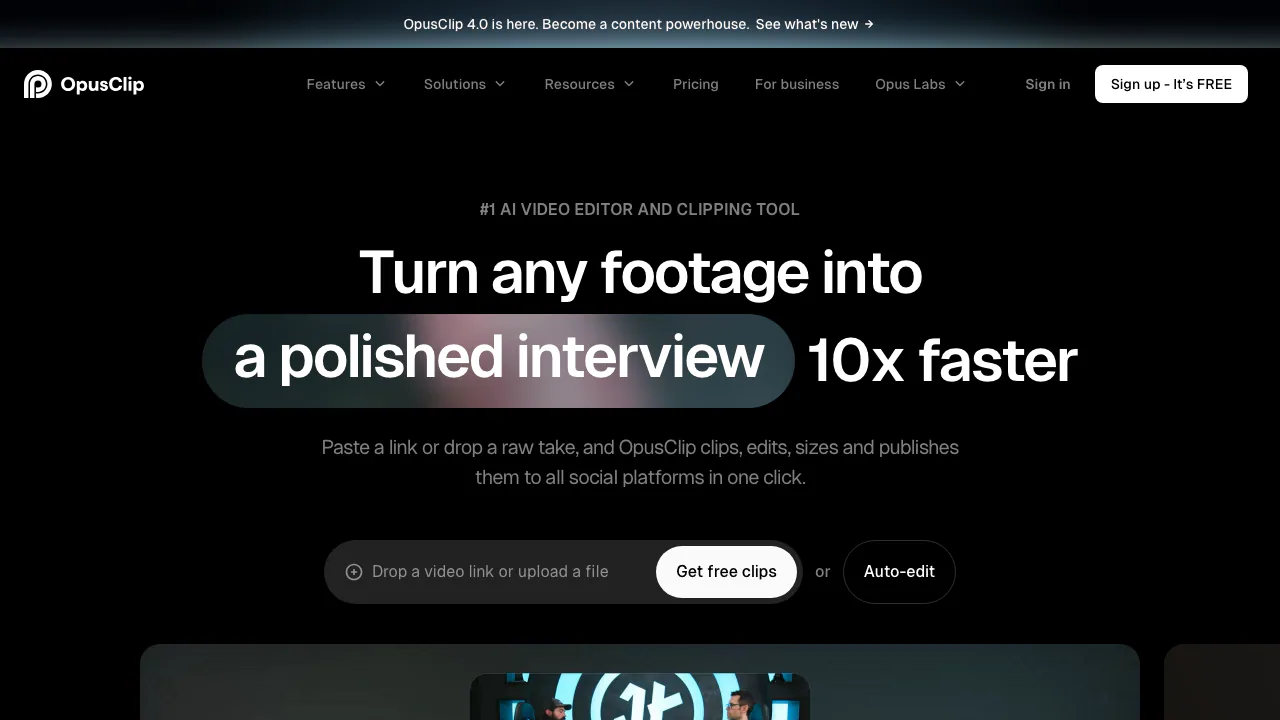
OpusClip is a web app that takes a video you already have and suggests shorter cuts you could post on their own. Give it a filmed interview, for example, and it can pull out a complete answer, frame it vertically and add captions for a viewer watching with the sound off. It is especially useful when you have recurring episodes, webinars or streams to review.
How to turn one long video into Shorts
- Sign in and upload an authorized video or paste a supported link. For a first pass, choose a recording with clear speech and a few distinct topics.
- Use ClipBasic for a conversation. To find a visual action in a match or vlog, try ClipAnything if your plan includes it and describe the moment you want to find.
- Preview the results. Pick one cut that sets up a question and reaches the answer. On a plan with editing, extend a cut that starts mid-sentence or ends before the payoff.
- Inspect the 9:16 layout with the sound off. Check that the subject stays in frame and captions do not cover key details. Download the MP4 you want to keep.
Which clips are worth keeping?
On eligible plans, use Virality Score to decide which candidates to watch first. Give more weight to whether the clip makes sense to someone who missed the original episode. Correct names, numbers and jargon in the caption editor before exporting.
Free plan and paid editing
On November 6, 2026, the public US-dollar plan listed 60 credits per month for Free. Starter is billed monthly, Pro offers monthly and annual billing, and Business is quoted. Compare plans if you need to edit, export without a watermark or process more source footage. Official pricing and plan comparison
Source rights and upload privacy
Use footage, music and artwork you are authorized to republish. The terms allow commercial use of paid services under their conditions. For client recordings, check the privacy policy before uploading. Projects can be deleted from My Projects, and the privacy policy explains the basis for data retention. Terms of service · Privacy policy
Frequently asked questions
Can I download clips on Free?
Yes, in MP4 at up to 1080p, with a watermark. The Free plan offers automatic captions and reframing. It lacks manual editing, and the export window lasts three days.
Can I start with a YouTube link?
YouTube is a supported source. Use a public or unlisted link the service can access and confirm it is accepted on your plan. A private link cannot be fetched.
Can I use clips for a client or a sponsored post?
Check the commercial-use terms for paid plans before delivering the clip. Permission to use the service and permission to republish the underlying footage, music and other assets are separate.
Official resources
- OpusClip Learning Center for clipping and caption walkthroughs.
- OpusClip Discord for community questions.
Related tools
AI Video Editing & Workflow Tools →
ClipsPalPaid
Turn multiple takes into an editable video with captions, then cut vertical shorts.
CardboardFreemium
Turn footage or an idea into an editable cut, then refine it through chat or the timeline.
VidecoPaid
Turn recorded demos and webinars into campaign content.
Riverside AgentsFreemium
A native AI production team for preparing, editing, clipping and publishing recorded conversations.
PlasticFreemium
Capture musical ideas with DOT and turn finished songs into lyric clips with Clips.