

ClipsPalPaid
Turn multiple takes into an editable video with captions, then cut vertical shorts.
Instagram Edits for Reels and short videos
Edit on your phone or Mac, add captions and share a clean 4K export.
What is Instagram Edits, and what is this website for?
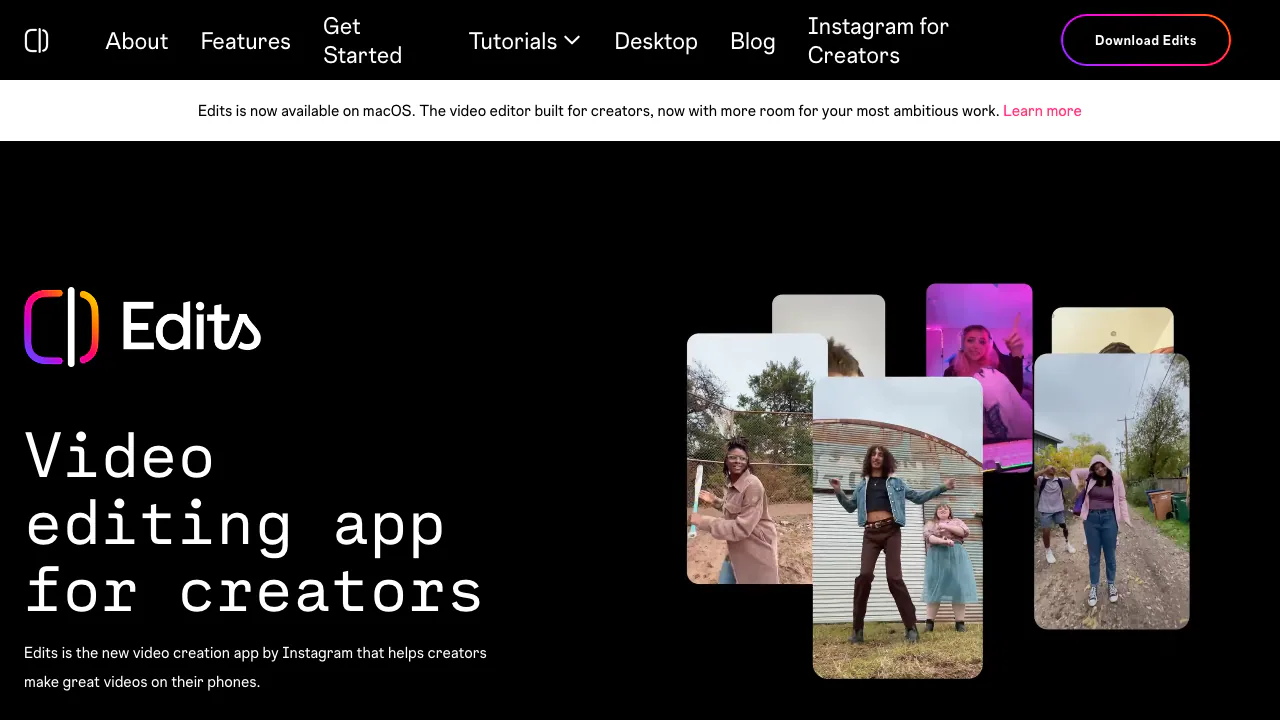
Edits is Instagram’s video editor. Think of it as a workbench for the clips on your phone. You can cut out the parts you don’t need, put the good takes in order, add captions and save a finished video. The website is where you find the app downloads and tutorials. Sign in to the app with your Instagram account. It suits creators making a Reel, a quick product demo or a short video they want to post in several places.
Pick the mobile app or the Mac editor
The homepage links to the iPhone and Android stores. The free Mac download requires Apple silicon, starting with M1. Its multi-track timeline makes it easier to keep dialogue, music and video separate. Use waveforms to line up a cut with a beat or keyframes and color curves to refine individual shots. The Mac version supports horizontal and vertical projects, direct Instagram publishing and 4K export. Instagram also documents connecting AI agents to the desktop editor through MCP. Edits for Mac Mac release notes
Make a Reel from footage you already have
- Tap + on mobile and choose clips from your camera roll. You can also capture a clip in Edits, up to ten minutes at a time.
- Drag the clips into order, trim the ends and split any take with a pause you want to cut. Use the safe-zone guide to position a title where the Instagram controls won’t cover it.
- Play it through, then tap Export in the upper right. Check the saved file for legible text and clear speech. Keep a draft, share to Instagram or Facebook, or use the download on another platform. mobile editing guide
For client footage, check the store’s privacy disclosures before importing. Instagram’s iPhone disclosure includes photos, videos and audio among data that may be linked to you. For a brand post, check the rights for the particular track and destination. Google Play Data safety
Make speech clear and choose where to use AI
Generate captions from the spoken audio, then use the caption editor to fix names and timing. Audio enhancement and fades can keep music from swallowing the voice. Use cutout, green screen or an overlay when the background distracts from the subject. AI animation can move a still, while Restyle applies presets to individual clips up to ten seconds. official captions tutorial
Save reference Reels and audio with notes in Ideas. After publishing, review where viewers skip. Instagram began rolling out the Edits assistant in the US, where it can suggest ideas based on account insights and has a daily free prompt limit. Edits assistant launch and access
Frequently asked questions
Will Edits run on my computer?
The desktop version runs on macOS with Apple silicon M1 or later. You can also use the separate iPhone and Android apps.
Is Instagram Edits free?
Basic editing is free. The US Google Play listing flags in-app purchases, and Meta announced Edits Plus for more cloud storage and assistant usage. Check your own account for current offers. Meta One announcement
Does Edits put a watermark on exports?
Edits can save a video at up to 4K without adding a watermark. Reopen the saved export to check the actual picture and sound before sending it elsewhere.
Official tutorials and updates
- Edits blog — product releases and editing walkthroughs.
- Instagram for Creators — Instagram’s resources for creators.
Related tools
AI Video Editing & Workflow Tools →
CardboardFreemium
Turn footage or an idea into an editable cut, then refine it through chat or the timeline.
Shot.videoFreemium
Record your screen and phone cameras together, then refine an AI first cut.
OpusClipFreemium
Clip and reframe long recordings for Shorts, Reels and TikTok.
VidecoPaid
Turn recorded demos and webinars into campaign content.
Riverside AgentsFreemium
A native AI production team for preparing, editing, clipping and publishing recorded conversations.