

RillFree
Turn the page you are reading into work for your own coding agent.
OpenPilot — an AI coding assistant for your own models
A desktop coding agent that works in your project folder with the model you choose.
What does OpenPilot do, in plain English?
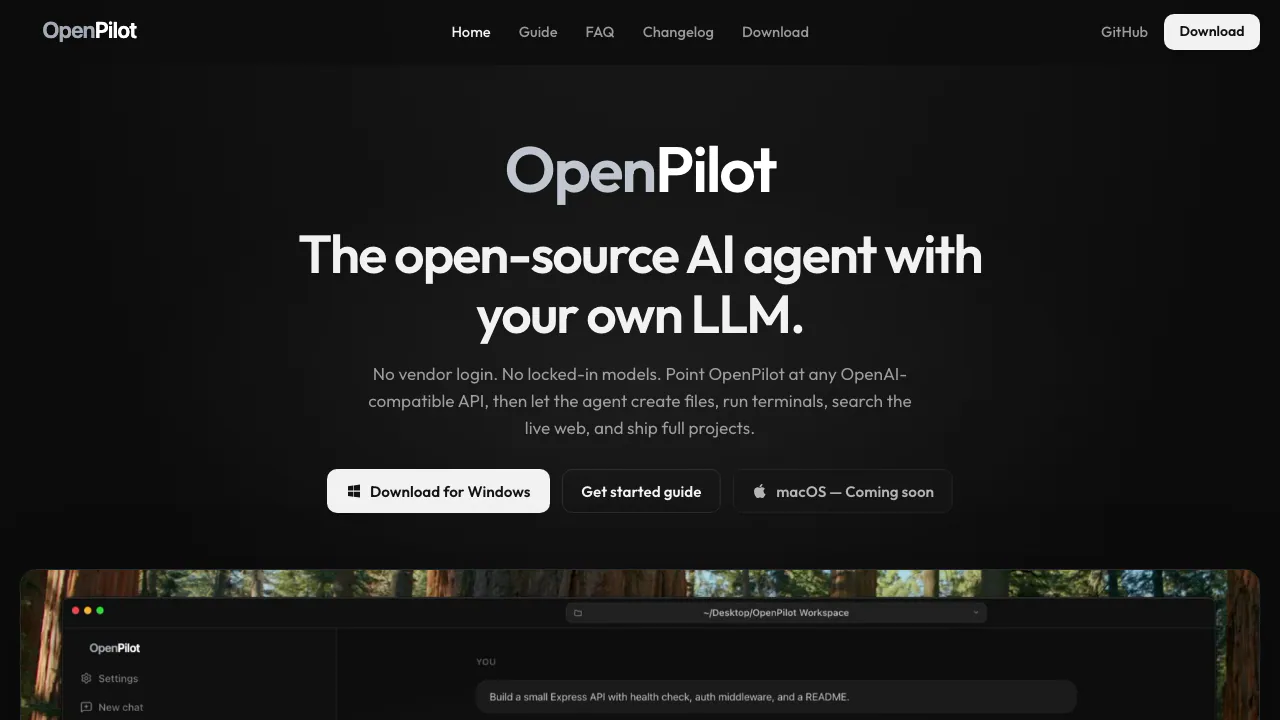
OpenPilot is an open-source AI coding assistant installed on your computer. You connect a language model, select a project folder and describe a development task. The agent can then change actual files and run commands, so the result is a working folder you can inspect rather than a code snippet you must copy yourself.
It suits developers building prototypes, investigating failing tests or maintaining small projects who want control over their model provider. You still need to understand and review the changes; choosing a desktop agent does not remove the need for testing.
From a task description to files and test results
OpenPilot can read and search a workspace, create files and edit existing code. Its terminal can install dependencies, launch development servers and run tests while returning output to the conversation. This makes an iterative task possible: describe a fix, examine the patch and test output, then ask for a narrower correction.
For a first project, try a bounded request such as creating a small API with a health endpoint and a README. State the language, expected behavior and checks you want. Review the generated files and the actual test output before accepting the result; a successful-looking chat response is not proof that the application works.
Install the right build and run a first task
Checked on October 12, 2026, the official v1.0.5 release includes Windows installer and portable EXE files plus macOS DMGs for Apple silicon and Intel. The website still says macOS is coming soon; use the actual release assets. The Windows download page specifies Windows 10 or later, x64.
- Install the build for your platform, or choose the Windows portable executable.
- Open Settings → Models and enter the provider base URL, API key and model ID. Save it and select the model in the composer.
- Choose the project folder the agent should work in.
- Describe one concrete task, follow the tool activity and review sensitive command approvals.
- Inspect the changed files and run the relevant checks. Developers running from source can follow the repository instructions for Node.js 20+, npm install and npm start.
Use a cloud API or a local model
The documented connection format is an OpenAI-compatible API. Supported examples include OpenAI, OpenRouter, Ollama, LM Studio and compatible gateways. The guide gives http://localhost:11434/v1 for Ollama. Model choice affects the quality of multi-step work: the FAQ recommends a stronger model for longer refactors.
Direct native Anthropic support is listed as planned; the documented current route is through OpenRouter. Do not assume every provider endpoint or small local model supports an equally capable agent workflow.
Add current documentation, tools and project memory
Configure a TinyFish API key to enable live web search and page fetching. Without that key, file and terminal work still functions, but these web research tools remain unavailable.
MCP servers extend the agent with external tools and resources. Add them to mcp.json, restart the app and enable the needed server per chat. Reusable skills and AGENTS.md preferences help carry project conventions across tasks, reducing the need to restate instructions. These instructions support consistency; they are not a security boundary.
Free application, separate model usage
As checked on October 12, 2026, OpenPilot requires no product account or subscription and declares an MIT license. You supply the model connection, so cloud inference and connected services follow their own pricing and limits. There is no verified universal free token allowance to quote. Session and lifetime token views help you see consumption by model; they are not a guarantee of a fixed bill.
What local execution means for your data
The desktop runtime works locally, but selecting a cloud model sends requests to that provider. TinyFish and remote MCP services also introduce external connections. A local model can keep inference on your machine; the entire setup still needs to be considered.
The repository telemetry documentation says anonymous usage reporting is enabled by default and can be turned off during onboarding or in Settings → About. It says chats, files, paths and API keys are excluded. Current source also shows locally encrypted stored secrets. The website FAQ contains older, broader no-server and OS-vault wording, so this listing does not promise zero network traffic or a specific cloud retention policy.
Frequently asked questions
Can OpenPilot modify an existing project?
Yes. Select its folder and give a specific change request. The agent can read and edit files and run terminal checks; review the changes before using them.
Does free software mean free AI requests?
No. OpenPilot has no subscription, but the model provider and connected services determine their own charges and quotas.
Can I connect Ollama or LM Studio?
Yes, through a compatible endpoint. Model capability and your hardware affect results, and cloud tools or telemetry can still use the network.
Official resources and project support
- Getting started guide: model setup, workspaces, TinyFish and MCP.
- Source repository: implementation, source installation and project changes.
- GitHub Issues: report a bug with the app version and reproduction steps.
Related tools
AI Coding & Developer Tools →
DevPitFree
Keep coding sessions, task boards and call costs together on your desktop.
ReviuFreemium
Review agent-written code, return line comments and finish Git work in a native desktop workspace.
OctriFreemium
Generate API docs, SDKs and agent tools from one specification.
AutonomyAIContact

FlootFreemium
Build and publish full-stack apps from your AI assistant