

IncrediblePaid
Delegate browser, app and file work by voice or text.
OpenBot — a desktop workspace for AI agents
Persistent AI teammates with shared work, local files and your choice of model.
What does OpenBot actually do?
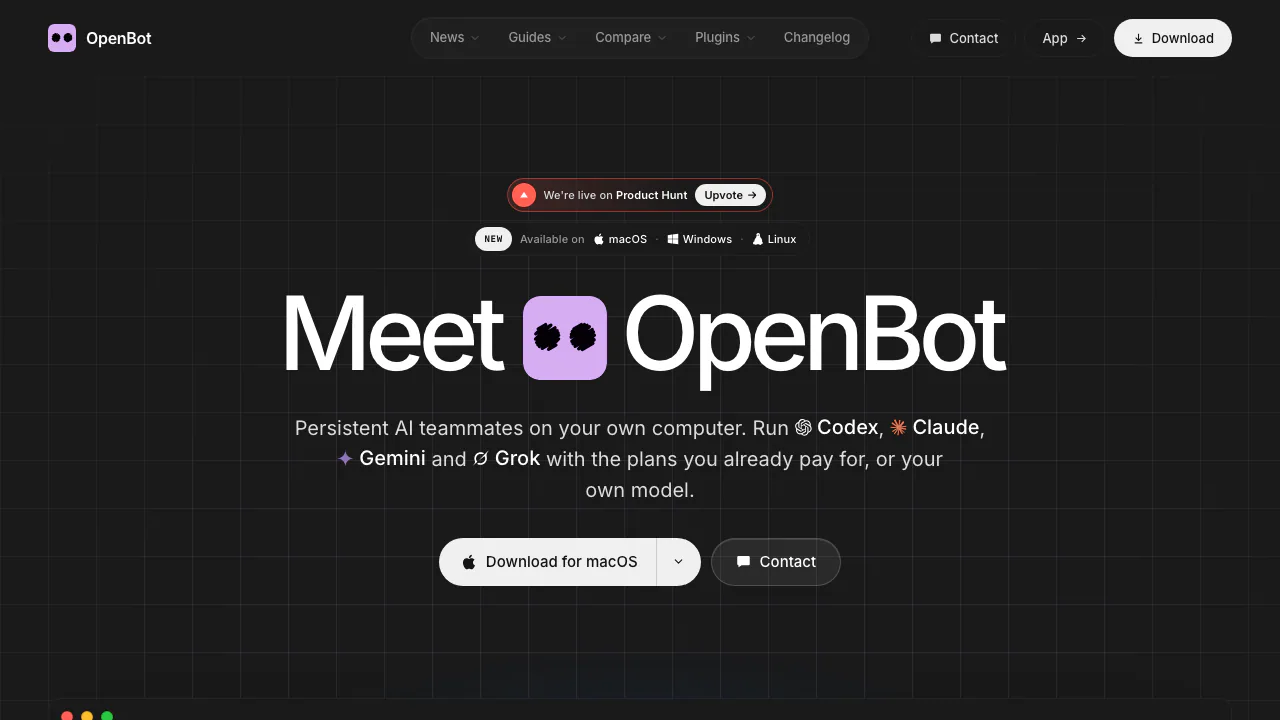
OpenBot gives AI agents a place to keep working on your computer. You assign an agent a role and a task; it can work with files, use tools and return an outcome you can inspect. Its workspace and conversation remain available when you restart the app or change providers.
Think of it as a small team workspace: one agent prepares a draft, another checks it, and both can work from shared files. OpenBot supplies the organization and execution environment; the connected AI provider supplies the model. It suits people who want ongoing project work rather than isolated answers.
Coordinate work across agents, files and a browser
Each agent has its own identity, instructions and workspace. Shared channels bring agents into one conversation, with one task owner at a time and explicit handoffs. You can stop, resume or reassign the work, so delegation remains visible.
The built-in browser lets agents inspect and operate webpages. File sharing supports work that produces an artifact, such as a research note or a code change. When an agent is busy, queued messages hold the next tasks; you can pause, resume or cancel that queue. Routines add scheduled instructions and keep their run history with the agent.
Start with one task you can check
- Download the appropriate build: macOS 13 or later, Windows 10 or later on x64, or Linux AppImage for x64 or arm64.
- Connect a supported provider during setup or in settings. Have the provider account or compatible endpoint ready.
- Describe the agent you want, review its generated instructions and save it.
- Give it a specific input and result to produce. For example, ask it to inspect a test file and explain the failing assertion.
- Review the returned answer, files and recorded command activity. Once that works, add a second agent for review or turn a repeatable instruction into a routine.
The official getting-started guide explains the provider installation path and platform caveats. Start with non-sensitive sample work and a backup: the preview can modify files and run commands.
Add skills and app connections
Open Marketplace through the sidebar's puzzle icon. Agents are reusable setups; skills contain instructions for particular tasks; plugins connect services. Read the listing, select the target agent and install the relevant item. Some plugins require a separate login or credential.
An installed agent template does not bring its creator's conversations or workspace files. Check its instructions and routines before use, because active routines in the shared setup may remain active. The Marketplace guide explains what gets copied and how connections work.
Choose a provider without rebuilding the workspace
OpenBot supports Codex, Claude Code, Gemini, Grok, OpenCode, Cursor and Cline integrations, plus OpenAI-compatible endpoints and local servers such as Ollama or LM Studio. Switching a provider preserves the agent's identity, files and conversation; it does not make different models behave identically.
Provider subscriptions, API limits and regional access still apply. A desktop installation alone does not make a cloud model run locally.
Understand the free app, hosting and license
Checked on October 8, 2026: the desktop application is advertised at $0. Model subscriptions or API usage are separate, and optional paid hosted servers provide an EU-based Linux machine without including AI model access. See the hosted-server guide and current checkout for billing terms; there is no single verified price applicable to every setup.
The current source uses PolyForm Noncommercial 1.0.0. Official documentation says commercial use needs a separate license. Public source code and a free download therefore do not establish unrestricted commercial permission.
Local storage still has network boundaries
Workspaces, conversations and attachments stay on the machine running OpenBot; with hosted deployment, that machine is the hosted server. Prompts sent to a cloud model reach its provider, and plugins or browser pages can contact external services.
The privacy document also describes central account records and production analytics. Desktop analytics can be disabled under Settings → General → Privacy → Share product analytics; that setting does not cover every account-service event.
OpenBot is a development preview with broad file, command, network and browser permissions after initial consent. An agent workspace is not a security sandbox. It is a poor fit if your workflow requires enforced approval before every action.
Frequently asked questions
Is OpenBot free to use?
The desktop app is free, but provider usage, optional hosting and commercial licensing are separate considerations. Free app access does not mean unlimited model calls.
Can multiple agents work together?
Yes. Channels support shared history and explicit delegation. One agent owns the channel task at a time, helping you follow who is responsible.
Does local storage mean my prompts stay offline?
No. A connected cloud provider receives the prompts sent to it. Local model endpoints are supported, but browser and plugin activity can still use the network.
Official resources
- Repository and downloads: builds, installation instructions and current source.
- Troubleshooting: installation and runtime problems.
- Self-hosted server documentation: running the workspace on hardware you maintain.
Related tools
AI Automation Tools →
Fuse AIFreemium
Find suitable prospects, enrich contact data and review AI-written outreach in one sales workflow.
OogwaiFreemium
Ask connected business data a question, inspect the answer and automate recurring reports.
DailyHelmPaid
A daily business review that turns connected metrics into priorities.
CoreSpeedFreemium
Connect your existing agent to business apps, durable memory and metered tools.
ZooWorkPaid
Turn expertise, operating rules and connected tools into agents that carry out reviewed business tasks.