

PancakePaid
Turn your website and buying signals into reviewed prospects and personal outreach.
rtrvr.ai: an AI browser agent for everyday web work
Turn browser instructions into checked tables and completed web tasks.
What does rtrvr.ai actually do?
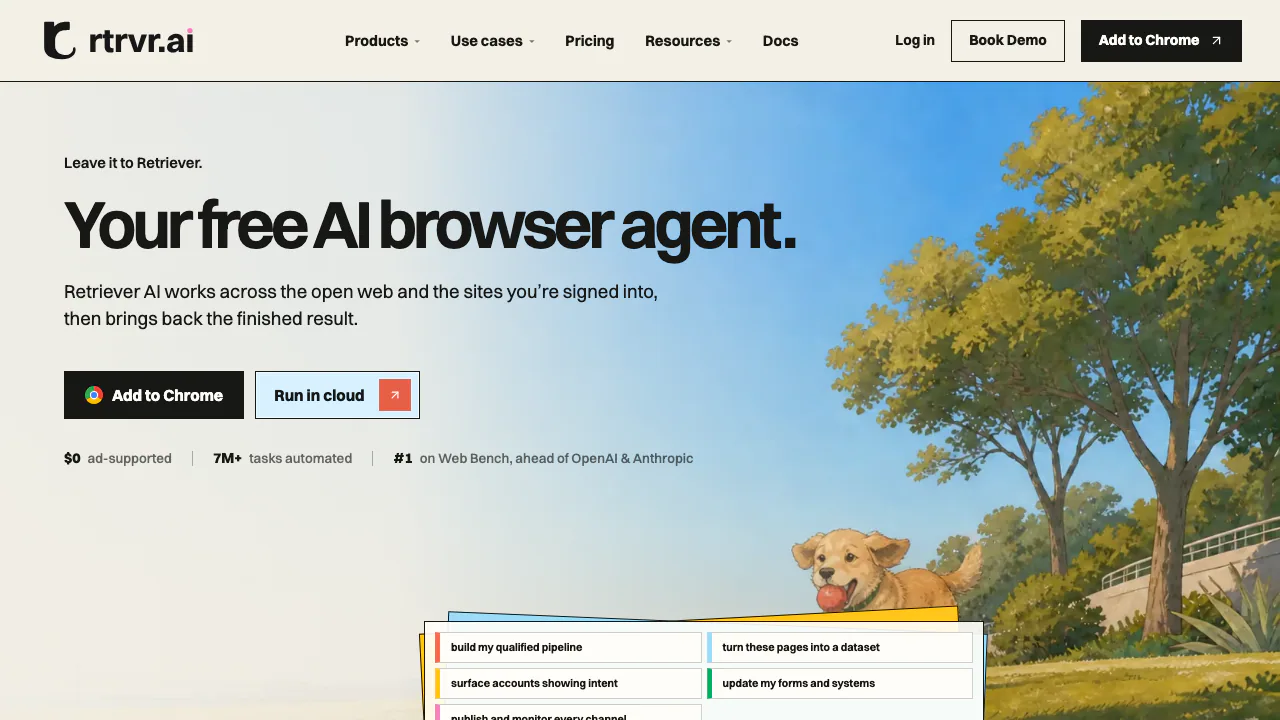
Retriever AI, also known as rtrvr.ai, is a browser agent from RTRVR AI, Inc. You describe a task and the pages it can use; it reads page structure, follows links, enters information and returns a result. Think of collecting product details from several websites into a table, or entering prepared information into a form. It is useful for researchers, sales teams and operations staff who repeatedly move information between pages and business tools.
From scattered pages to useful datasets
The agent can navigate multiple pages, extract information and handle forms. Sheets Workflows takes a Google Sheet or CSV/TSV input, uses columns such as URLs or company names as context, performs a task for each row and writes results into new columns. This supports research, price checks and record enrichment without building a separate scraper for each small job.
Specify the fields you need and ask for source URLs and missing values. A completed table still needs checking: an empty field is preferable to an invented answer. Successful recorded workflows can be replayed, although changing pages or inputs can affect the result.
Run a small collection job first
- Create a workspace and install the extension if the job needs your Chrome session.
- Sign into the extension and website with the same account. Keep the relevant Chrome profile open and signed into the target site.
- In Routing, choose your browser under From your computer, or select a Cloud option for a separate browser.
- Try five to ten input rows. For example: “Visit these product URLs and return name, displayed price, currency and source URL; mark unavailable fields.” Connect the intended Google Sheet when using sheet output.
- Compare several rows with their source pages before expanding the batch. The quick-start guide explains setup and routing.
Choose Chrome, Cloud or a developer connection
Chrome works with the sites already signed into that profile and must remain open. Cloud runs in a separate browser; paid cookie sync transfers the selected login sessions when needed. Developers can use the API, CLI/SDK or MCP. The documented /scrape endpoint returns page content and an accessibility tree, while /agent executes a job. Keep API keys on the server. API usage consumes resource credits, and controlling signed-in Chrome through API/MCP requires a subscription.
Free Mode, subscriptions and usage costs
Checked on October 15, 2026: interactive Free Mode in the extension and Cloud dashboard includes supported AI models and Cloud browser time, with sponsored cards and a daily fair-use allowance. The account shows the current allowance and reset time. The 100 welcome credits are a separate, one-time paid-usage balance.
Public monthly USD plans are Starter at $9.99 with 1,000 credits, Pro at $29.99 with 3,000, Team at $99.99 with 10,000 and Scale at $499.99 with 50,000. Scheduling, triggers, cookie sync and remote Chrome access need a paid plan. Model, browser, enrichment and network resources can affect consumption. Bringing your own AI provider does not make all resources free or remove free-plan sponsored cards. Check current plans and billing conditions, including checkout taxes and regional terms.
Understand the data access before connecting accounts
Instructions, relevant page content and connected files may be processed by services used to complete the task. Free Mode also has advertising-related processing; Cloud can share limited account information with an advertising partner after acceptance, with an opt-out in Sponsored cards settings. The policy excludes that account sharing for users identified in the EEA/UK. For you recommendations can collect eligible open-tab URLs and titles by default; preferences allow this to be disabled, while history permission is optional.
Read the privacy notice and service terms before processing business data. Use authorized sites and review consequential actions and outputs. Neither automation success nor entirely local processing is guaranteed.
Frequently asked questions
Is rtrvr.ai free to use?
There is an ad-supported interactive Free Mode with daily fair use. Scheduled tasks and other paid features have separate requirements; welcome credits are not a recurring free allowance.
Is it a Chrome extension or a cloud service?
Both. Choose Chrome for an existing signed-in profile and Cloud for a separate browser. Cloud does not automatically inherit every local login.
Where is the official GitHub?
The official rtrvr-ai organization is linked below. Check each repository’s own license and scope; a public GitHub presence does not establish that the entire hosted service is open source.
Official resources and developer community
- Documentation: setup, workflows and API/MCP references.
- Discord community: practical questions and discussion.
- Official GitHub: published developer resources.
- Product updates on X: announcements.
- Contact the team: product and support questions.
Related tools
AI Browser Tools →
ChatwayFreemium
Answer website and store enquiries with AI, a shared inbox and human support.
AfterpartyFreemium
Turn meeting commitments into drafts you review and approve.
Cube FormsFree
Cube Forms is an AI form builder designed for people and their agents to use the same form
SquadRoomPaid
Give specialist agents a task, then review the work, documents and report.
SalesRepPaid
Qualify leads, share product quotes and hand conversations to your team from one inbox.