

OpenMailFreemium
Dedicated inboxes, threaded email replies, and inbound events for AI agents.
Orphex MCP for analyzing ad performance with AI
Connect ad accounts to Claude and other AI assistants for reporting and reviewed campaign changes.
What is Orphex MCP and what does it do?
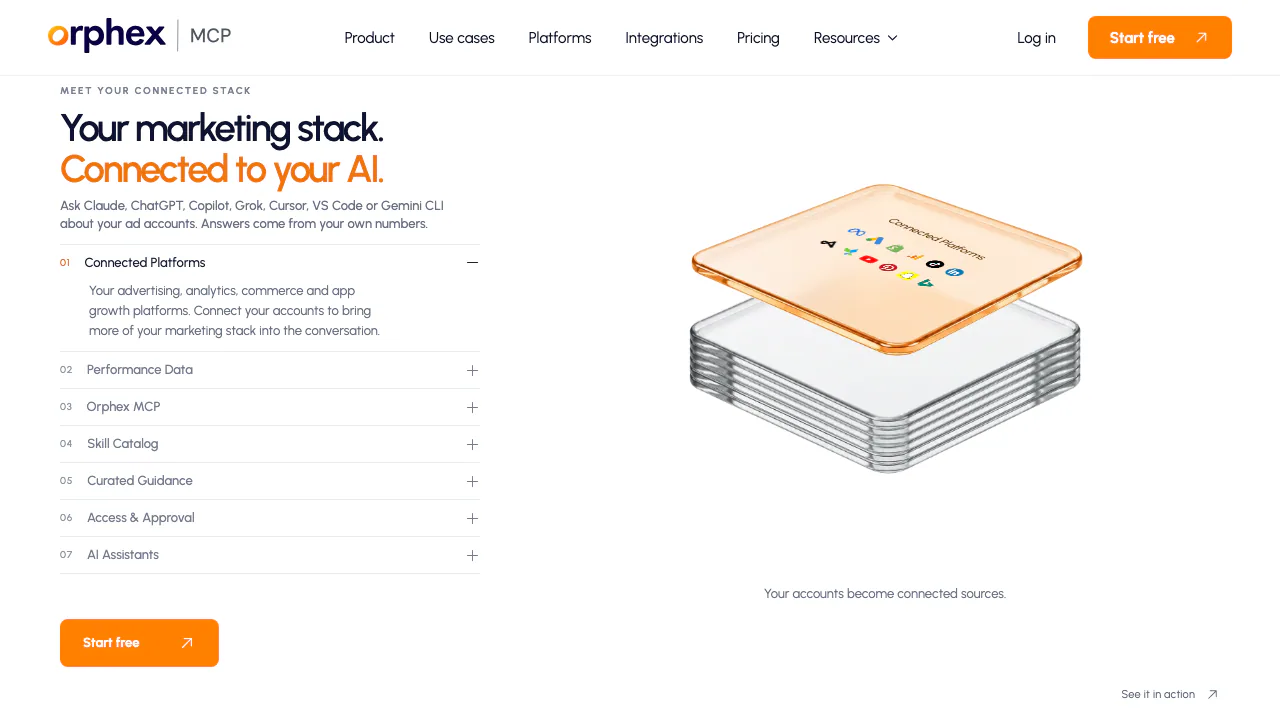
Orphex MCP is a connector that lets an AI assistant look up data from the marketing accounts you authorize. Think of it as a bridge between a question in Claude and the figures in Google Ads, Meta or GA4. An agency can ask which campaigns drove a change in acquisition cost, then check the results against the source accounts. MCP stands for Model Context Protocol, the interface the assistant uses to request data and actions.
Find what changed in a weekly campaign review
Start with one ad account, two complete weeks and a defined conversion event. Ask for spend, purchases and cost per purchase by campaign, with dates and currency. A campaign with rising spend and fewer purchases deserves a closer look. Ask for the relevant campaign breakdown and separate observed changes from possible causes.
If Shopify is connected, use its sales figures as additional context. Keep those totals separate from conversions attributed by an ad platform. GA4, Search Console and BigQuery can add other views where configured. For recurring reviews, eligible Orphex skills supply a sequence for checking tracking, anomalies and budget pacing.
Connect an account and verify the first answer
- Open an Orphex workspace and authorize one platform account.
- Add Orphex as a connector in Claude and authorize the intended workspace. The Academy shows the setup for Claude, ChatGPT and Microsoft Copilot.
- Ask for the account name and yesterday’s spend. Match the amount, date and currency in the original platform before widening the query to several accounts.
Control access and review budget changes
A workspace admin must enable writes. For a supported change, inspect the current budget, proposed budget and campaign in the preview. The client’s Always allow setting can skip its usual confirmation prompts. A workspace can require a separate approver in Orphex, and executed changes appear in its history. Orphex’s controlled changes guide
Most sources use the platform’s authorization screen. Some use a platform-issued key or credentials. You can revoke the authorization or remove the issued key or user from the source. Platform permissions and data handling
Free limits and paid plans
As of November 6, 2026, the public Free plan includes three account connections, 250 reads and 50 actions per month. Paid Read and Action plans have different limits. Enterprise terms are custom. Check the current USD monthly or annual terms for your account before subscribing. Official plan comparison
Frequently asked questions
Does it work with Claude or ChatGPT?
Yes. Orphex lists Claude and ChatGPT alongside Microsoft Copilot, Grok, Cursor, VS Code and Gemini CLI. It specifies Business, Enterprise or Edu for ChatGPT, or Codex CLI as a separate connection option.
Can I connect sources beyond Google Ads?
Yes. Examples include Meta Ads, GA4, Shopify and BigQuery. Each connection exposes the reports and fields available to your workspace.
Can an assistant change my budget?
Supported budget changes use a preview and require write access. Keep the client’s confirmation prompts on or set a second approver if a human must check each change.
What is included in the Free plan?
Three connected accounts, 250 reads and 50 actions per month. Test one account first to see how quickly your reporting routine uses the allowance.
Official learning resources
- Orphex Academy walks through assistant connections and common actions.
- Orphex Skills includes the weekly review and links to the skills repository.
Related tools
AI Marketing & Sales Tools →
AXLFreemium
Bring leads, sales and delivery into one workspace.
WatchflowsPaid
Visual Mac workflows for files, apps and AI, with local execution and editable nodes.
One RoofFree
Bring coding-agent sessions, approvals and bounded loops into one Mac app.
Navier AIPaid
An engineering agent for CAD, simulation, code and reports
MachineMailFreemium
Real agent inboxes with MCP, API access and message trust reports.