
KrevPaid
Plan a product launch, create the assets, and review what goes live.
Synter: AI advertising for connected campaign operations
Connect your AI assistant to ad reporting, campaign drafts and governed execution.
What does Synter actually do?
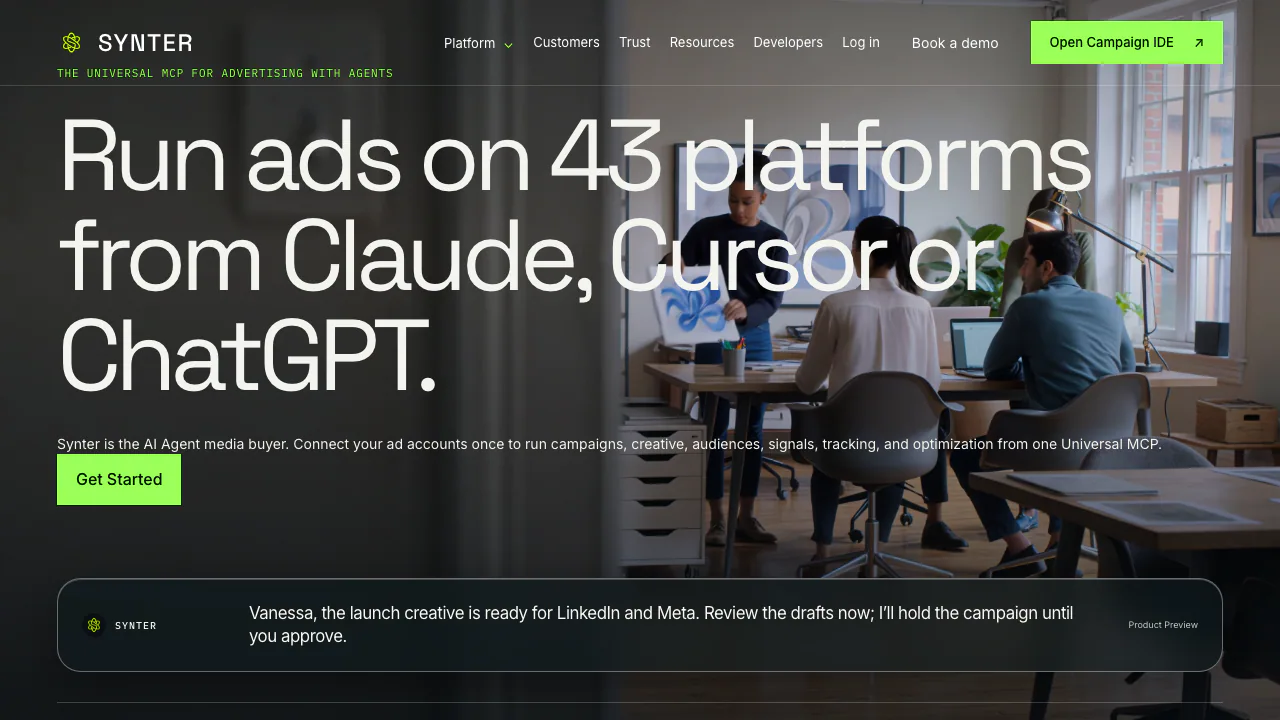
Synter is an AI advertising platform that connects an assistant to your authorized ad accounts. You can ask it to compare campaign performance, prepare ads and audiences, or carry out supported campaign changes. In plain language, it provides the tools that let an AI assistant work with an advertising account, rather than only describe what a marketer could do.
It suits performance marketers, growth teams and developers who already use clients such as Claude Code, Codex, Cursor or ChatGPT. A supported client, a Synter account and permission to the relevant advertising accounts are prerequisites.
Turn campaign data into reviewable advertising work
Compare performance across channels
Pull spend, conversions and acquisition costs into a common reporting task. Ask for a defined period and specific accounts, then check the source metrics before reallocating budget. Agents can investigate pacing and prepare negative-keyword or budget recommendations; a recommendation still needs your business context.
Prepare a campaign, creative and audiences
Synter can prepare plans, ad copy and creative work for review and use platform APIs for supported execution. Scale also lists CRM connections including HubSpot, Salesforce, Attio and Pipedrive, helping teams compare campaign activity with pipeline.
The vendor advertises a 43-platform catalog, but reporting, editing and creation differ. Google Ads, Meta and LinkedIn have explicit read/write/create support in the capability matrix; some other connections have script-only or limited operations. Check your exact account and action.
Start with a report, then test one change
- Follow the MCP connection guide, add the hosted connector to a compatible client and authorize selected accounts in the browser.
- Request a bounded read: “Compare spend, conversions and CPA for the last seven complete days. Do not change campaigns.” Check account IDs, dates and conversion definitions.
- Choose one proposed change. Preview the write with
dry_run: trueand inspect policy checks, campaign, currency and amount. - Review and approve any held action through the applicable approval flow. After execution, compare the resulting platform state with the proposal; investigate partial or unsupported results before continuing.
Read access is a useful first evaluation. It lets you check account coverage and reporting quality before allowing writes.
Free reporting, subscriptions and the real cost boundary
Public USD terms checked on November 5, 2026: own-account reads and reporting have no Synter usage charge. SOLO is $20/month or $200/year, with one developer seat, one workspace and one advertiser account per platform. SCALE is $500/month per workspace or $5,000/year with five seats; Custom is quoted.
Monthly plans include claimable usage of $20 or $500 per billing period. Annual plans provide $200 or $5,000 upfront. Monthly allowances do not roll over. Extra execution is metered: the published campaign rate is $5 through MCP and $25 in the managed web app. Model costs can be additional, and advertising media is paid directly to the platforms. Taxes are excluded. Check the current pricing and action catalog before executing.
Set permissions before handing over campaign work
The default Suggest policy holds higher-risk or spend-increasing writes for approval. Pauses and directional budget decreases normally run immediately unless strict holds are enabled; pre-authorized autonomous routines can also execute within workspace limits. New campaigns are paused by default, with activation a separate action. The approval model explains the exceptions and server-side blocks.
The privacy policy covers campaign data, prompts and connection credentials, primary US processing and connector logs retained for 30–90 days. It says connector data is used for requested actions and not AI training. Model providers may process task inputs; review the provider conditions and minimize the data you authorize. You can disconnect accounts and request export or deletion.
Homepage demonstrations include sample interfaces. The self-developed Angstrom model is explicitly in development and unavailable to customers. Synter does not guarantee campaign outcomes; someone must remain responsible for creative accuracy, targeting and spend.
Common questions about Synter
Can I use Synter for free?
Own-account reads and reports are free in Synter usage. That does not include live campaign execution, outside model charges or media spend. A payment method is required for live writes and automation.
Does a subscription include my advertising budget?
No. Ad platforms bill media directly. Synter charges the subscription and eligible metered work after included allowances.
Will every change wait for me?
That depends on autonomy, action type and policy. The default holds risky increases, while protective updates may run immediately. Review the actual settings before enabling a workflow.
Official documentation and support
- MCP documentation: setup and supported client workflows.
- Official agent skills: reusable advertising instructions.
- Service status: current monitored availability.
- Contact Synter: onboarding, account scope and support arrangements.
Related tools
AI Marketing & Sales Tools →
SendoffPaid
Draft and send newsletters from Claude or Codex on your own cloud accounts.
VidecoPaid
Turn recorded demos and webinars into campaign content.
Riverside AgentsFreemium
A native AI production team for preparing, editing, clipping and publishing recorded conversations.
NotraFreemium
Track what AI recommends, inspect the evidence and turn content gaps into drafts.
AXLFreemium
Bring leads, sales and delivery into one workspace.