
AI Caption Generators
Compare AI caption generators for transcription accuracy, speaker labels, timing, styling, translation, SRT or VTT export, privacy, and accessibility.
10 tools, updated November 2026
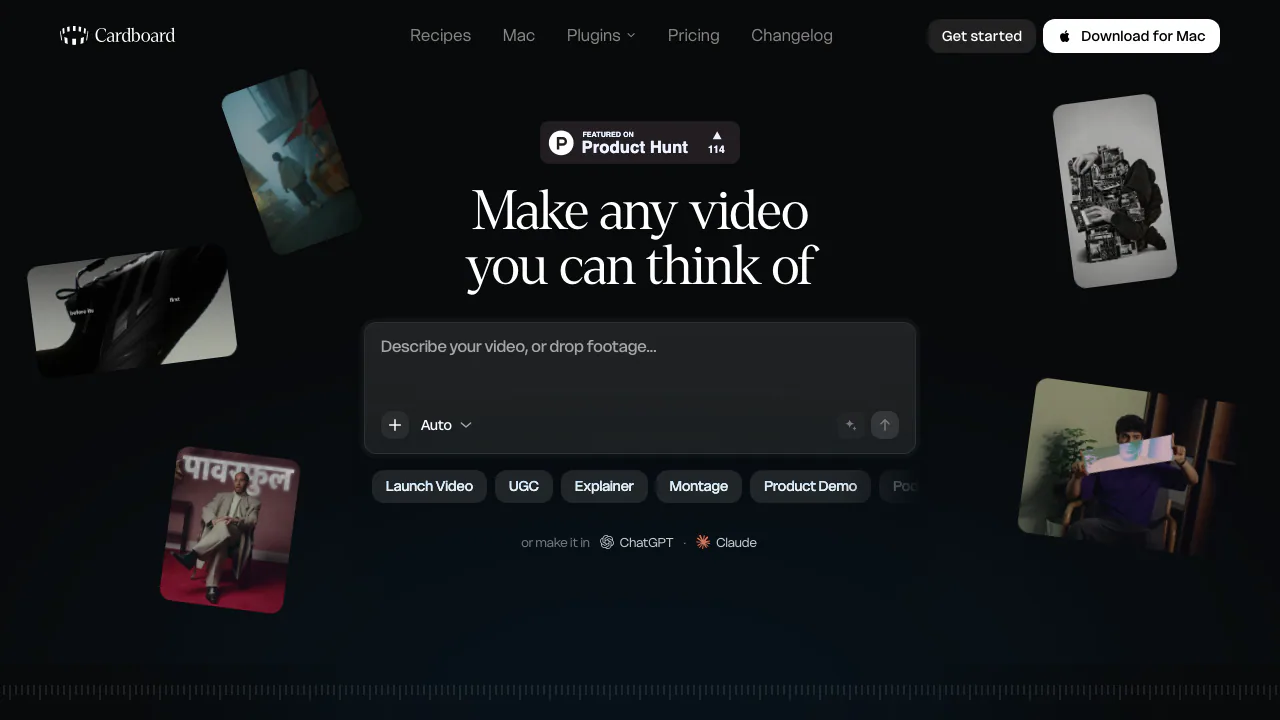

Cardboard
Turn footage or an idea into an editable cut, then refine it through chat or the timeline.
AI Video Editing & Workflow ToolsFreemium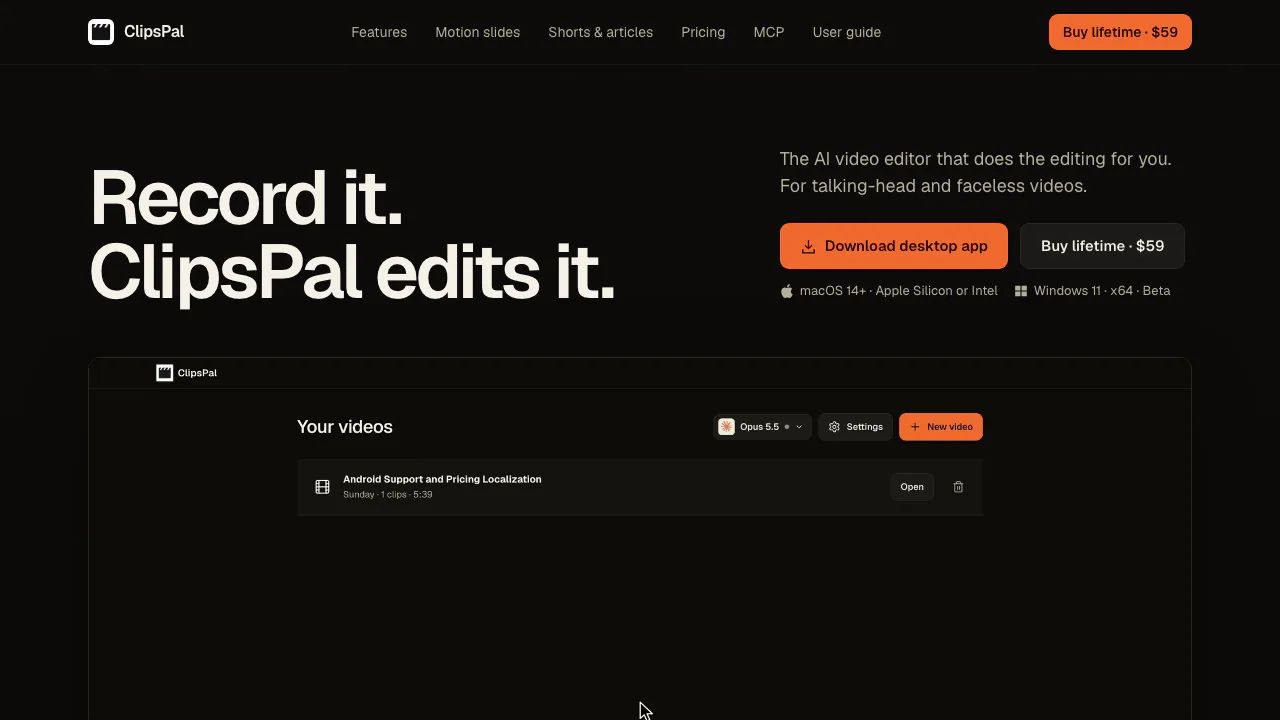

ClipsPal
Turn multiple takes into an editable video with captions, then cut vertical shorts.
AI Video Editing & Workflow ToolsPaid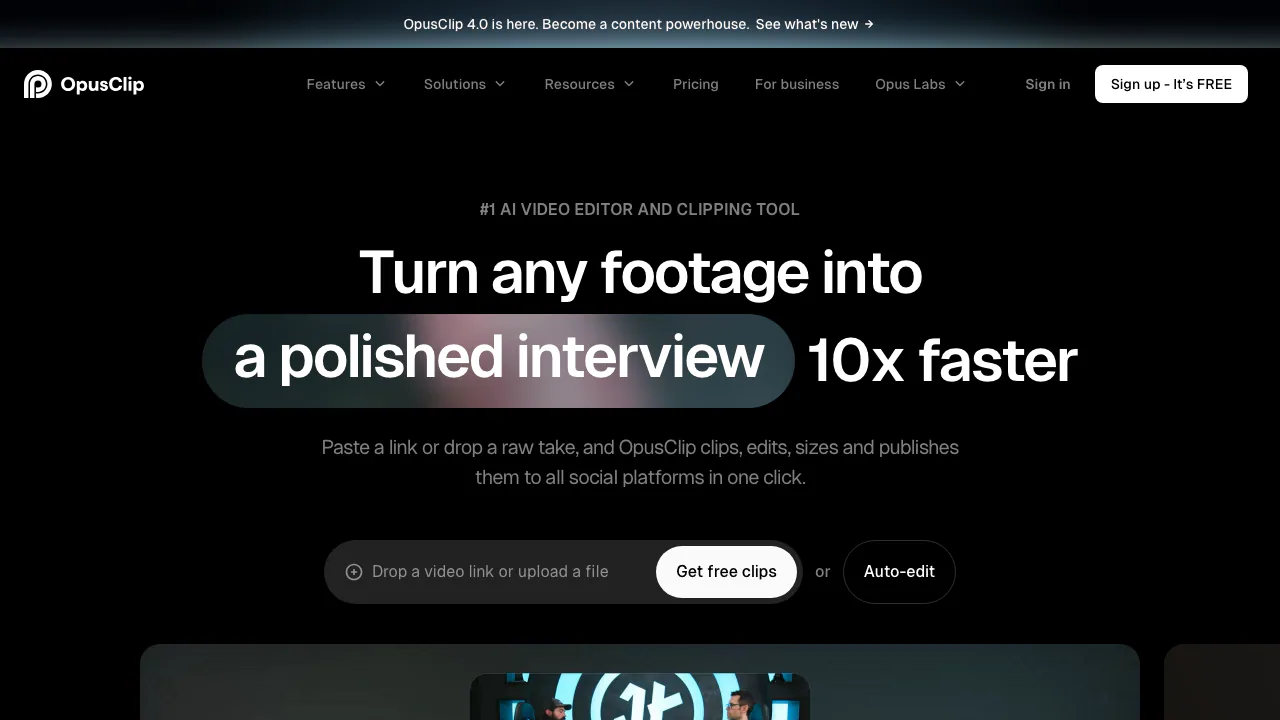

OpusClip
Clip and reframe long recordings for Shorts, Reels and TikTok.
AI Video Editing & Workflow ToolsFreemium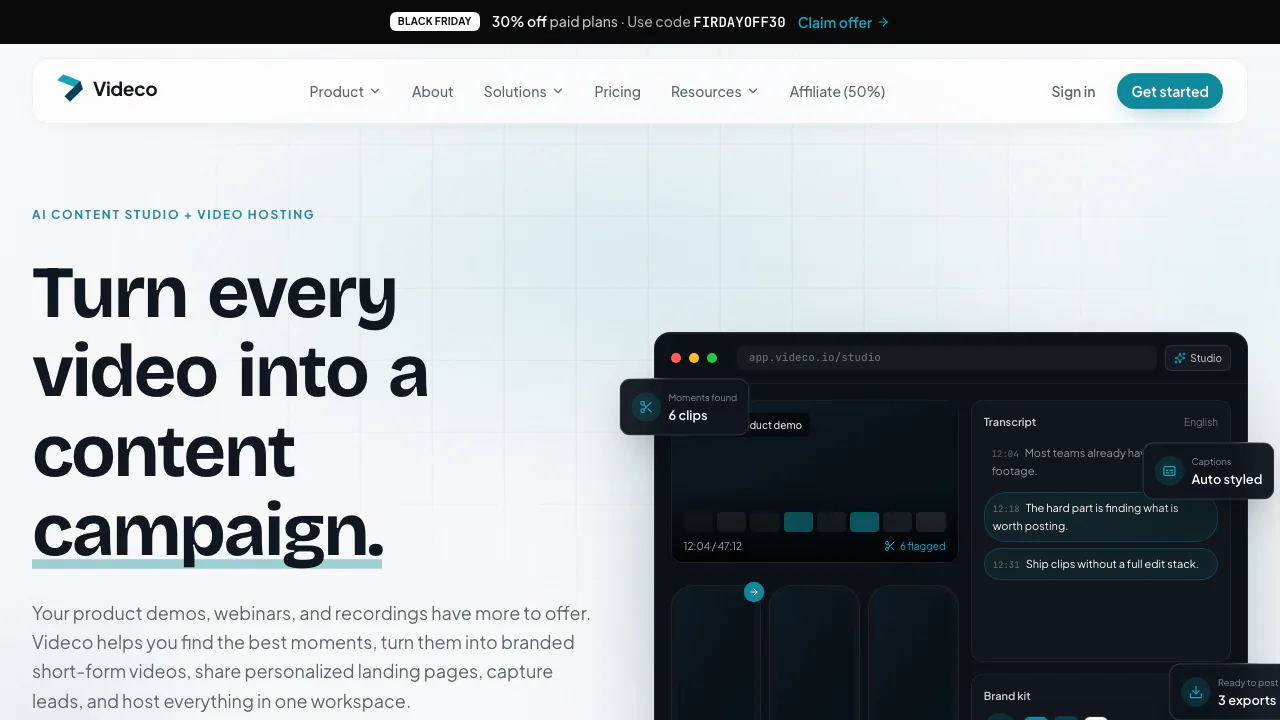

Videco
Turn recorded demos and webinars into campaign content.
AI Marketing & Sales ToolsPaid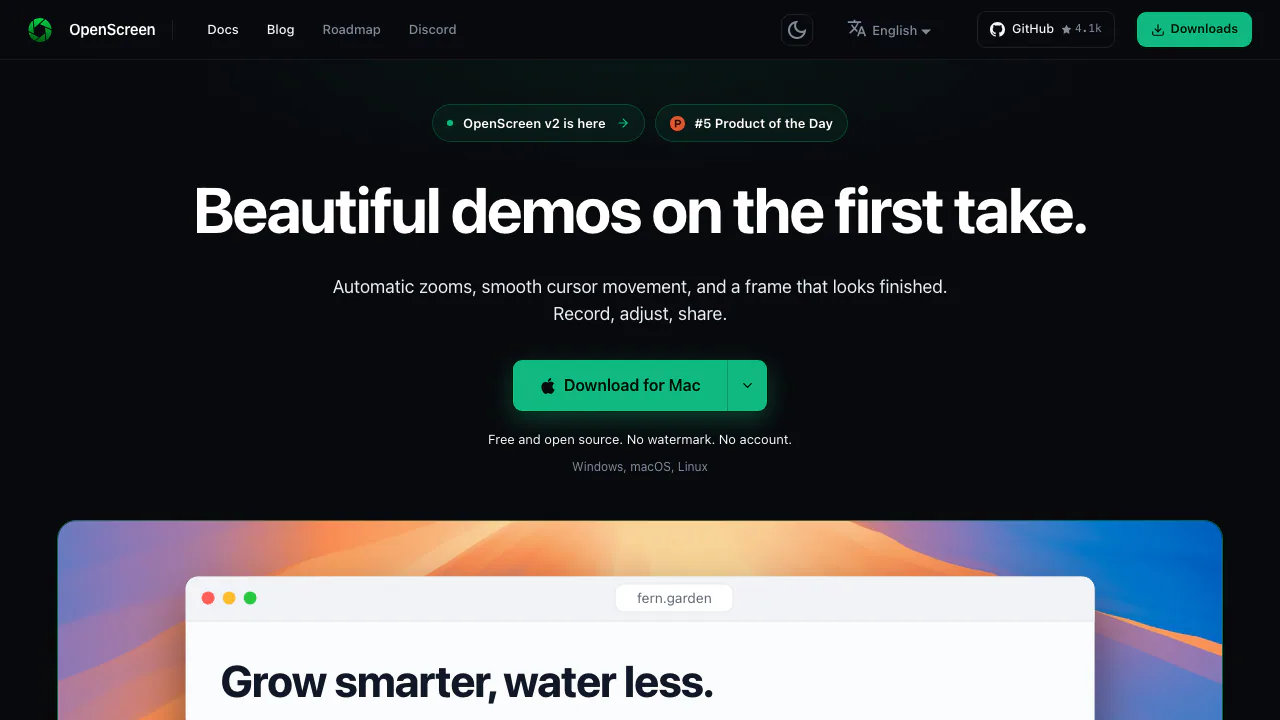

OpenScreen
Record, caption, and polish desktop demos with local tools and optional AI editing.
AI Video Editing & Workflow ToolsFree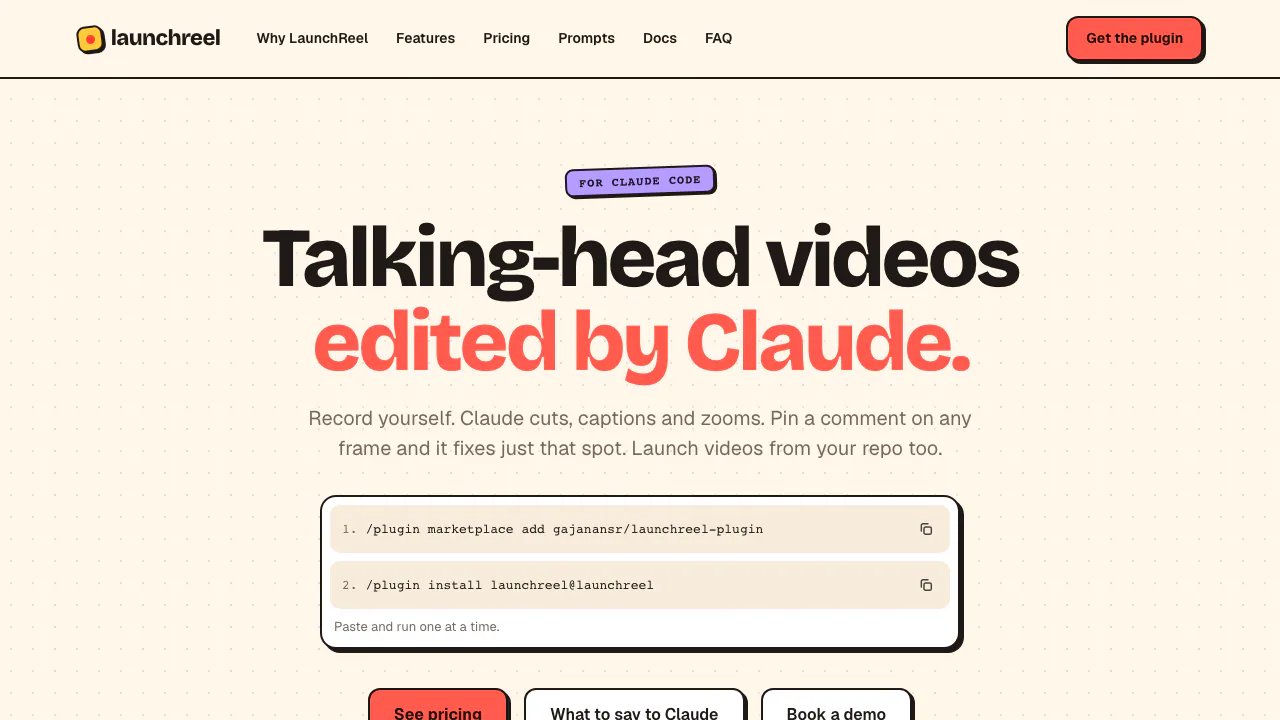

LaunchReel
Edit recordings and build product launch videos with Claude Code.
AI Video Editing & Workflow ToolsPaid

SocialGPT
Direct your video edit in chat, then refine the timeline yourself.
AI Video Editing & Workflow ToolsPaid

Descript
Edit video and podcasts as easily as a document
AI Image & Video GeneratorsFreemium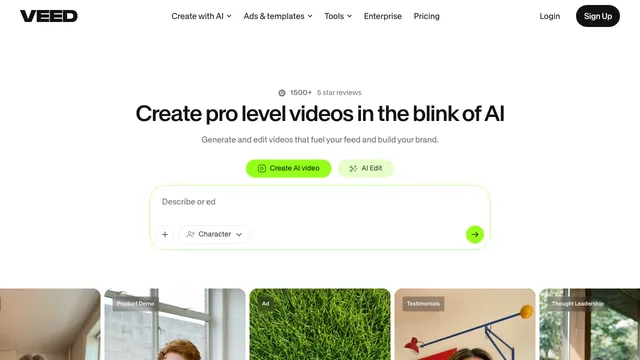

VEED
Generate, edit, subtitle and localize videos with AI in a browser-based workspace.
AI Image & Video GeneratorsFreemium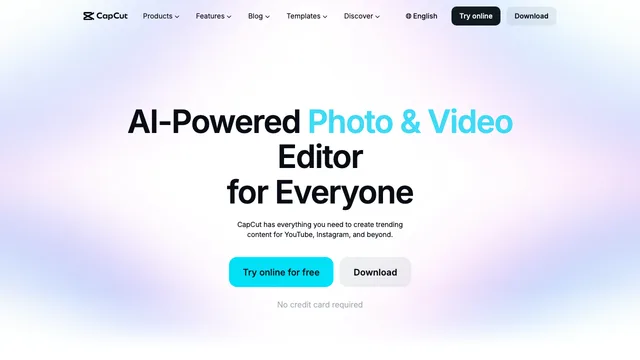

CapCut
Create and edit social videos with AI captions, avatars, voices, templates, and generators.
AI Image & Video GeneratorsFreemium
Choose captions for accuracy and editability
An AI caption generator converts speech into timed text for video or audio. It can accelerate social captions, searchable transcripts, courses, meetings, and accessibility work. Automatic output is a draft: publishing without review can misname people, change numbers, or hide who is speaking.
What to compare
- Recognition quality: test your languages, accents, microphones, background noise, technical terms, and overlapping speech.
- Timing and speakers: captions need sensible line breaks, readable duration, speaker labels, and easy timeline correction.
- Editing and style: look for find-and-replace, custom dictionaries, capitalization rules, brand presets, safe areas, and burn-in previews.
- Exports: verify SRT, VTT, TXT, transcript, translated subtitle, and captioned-video output without forced watermarks.
- Accessibility and operations: check keyboard editing, per-minute limits, collaboration, API, retention, and deletion.
A quality-control workflow
Upload the cleanest available audio and set the spoken language manually when possible. Add names and terminology to a dictionary, run transcription, then review while listening at normal speed. Check every number, URL, product name, and speaker change. Keep captions to readable line lengths and avoid covering essential on-screen text. Export SRT or VTT, validate timing in the destination player, and retain an editable master.
Limits, accessibility, and rights
Word error rate alone does not guarantee usable captions: punctuation, segmentation, speaker identity, and sound descriptions matter. Accessibility requirements may call for non-speech cues and human review. Obtain permission to upload confidential recordings, confirm storage and training policies, and check whether translated captions or stock fonts carry separate terms. Do not treat a transcript as verified evidence without comparing it to the recording.
Tools in this directory
Listings may include dedicated subtitle editors, video suites, meeting transcribers, social caption stylers, translation platforms, desktop apps, and APIs. A social auto-caption effect is not always suitable for broadcast or accessibility delivery.
FAQ
How accurate are AI caption generators?
Accuracy depends on language, audio quality, accent, vocabulary, and crosstalk. Test a representative clip and budget for human correction.
Should I export SRT or VTT?
SRT is widely compatible; VTT supports additional web features. Use the format required by your player and keep the editable transcript.
Are automatic captions accessibility compliant?
Not automatically. Many workflows require corrected text, speaker identification, meaningful sound cues, and checks in the final player.