

LightPDFFreemium
AI PDF editor, converter, and document chat on web, desktop, and mobile
AnythingLLM Review for Local RAG and AI Agents
Build local or team AI workspaces with document knowledge, agents and workflows
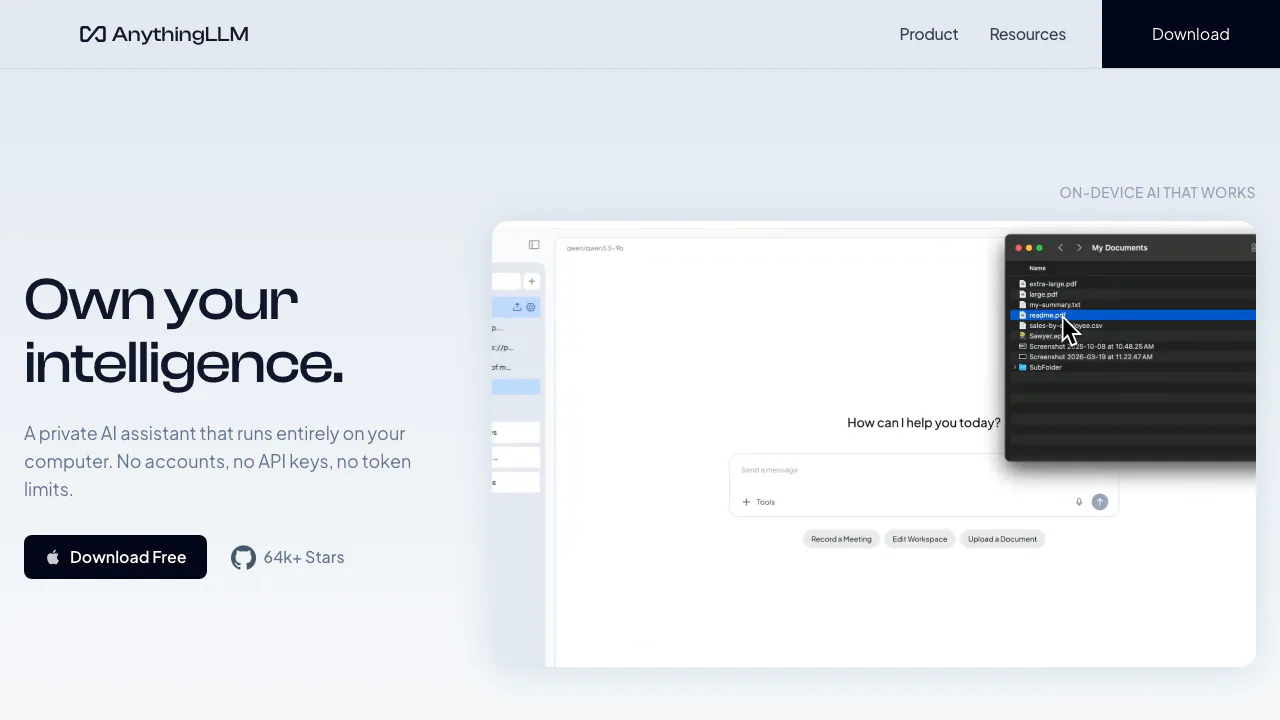
AnythingLLM is an open-source AI workspace for chatting with documents, organizing knowledge into workspaces and running agents or multi-step flows. It is available as a single-user desktop app, a multi-user Docker deployment and a hosted cloud service. This range is useful, but “local” describes a configuration rather than every possible request: the chosen language model, embedding provider, vector database, transcription service and agent tools determine where data travels.
Build a small, traceable document workspace
Choose the desktop edition for one person or self-hosting when several users and access controls are required. The official documentation lists local and cloud choices for models, embedders and vector databases. Start with a non-sensitive set of three files whose answers you already know. Create one workspace, select providers deliberately, import the files and ask questions that require exact names, numbers and page context. Open the supporting chunks and compare them with the source.
If retrieval misses an answer, test text extraction, chunk size and document quality before changing the language model. Scanned PDFs may need OCR, tables may be split poorly and an answer can combine unrelated chunks. Set workspace instructions that tell the assistant to say when evidence is missing. Keep a test set so changes to model, embedder or chunking can be measured rather than judged from one impressive response.
Agents and flows can browse, call APIs, read or write files and schedule jobs depending on configuration. Grant the smallest permissions, use disposable test data and review every step before enabling unattended runs. Prompt injection inside a document or webpage can influence a tool-enabled agent; local hosting does not remove that risk.
Editions, costs and privacy boundaries
The desktop download is free and runs on macOS, Windows and Linux. The project is MIT-licensed, and Docker can be self-hosted without a software fee, while hardware, administration and any external model API remain your responsibility. Hosted team instances have paid plans; check the current cloud page because prices and included resources can change.
Before confidential use, draw the complete data path: application host, model, embedder, vector store, speech service and every agent integration. A local desktop connected to a cloud LLM still sends prompts and retrieved text to that provider. Back up workspace data, protect API keys, restrict network access and test deletion and restore procedures.
Is AnythingLLM fully local?
It can be, when every selected provider and tool is local. Cloud models, embedders or integrations send relevant data outside the device.
Is AnythingLLM free?
Desktop and self-hosted software are available free; hosted service and external providers may cost extra.
Related tools
AI Assistants & Chatbots →
MuleRunFreemium
AI agents, cloud workspaces, and repeatable workflows
ThunderPhonePaid
Full-stack AI phone agents for inbound, outbound, and integrated business calls
MakeFreemium
Design visual AI automations and agents across your business apps
n8nFreemium
Build flexible AI workflows and agents with visual logic or code
NINFreemium
Local chat, voice typing and approved tools in NINX, with optional app connections.