

Circle PanelPaid
Plan studies, interview real users and turn recordings into reviewable findings.
MuleRun AI: an agent platform for repeatable workflows
AI agents, cloud workspaces, and repeatable workflows
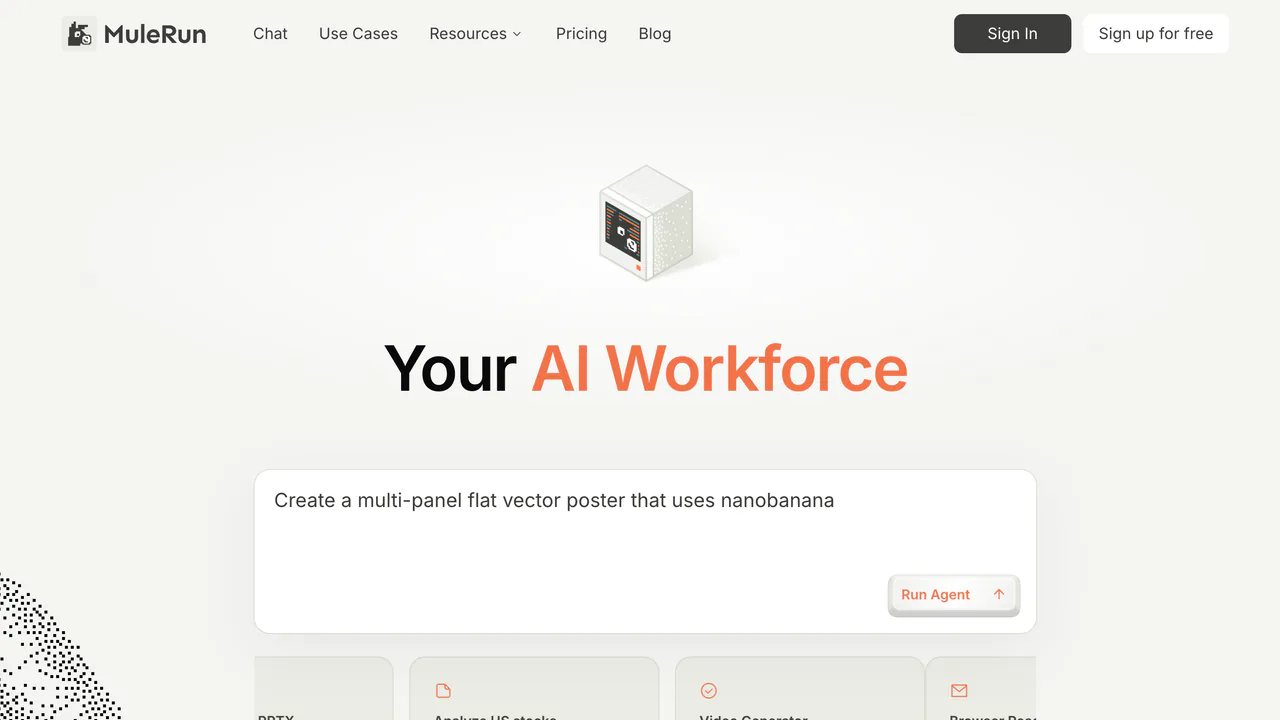
MuleRun is an AI agent and workflow automation platform for people who want more than a one-off chat answer. Start with a goal in natural language, let Super Agent plan the work and use the available tools, then review the files, pages or other results it produces. The official documentation positions MuleRun as an always-on digital worker that can keep context and work over time, while the exact tools available depend on the task and your plan.
What MuleRun can do
- Super Agent: Ask for research, writing, analysis, planning or automation. It can call browsers, editors, image generation, databases and other tools when the task requires them.
- MuleRun Computer: Use a persistent cloud machine with its own disk and workspace. Files and the working environment can remain available for later tasks, with daily automatic backups described in the official docs.
- Pages: Create and publish static or dynamic websites, landing pages, portfolios, games, forms and data-driven apps on a
mule.pageaddress or, when your plan allows it, a custom domain. - Drive and Knowledge: Keep generated files and reference material together, preview common office and media formats, and reuse Skills, Knowledge or completed tasks in future work.
- Channels and connectors: Send tasks through Telegram, Discord, Feishu/Lark, WeChat or WhatsApp. The My Browser Chrome extension can let Super Agent work with a local desktop Chrome session, including logged-in pages.
A practical way to start
- Create an account with email, Google or Apple and open MuleRun Chat.
- Describe the outcome, audience, source material, format and deadline instead of naming only a tool.
- Check the proposed plan, requested permissions and tool calls before allowing work to continue.
- Review the output in Drive or preview the result in Pages. Iterate with a specific correction, and save a useful result as Knowledge if you expect to repeat the job.
- For recurring reports or reminders, create a Scheduled Task with a one-time or recurring rule and choose MuleRun or a connected channel for delivery.
Plans, Credits and limits
MuleRun has Free, Plus, Pro, Super, Team and Enterprise tiers. Free is useful for trying the chat experience, but it does not include MuleRun Computer. Paid plans vary in Computer access, storage, Credits and collaboration features. Credits are part of the usage model rather than an unlimited promise; monthly and daily Credits have different expiration behavior. Prices and quotas change, so confirm the current subscription details before paying. Scheduled Tasks require Computer and are documented as a Plus-or-higher feature; regional availability can differ.
Privacy and safe use
Only connect pages and accounts you trust. The My Browser documentation says credentials and local browser sessions stay on the device, but the desktop extension can access browser pages that you permit it to access. Treat Enterprise statements about content not being used for training as Enterprise-specific, not as a universal promise for personal plans. Before uploading sensitive material, review the current privacy policy and the connector permissions.
Official resources
- Quick Start for registration and the first task
- Super Agent guide for tools and task execution
- Feature overview for Computer, Pages, Drive, Channels and scheduling
- Contact support for account or billing questions
FAQ
Is MuleRun free or paid?
There is a Free tier, followed by paid Plus, Pro, Super, Team and Enterprise options. Free does not include Computer, and usage is governed by Credits and plan limits. Check the live subscription page for current pricing and quotas.
Can MuleRun use my logged-in browser?
Yes, through the My Browser Chrome extension on desktop Chrome. It can operate pages in a local logged-in session, while the documentation says credentials and local sessions do not leave the device. Give access only to pages you are comfortable automating.
Can MuleRun run scheduled tasks?
Yes. Scheduled Tasks support one-time and recurring schedules and can deliver results to MuleRun or a connected chat channel. You need a Computer instance, each run consumes Computer Credits, and the instance must be running rather than powered off or asleep.
Is MuleRun suitable for building a website?
It can be a good fit for a quick landing page, portfolio, game, form or data-driven prototype through Pages. Review the plan limits for custom domains and other advanced capabilities before publishing a production site.
Related tools
AI Automation Tools →
Pilot5 LegalFreemium
Review US legal matters with source checks and five-model deliberation.
RillFree
Turn the page you are reading into work for your own coding agent.
scitePaid
See how scientific papers are supported, contrasted or mentioned
ConsensusFreemium
Search peer-reviewed research in natural language and inspect cited evidence before using a conclusion.
ElicitFreemium
Search academic literature, screen papers, extract study details and build evidence-backed research reports.