

SocialGPTPaid
Direct your video edit in chat, then refine the timeline yourself.
Supacut: AI Interview Footage Organizer
Find interview soundbites and build an editable first assembly
What is Supacut, in plain English?
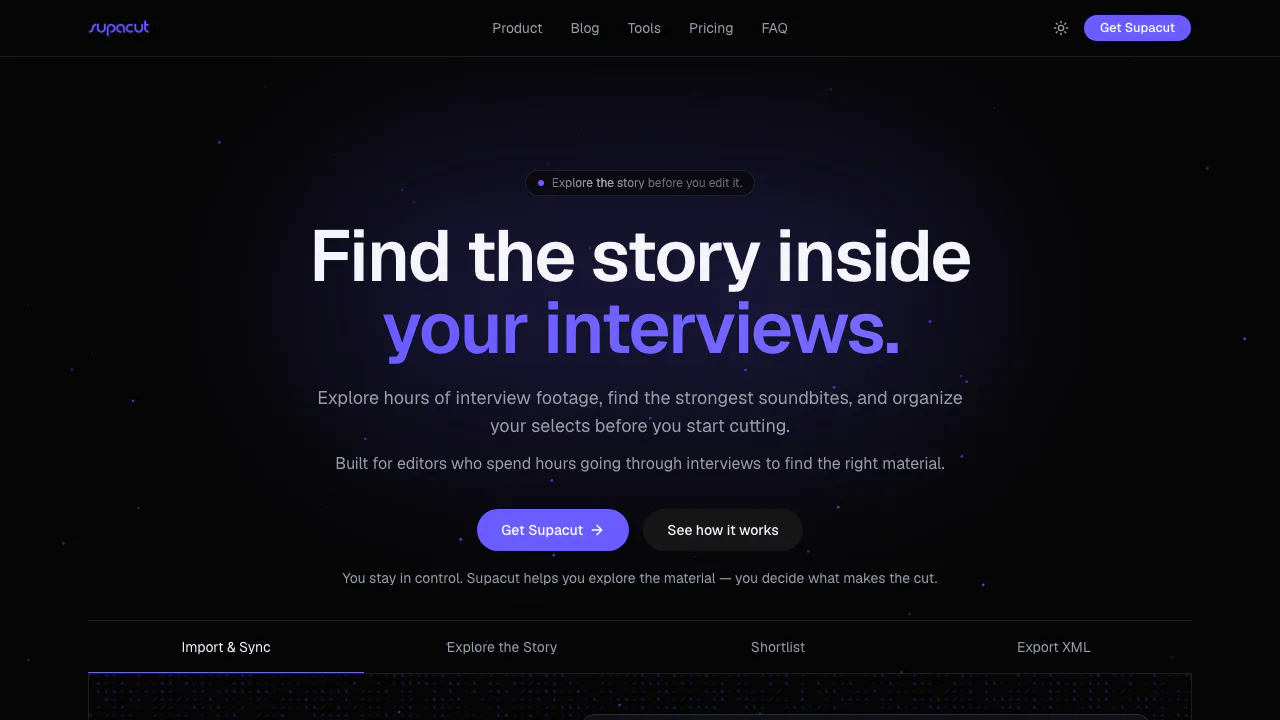
Supacut is a desktop assistant for editors who have more interview footage than they can comfortably review by hand. Add footage and its transcripts, and it helps sort the conversation into themes and find useful soundbites. You choose which quotes belong in the story, arrange them, and send an editable first assembly to your normal editing software. It is most relevant to documentaries, filmed interviews and other dialogue-led projects. It is not a full video editor or an automatic final-story maker; the official product explanation makes that boundary clear.
From a pile of interviews to a usable sequence
Start with your interview footage and transcripts. Supacut can suggest thematic pillars, or you can define your own themes to match the brief. Examine the quotes it surfaces: each is connected to its speaker, source and timecode, so you can go back to the original context before making an editorial decision. Shortlist the lines that genuinely advance the piece, change their order, then export an editable assembly. The export is XML for Adobe Premiere Pro or DaVinci Resolve, and FCPXML for Final Cut Pro. Open it in the supported editor, verify that source material is linked and refine pacing, pictures and sound there. This makes Supacut a preparation and selection tool; it does not remove the editor's responsibility to check meaning and continuity.
Cost, data handling and practical fit
The public terms list a US$39 annual subscription as checked on 23 September 2026. You supply your own AI provider API key, and provider usage is billed separately. A free desktop tier, local taxes and checkout prices in other currencies are not confirmed, so check the live terms before paying. Desktop footage, transcripts and project files stay on your computer according to the privacy policy; AI requests go from your computer to the provider you select. Supacut also offers separate free browser tools, whose submitted transcript text, sequence names and file names pass through Supabase Edge Functions. Consider that difference before using sensitive material. You must have rights to the media and transcripts you import. Avid export is not listed as available.
Common questions
Does Supacut edit the finished video for me?
No. It helps you select quotes and arrange a first assembly, then you complete the edit in a supported nonlinear editor. Review every suggested quote in context.
Can I use it with Premiere Pro, Resolve or Final Cut Pro?
Yes. Its documented output is XML for Premiere Pro and DaVinci Resolve, and FCPXML for Final Cut Pro. Avid export is not available.
Is AI usage included in the annual price?
No. The desktop subscription is listed at US$39 per year, while calls to your selected AI provider use your own API key and are charged separately.
Is my footage uploaded to Supacut?
The desktop workflow keeps footage, transcripts and project files locally, but AI requests go to the provider you choose. The separate browser tools have a different data flow, described in the privacy policy.
Related tools
AI Video Editing & Workflow Tools →
LaunchReelPaid
Edit recordings and build product launch videos with Claude Code.
Fotor Video AgentFreemium
Chat your way from a rough idea or source file to an editable video project.
Luma Dream MachineFreemium
Create and refine cinematic AI images and videos from prompts, references, and keyframes.
RunwayFreemium
Generate, edit, extend, and organize AI video from text, images, clips, and creative workflows.
FavorePaid
Create an image, refine it, then turn it into motion in one workspace.