
AI Video Editing & Workflow Tools
AI tools for reviewing footage, organizing selects, building rough cuts, and moving projects into a video editor.
12 tools, updated November 2026
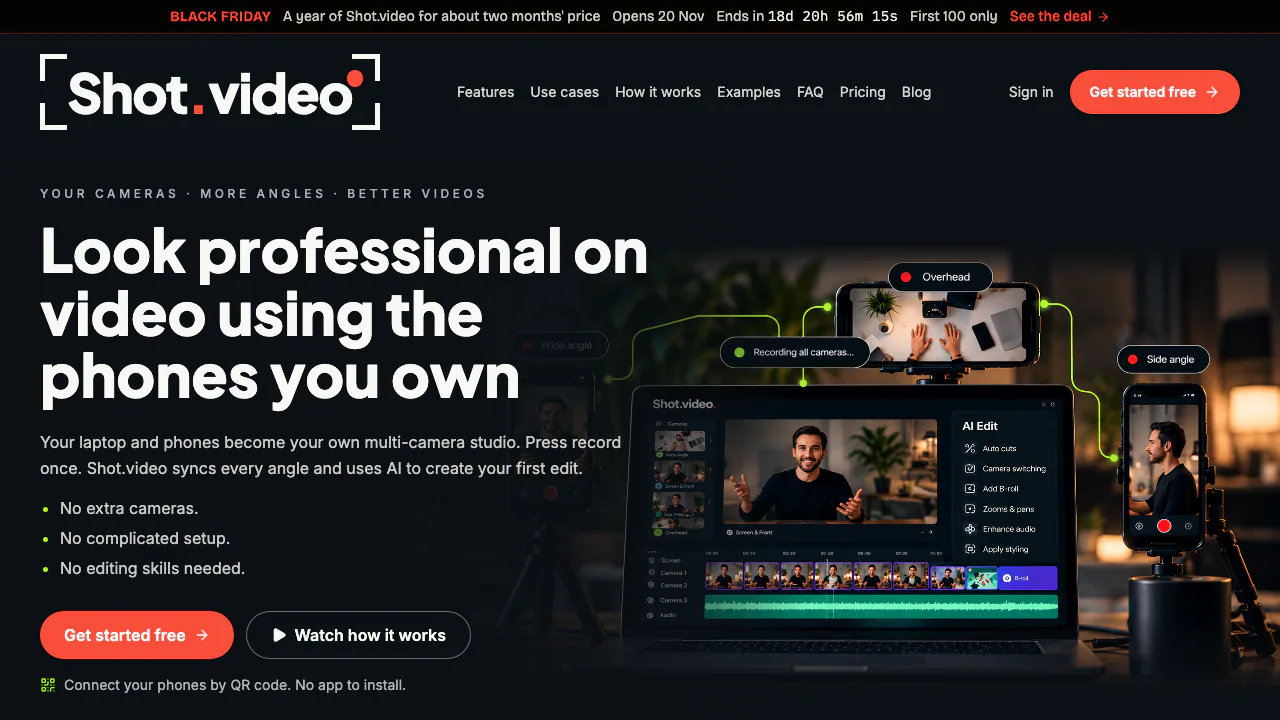

Shot.video
Record your screen and phone cameras together, then refine an AI first cut.
Freemium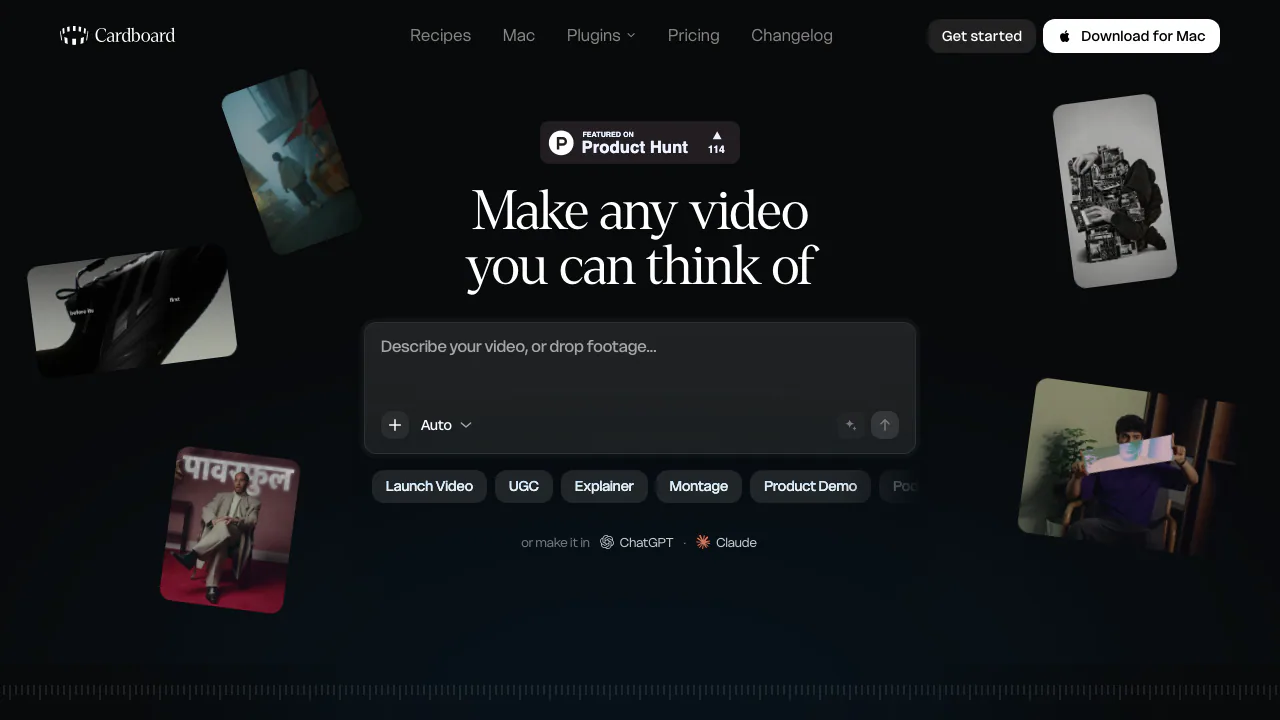

Cardboard
Turn footage or an idea into an editable cut, then refine it through chat or the timeline.
Freemium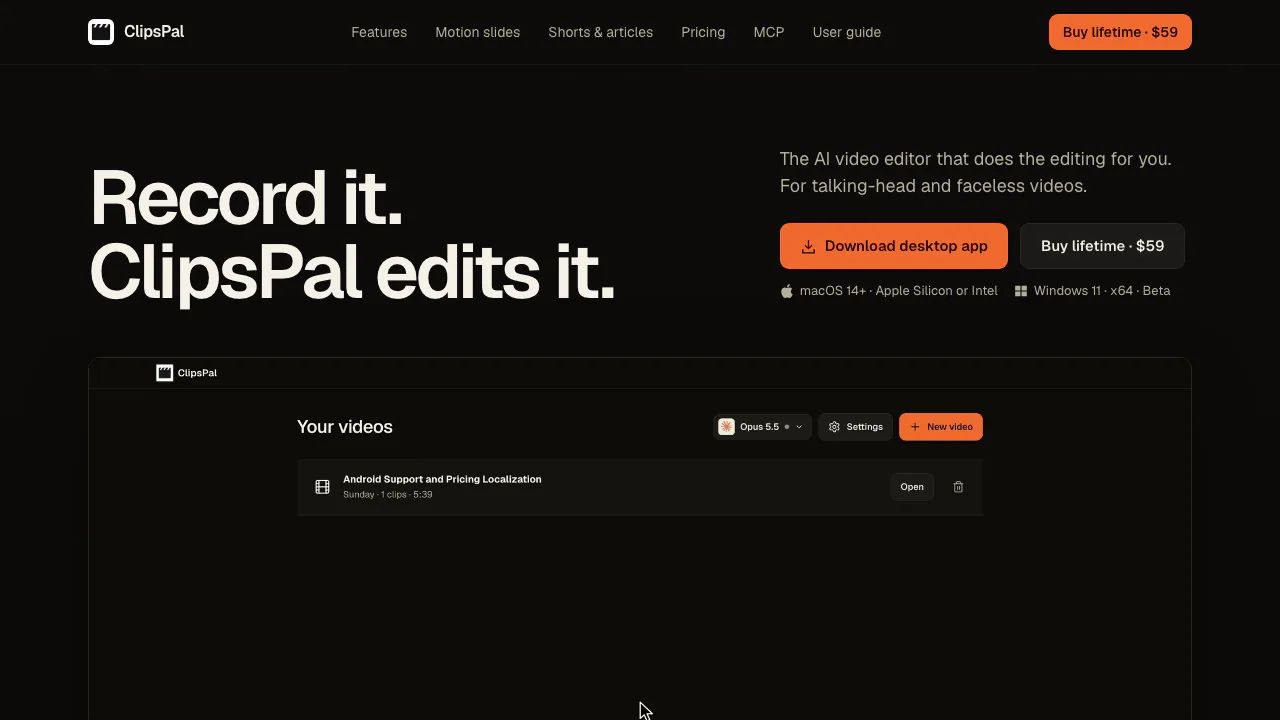

ClipsPal
Turn multiple takes into an editable video with captions, then cut vertical shorts.
Paid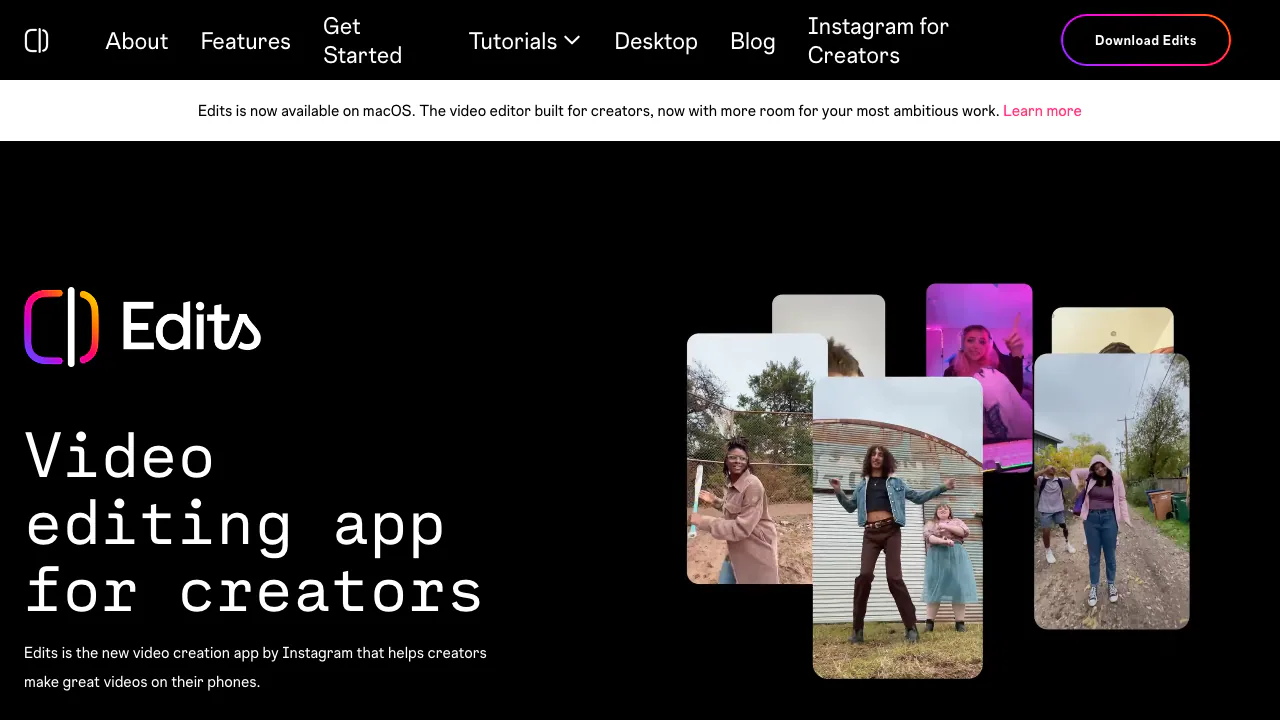

Edits
Edit on your phone or Mac, add captions and share a clean 4K export.
Freemium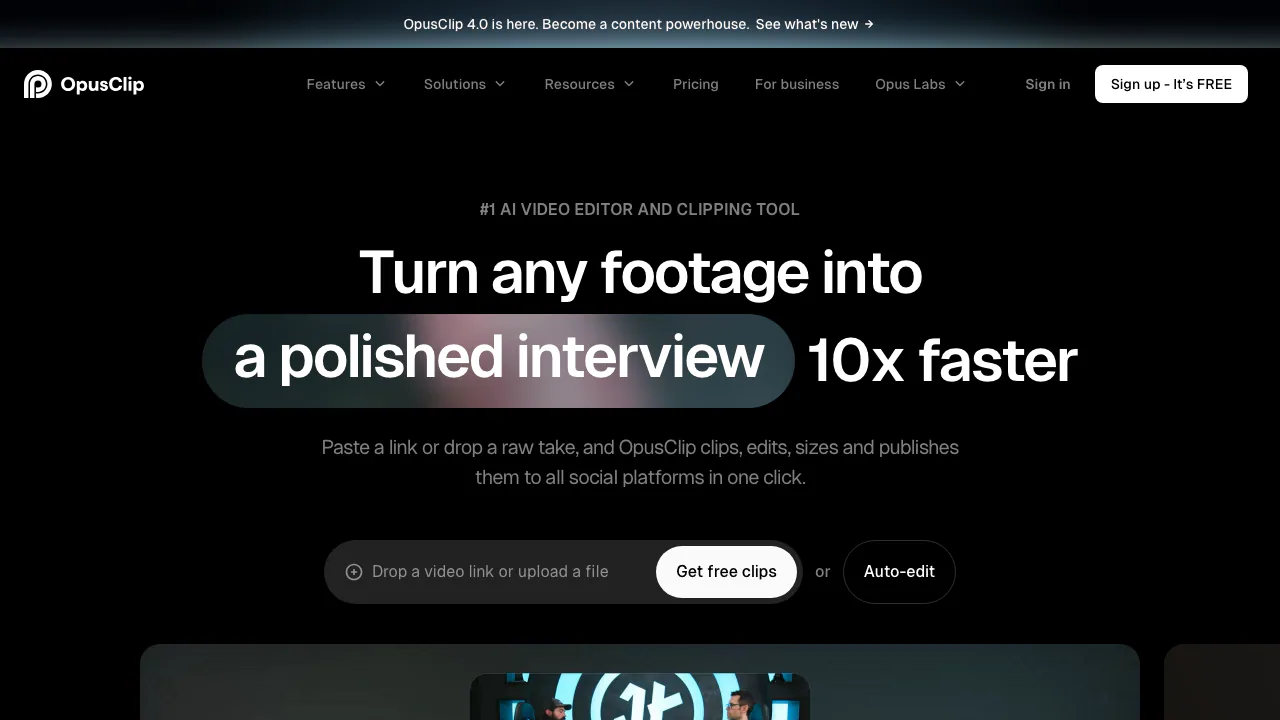

OpusClip
Clip and reframe long recordings for Shorts, Reels and TikTok.
Freemium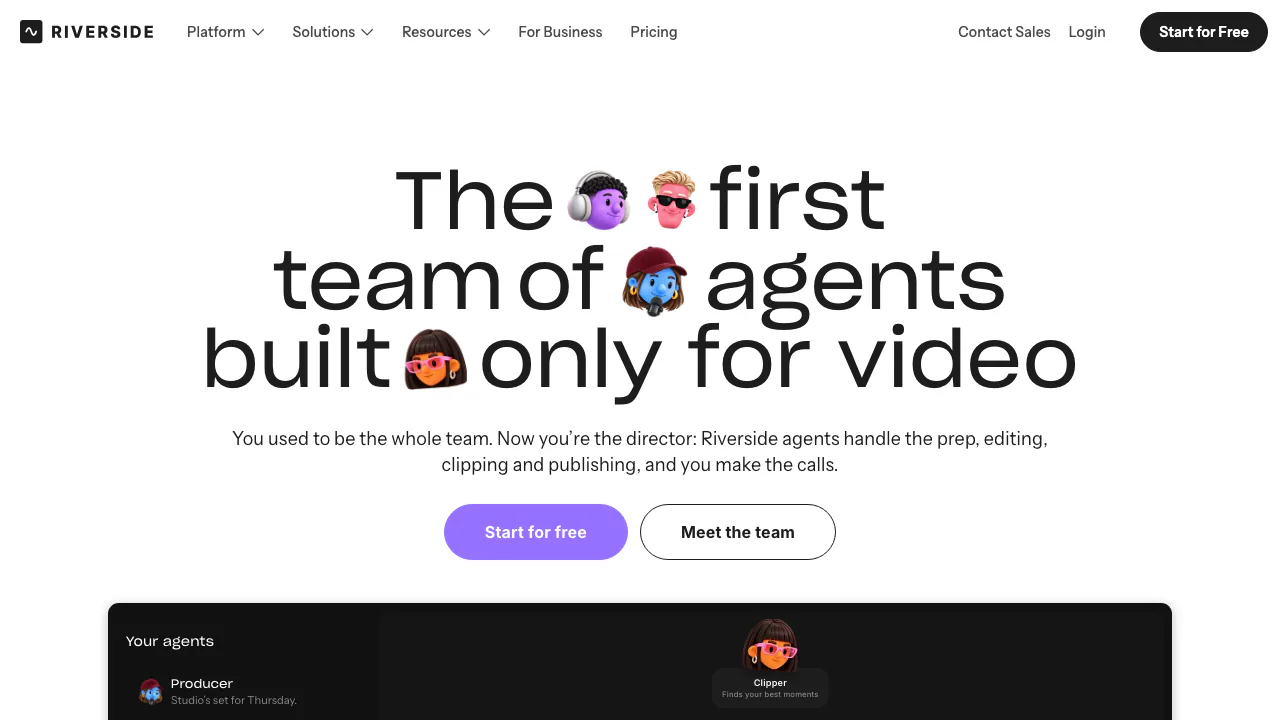

Riverside Agents
A native AI production team for preparing, editing, clipping and publishing recorded conversations.
Freemium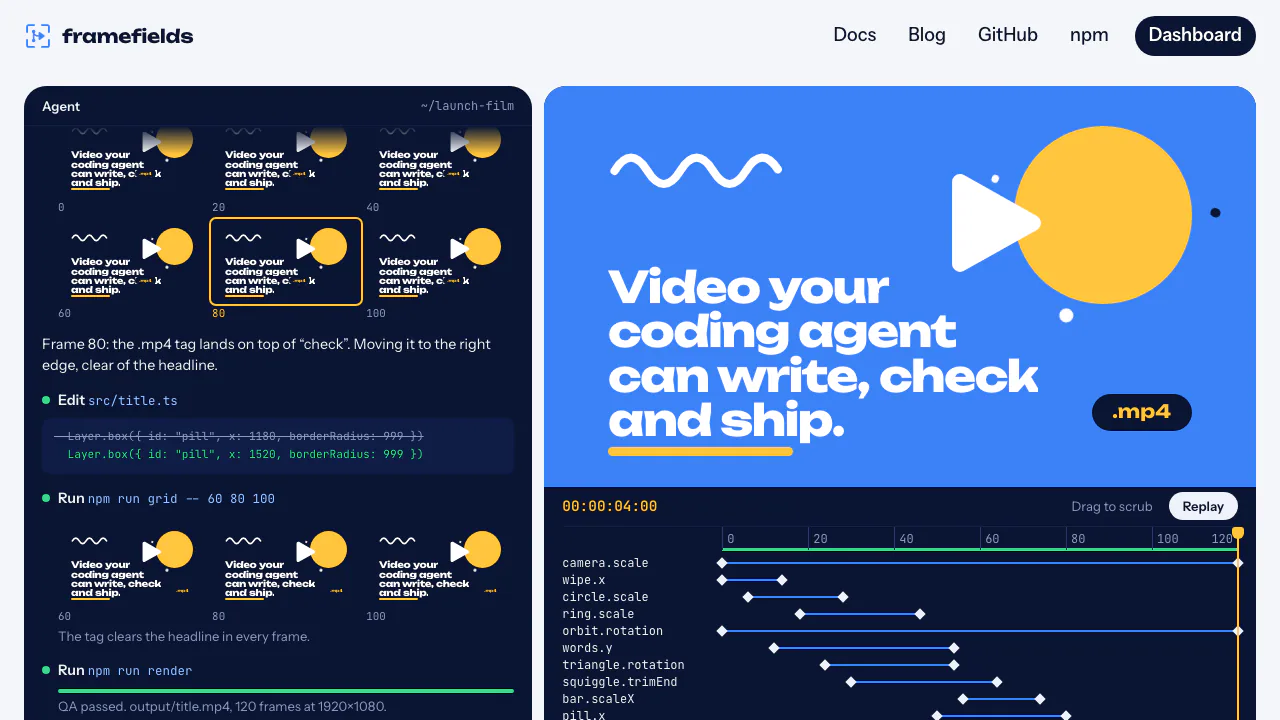

Framefields
Create, inspect and render video compositions with TypeScript and a coding agent.
Free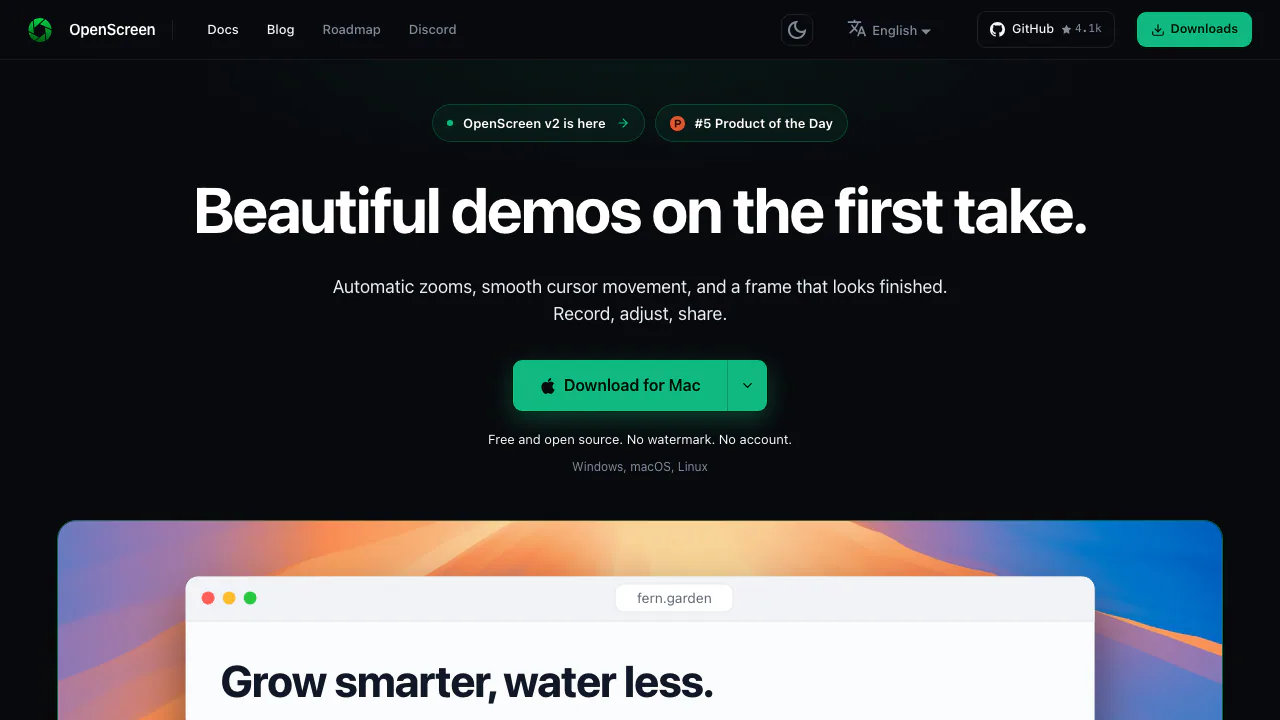

OpenScreen
Record, caption, and polish desktop demos with local tools and optional AI editing.
Free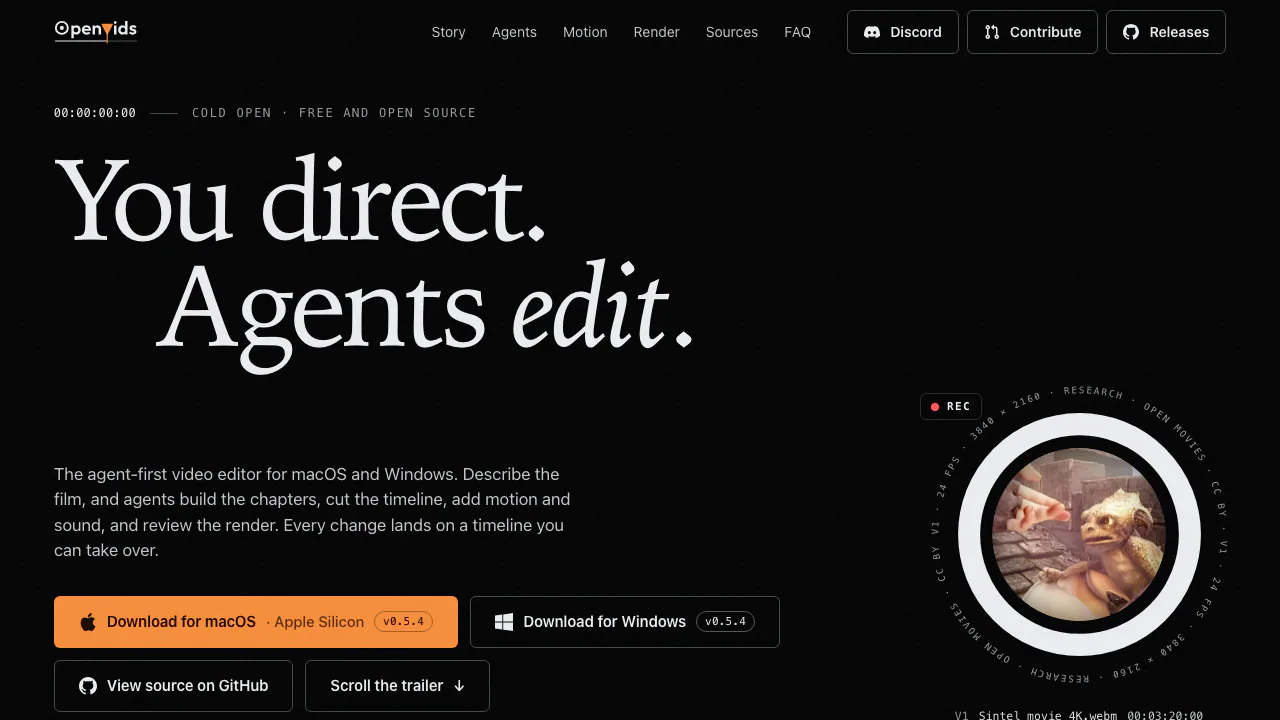

OpenVids
Direct AI edits in an open-source desktop timeline you can take over.
Free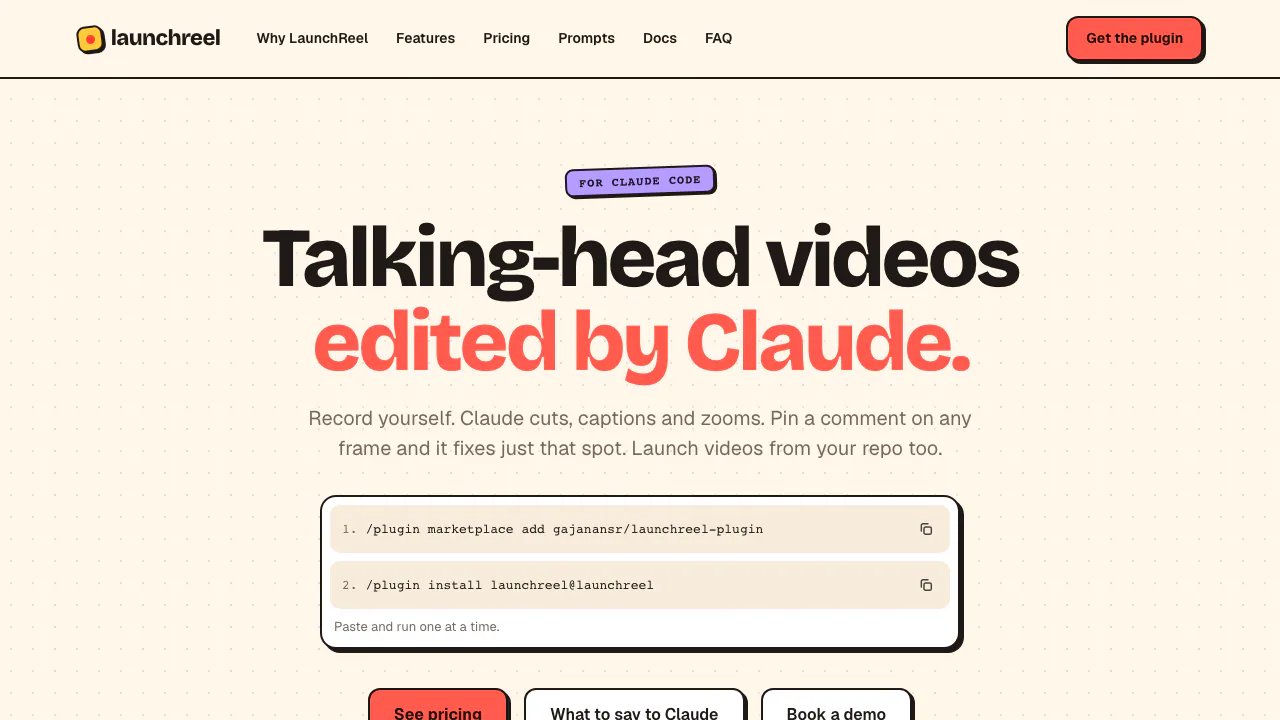

LaunchReel
Edit recordings and build product launch videos with Claude Code.
Paid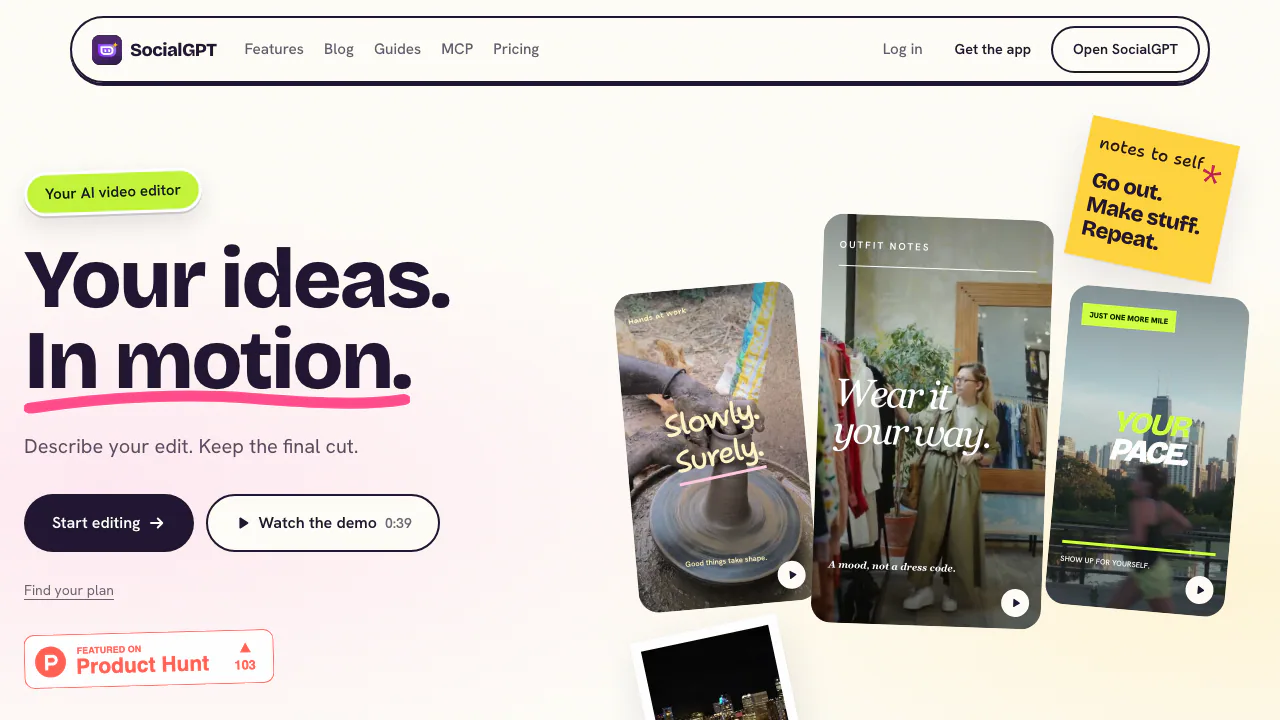

SocialGPT
Direct your video edit in chat, then refine the timeline yourself.
Paid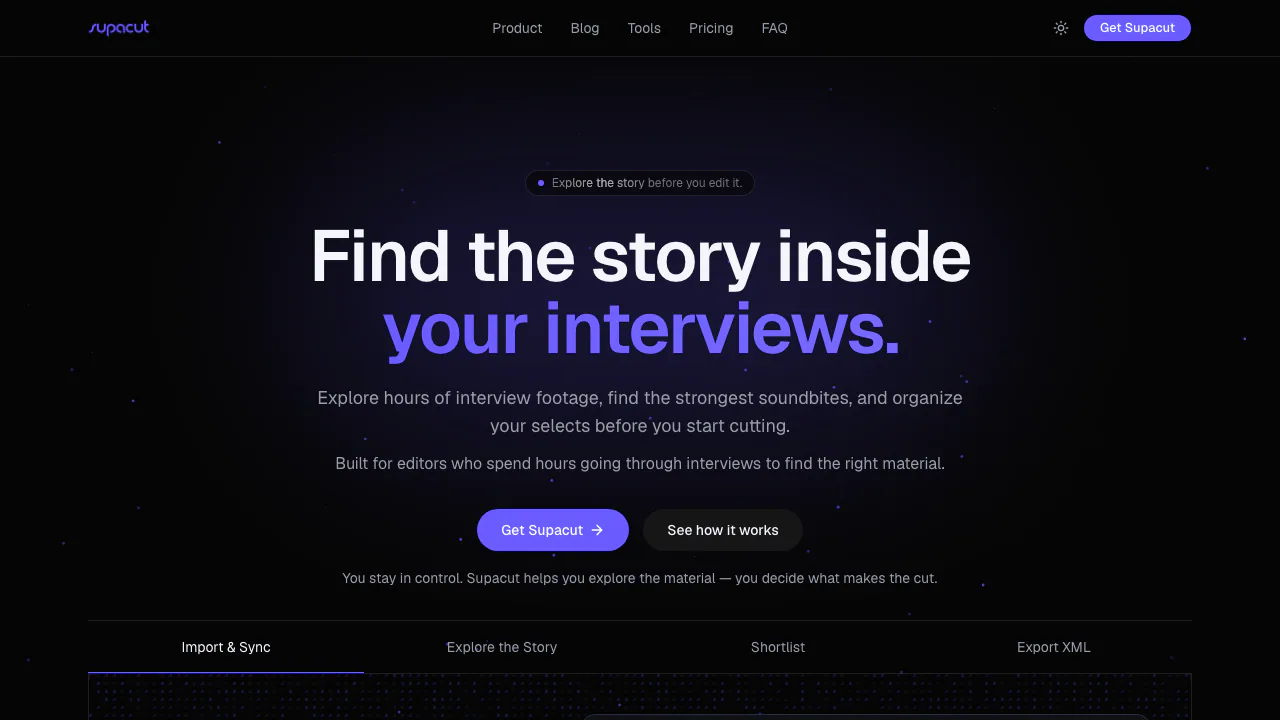

Supacut
Find interview soundbites and build an editable first assembly
Paid
What belongs in AI video editing workflows?
This category covers tools that help people work with footage they already have. They may search transcripts, identify useful moments, group interview answers, prepare selects, create an editable first assembly, or assist the handoff to a nonlinear editor. A product does not need to generate a finished video or replace a full editing application to be useful here. The common job is reducing the time between receiving raw material and making informed editorial decisions.
Choose a tool for the stage that slows you down
If your main problem is finding a quote across hours of interviews, look for reliable speaker labels, timestamps, source playback, and a way to compare answers. If you already know the story but need a first sequence, check whether you can reorder clips, review the assembly, and export it in a format your editor accepts. For social clips, check whether the tool targets highlight discovery or final publication; these are different workflows.
Check the limits before committing
Compare accepted media and transcript formats, supported operating systems, language coverage, and the exact export path to Premiere Pro, DaVinci Resolve, Final Cut Pro, or another editor. Check whether footage stays local, moves to a vendor server, or is sent to a model provider. Free access, subscriptions, credits, and bring-your-own-key pricing create different total costs. Test one representative project and inspect the imported sequence against the original footage before using the tool on a full production.