

SquadRoomPaid
Give specialist agents a task, then review the work, documents and report.
Ancher: AI personal knowledge management for saved sources
Save your sources, find them by meaning, and turn them into useful work.
What is Ancher, in plain English?
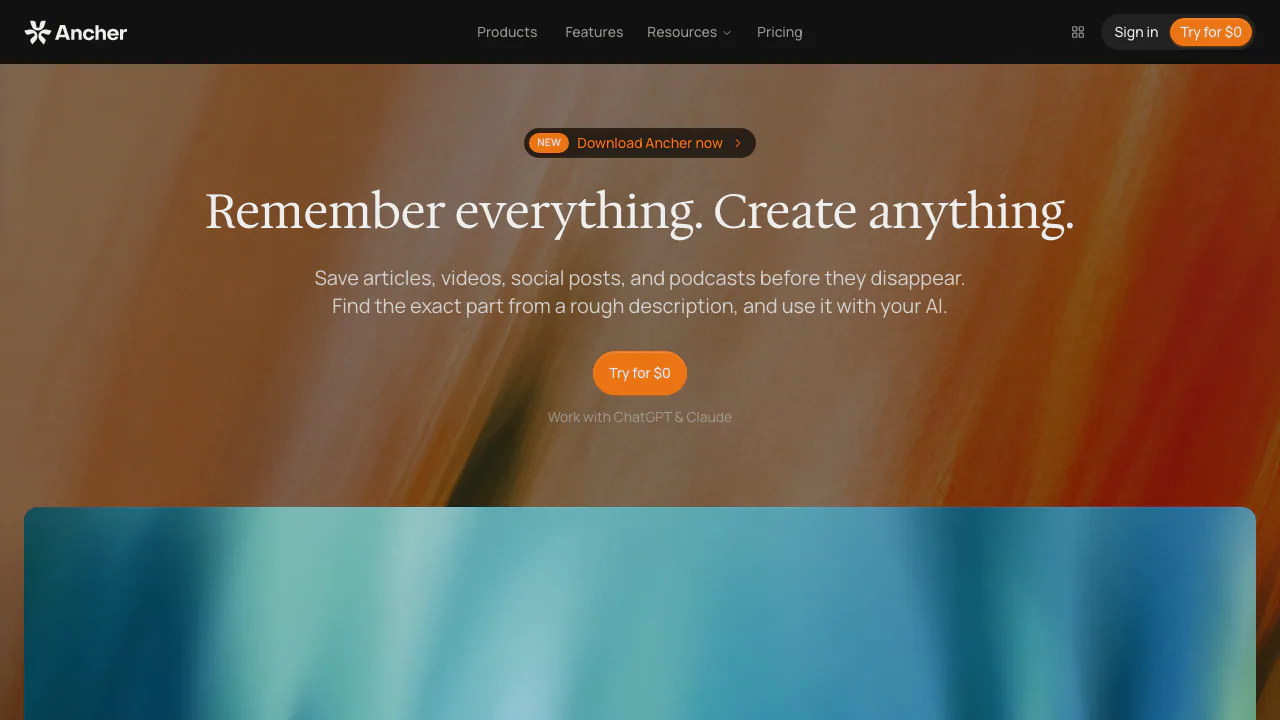
Ancher is an AI personal knowledge management workspace for people who read, watch and save material they want to use later. Think of it as a research shelf you can ask questions of: add an article, PDF or video, find a half-remembered idea, and use the relevant sources to draft a brief.
Its main value is the connection between capture, recall and creation. A researcher can keep references together; a creator can reuse reading for an article; a product lead can gather evidence for a proposal. The starting point is your saved material, so the quality and relevance of that material still matter.
Capture sources without starting a filing project
The official feature list covers web articles, links, PDFs, documents, videos, screenshots, images, voice notes and text snippets. Sources become structured notes; the homepage also describes video keyframes and key takeaways. This makes a saved item easier to scan before deciding whether it belongs in a project.
The official download page provides the web app, mobile store links and a Chrome extension. Choose the capture surface that suits where you encounter information, and check the resulting note against the original. A listed input type does not guarantee that every protected page or media source can be captured.
Find the idea you remember, then check its source
Semantic search lets you describe an idea without knowing the original title or exact words. Source-linked answers make it possible to open the supporting notes and inspect the context. Collections narrow the working material to a selected group of sources, while notes, files and earlier artifacts can be brought into a conversation.
Use this to answer a concrete question, such as which saved sources discuss a particular design trade-off. Check dates, numbers and quotations in the originals before relying on a synthesis.
Turn a source collection into usable work
Ancher lists research briefs, reports, outlines, articles and PRDs among its written outputs. It also offers presentation files, HTML pages, images, audio summaries and video explainers. Finished artifacts can be previewed, downloaded, shared or reused as context.
A useful approach is to choose the sources first and specify the audience, scope and output. Ask for a short memo explaining what the sources establish and what remains uncertain. Generated work still needs editorial review; source links help you check it but do not establish that every inference is correct.
A practical first workflow: build a research brief
- Open the web app and sign in; start with a few sources on one research question.
- Save the relevant links or files and inspect the resulting notes.
- Add the useful notes to a collection, leaving unrelated reading outside the context.
- Ask for a brief that identifies findings, supporting sources and unanswered questions. This is an example request, not a required interface command.
- Open the cited sources, correct unsupported statements, then download or share the finished work.
Keep the first test small. You should be able to trace an important statement back to the right source before importing a large archive.
Bring your knowledge into an AI agent
The developer documentation provides Agent Skills, a CLI and a hosted MCP route. Supported agent examples include Claude Code, Codex and Cursor. The recommended Skills workflow uses the CLI backend; the hosted MCP installation is an alternative.
For the CLI, the official quickstart requires Node 24+, installation of @ancher-ai/cli, and ancher login. Verify the session with ancher whoami. Follow the documented authorization steps before letting an agent access your knowledge.
Free credits and annual subscription costs
Verified on October 14, 2026, the public English pricing page lists Free at $0 with 100 credits per month and core features. Digest has 5,000 monthly credits; Pro has 20,000, with stronger support and early feature access.
The displayed annual totals are $59.99 for Digest and $179.99 for Pro, alongside approximately $5 and $15 per month. These figures describe annual billing, rather than confirmed standalone monthly prices. Consult current pricing for your checkout conditions. No complete per-action credit schedule was verified, so credits should not be converted into a guaranteed number of notes or generations.
Paid subscriptions normally renew automatically; check cancellation and refund terms before subscribing.
Data handling and limits to check
The privacy policy describes cloud processing and third-party AI providers receiving data needed for a requested feature. It includes conditions and exceptions around training, deletion and retention. It does not establish that everything stays on your device or that deletion instantly removes every backup.
Only upload material you have permission to process. Review generated claims and third-party content rights before publication. Public security detail pages are still marked as coming soon; no independent certification or complete upload-limit specification was verified.
Frequently asked questions
Is Ancher free to use?
Yes. Free includes 100 monthly credits and core features. Paid subscriptions increase the allowance; the published plans do not establish unlimited generation.
Can I export my notes?
The CLI documentation shows ancher notes content <id> > note.md for saving a note's text. Downloading a finished artifact is a separate function. A complete bulk-backup format list was not verified.
Is my saved knowledge used to train AI?
The policy says private saved content is not used to train models made available to other users unless separately disclosed with required notice, consent or choice. It also permits certain aggregate or de-identified system improvements. Third-party AI processing still occurs for some features.
Official resources and community
- Documentation: CLI, Agent Skills and MCP setup.
- Help Center: account questions and support.
- Official Discord: questions for the team and community.
- Ancher on X: product announcements.
Related tools
AI Workspace & Notes Tools →
BackdropFreemium
Create AI coworkers that use your tools, carry team context and move work forward.
DraperFreemium
Work through a business idea, its plan and first customers with guided AI workshops.
AyvenFreemium
An AI coordinator for following up with people, tracking tickets and keeping long-running team work moving.
KodloPaid
Find suitable prospects, check the evidence and prepare outreach in one sales workspace.
MeleteContact
AI agents that turn connected work into reviewed plans and follow-ups.