

VibeiDEPaid
Queue Claude Code, Codex and OpenCode tasks, then review every result.
ManyAgents: coordinate AI coding agents on your Mac
Run Claude Code and optional Codex agents with isolated worktrees, review and live previews.
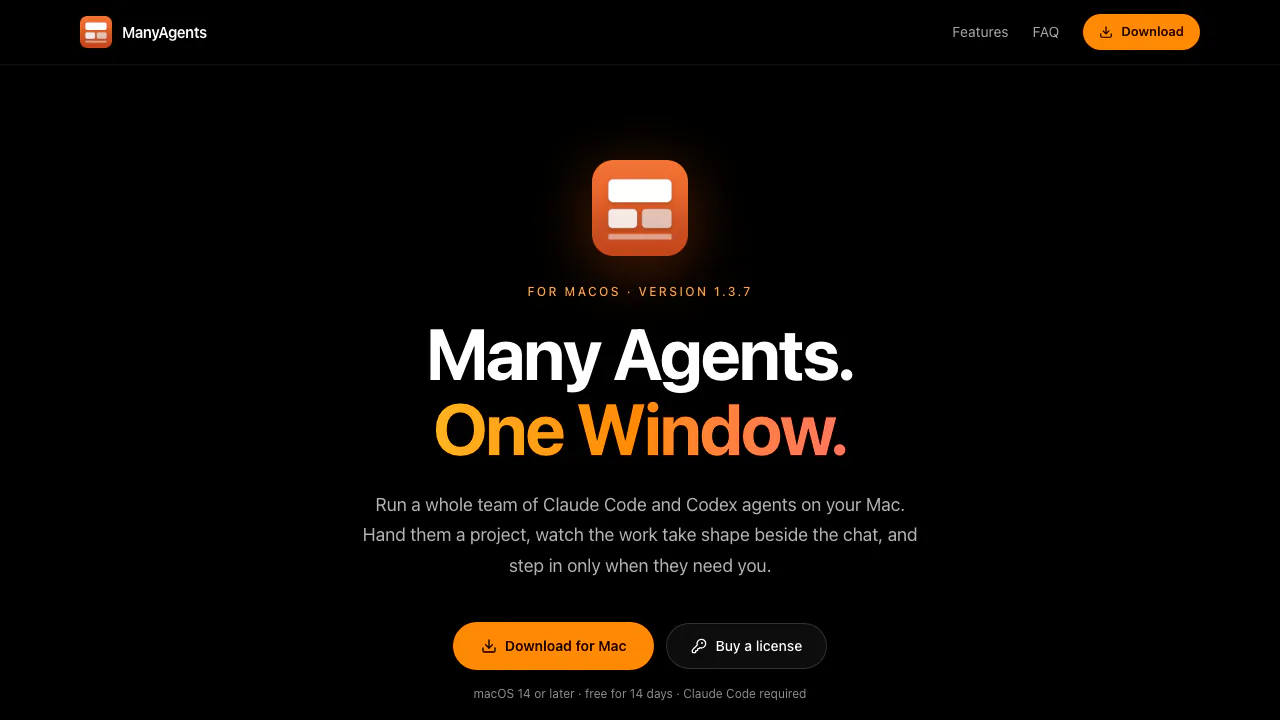
What does ManyAgents actually do?
ManyAgents is a Mac desktop workspace for running several AI coding agents on a real software project. Instead of keeping separate terminal conversations open, you give a project request to an orchestrator and follow the implementation, questions and previews in one window. AILOGY LLC makes the app; it uses your Claude Code account and can also use Codex.
For a developer maintaining an existing repository, its useful distinction is coordinated work: one agent can implement a change while another reviews finished work. Your inputs are a local project and a task description. The results are changes in that project, tests and review findings, rather than just a suggested code snippet to copy elsewhere.
Divide implementation and review across agents
The orchestrator splits a request into tasks and opens a tab for each. Workers implement their assigned tasks in separate Git worktrees, test their changes and report back. A worktree gives a task its own working directory, reducing interference while several changes are underway.
Thinkers handle difficult design choices or problems spanning the codebase, then hand implementation to workers. Reviewers have read-only access; when Codex is configured, review can run through a different provider. That separation adds another assessment, but it cannot guarantee correct code or a conflict-free final integration.
Card view shows projects, agents and their worktrees, including working and queued states. Questions that need your decision collect in a shared area with the agent's recommendation, making it easier to see where progress depends on you.
Check the running app beside the conversation
The built-in browser lets agents open your app, click through pages, fill forms and inspect the result. A useful request might be to test a new-account checkout or inspect pages at a phone-sized width. The browser retains site logins, and you can take control.
For iPhone development, the preview panel can display an iOS Simulator alongside the conversation. This is a way to inspect the running iOS app during development, distinct from the optional iPhone companion described in the privacy policy.
Start with one concrete project task
- Download and open ManyAgents on a Mac running macOS 14 or later.
- Follow the app's Claude Code sign-in guidance. The site specifies Claude Pro or Max access, or an Anthropic API key; Codex is optional.
- Open your project and tell the orchestrator what should change. Include the expected behavior and a way to check success.
- Follow agent progress and answer decisions that appear in the shared questions area.
- Inspect the changes, tests and reviewer findings. For interface work, ask for a browser or simulator check before accepting the result.
The first three steps follow the official onboarding path; the acceptance criteria and final inspection are practical guidance. Keep version control and backups: the terms say agents can modify or delete files and execute commands with the permissions you grant, normally without asking on every action.
Trial, license and separate AI costs
Checked on October 28, 2026: the public site offers a 14-day app trial without a ManyAgents account or payment card, followed by a one-time $49 personal license. This is the displayed dollar price, not a converted local quote or a promise about taxes. After the trial, unlicensed users can still read, export and access Settings, but sending messages and starting agents pause.
The app license does not buy model usage. Your own AI subscription or API account remains responsible for provider limits and charges. One license covers one person and Macs they own or personally use; team licensing is handled by email. Verify the current trial and purchase information before buying.
Local storage and model-provider processing
The privacy policy says projects, conversations and settings stay on the Mac. Prompts, code and files still travel through your own Claude Code or Codex tools to Anthropic or OpenAI. AILOGY says it does not receive that content, and the Mac app has no analytics, telemetry or crash reporting. Update checks still make ordinary network requests.
Treat this as local workspace storage with external AI processing. Review the selected provider's terms before using sensitive repositories.
Frequently asked questions
Is ManyAgents permanently free?
No. The app has a 14-day trial, followed by a paid license for new work. AI service usage is separate.
Do I need both Claude Code and Codex?
Claude Code is required. Codex is optional and enables the documented different-provider review setup.
Does it only organize chat windows?
No. Workers change and test project files, reviewers inspect completed work, and agents can check a running app through the built-in browser.
Official resources
- ManyAgents features and Mac download: inspect the interface and get the app.
- License and usage terms: check personal licensing and responsibility for agent actions.
- Official app and license questions: hello@ailogy.co.
Related tools
AI Coding & Developer Tools →
AI BridgeFreemium
Organize real coding CLIs, approvals and resumable workspaces in one Mac app.
PulseDevFreemium
Point at a website element, describe the fix and review the source diff.
walkai-talkaiPaid
Voice commands for coding agents, with replies over radio
buddylistFree
Bring coding agents into project chats, reviews and tests.
StarkomandPaid
Run your existing coding CLIs with task briefs, handoffs and code reviews on one canvas.