
teai.ioFreemium
Connect multiple AI models through one API and a shared credit balance.
LLM Gateway: Unified LLM API, Routing and Costs
One API for model routing, usage tracking and provider access
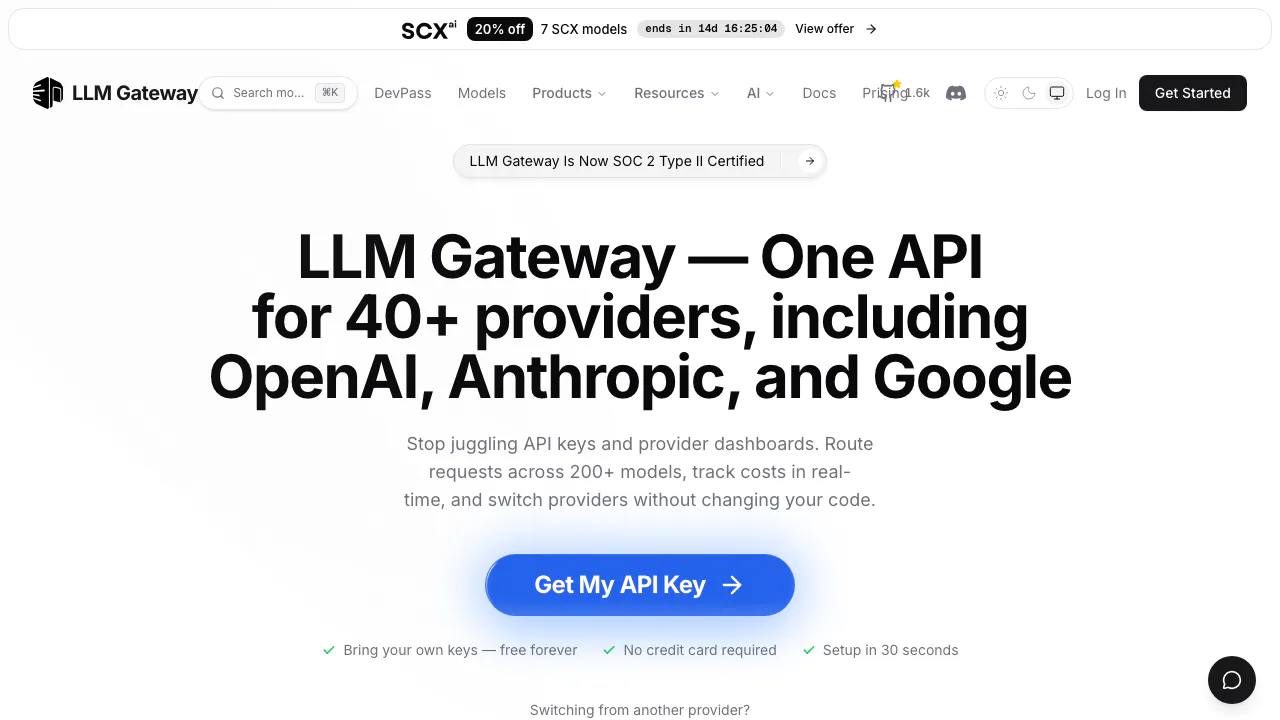
LLM Gateway is an open-source LLM API gateway for developers who want to connect an application to multiple model providers, track usage and manage routing through one integration. It is useful when separate SDKs, credentials and billing dashboards have become difficult to maintain.
What does LLM Gateway actually do?
Think of a customer-support application that uses one model to classify a message and another to draft a reply. LLM Gateway sits between that application and the model providers. Your application sends a request to the gateway; the gateway forwards it and returns the model's response. This gives you a shared entry point for model calls and a place to inspect their cost and performance.
The gateway is infrastructure, rather than a model that produces answers by itself. It is operated by Polar Lights LLC. Developers and platform teams are its main audience; the separate Lounge interface provides a way to try models in a browser.
Connect an application and verify the first request
The official quickstart describes the initial setup:
- Sign in to the dashboard, create a project and obtain an LLM Gateway API key. Keep the key in your server environment.
- Choose prepaid credits, or add your provider credentials for BYOK. A gateway key authenticates your application to the gateway; a provider key connects the gateway to your provider account.
- Select a currently available model from the model catalogue. Check its input capabilities and context limits before sending production data.
- Set the OpenAI client's base URL to
https://api.llmgateway.io/v1and use the gateway key. For a direct HTTP call, sendmodelandmessagesas JSON to/chat/completionswith bearer authentication. - Read the returned message, then check the request's provider, tokens, latency and cost in the dashboard. Test representative prompts before switching live traffic.
OpenAI-compatible clients can reuse much of their existing integration. Compatibility does not make every model support the same tools, input formats or parameters.
Switch models and handle provider failures
A unified API reduces the integration work needed to evaluate different models. Routing can choose among available providers for a model, and automatic retries and fallback can move a failed request to another eligible provider. The routing documentation explains selection and configuration; fallback still depends on available providers and their limits.
Request analytics help identify expensive models or slow routes. Gateway keys also support usage limits and access rules, which helps separate applications and restrict model or provider access. Caching can reduce repeated work, but response caching and provider prompt caching are different mechanisms. Their benefit depends on the workload, settings and model support; neither means every request is free or every failure disappears.
Understand the bill before scaling
As checked on September 10, 2026, the standard hosted service offers free BYOK routing: you pay the model provider directly. With prepaid credits, model usage is charged at provider rates and the pricing FAQ specifies a 5% fee when buying credits. Optional full request retention adds USD 0.01 per million tokens. The pricing page also lists a 1.5% international fee for non-US cards; Enterprise terms require a quote.
Use the dashboard to compare actual input/output usage and spend, then consult current pricing for applicable conditions. A free gateway account does not make paid models free. DevPass and chat subscriptions have separate terms and should not be treated as the standard API credit plan.
Decide whether to self-host the gateway
The self-hosting guide covers Docker, Docker Compose and Kubernetes. The stack includes gateway and application services, PostgreSQL, Redis and provider credentials. Self-hosting gives your team responsibility for infrastructure, backups, upgrades and access management.
The gateway code uses AGPLv3; enterprise features in ee/ have a separate commercial licensing boundary. Self-hosting the gateway does not automatically run the selected models locally: calls still go to the configured provider. It suits teams that need deployment control and can operate the stack; the hosted service is more convenient for teams that want to avoid that operational work.
Check retention and limits before production use
Metadata-only logging is the default. Full payload retention can be enabled for standard pay-as-you-go organizations. There is an important exception: stored Responses API data is retained for 30 days independently of that setting; use store: false to opt out. Review the retention rules for the endpoint you use.
The privacy policy says LLM Gateway does not train models on customer prompts or responses. Requests still reach the selected provider, whose own processing policies apply. Evaluate that provider separately when handling sensitive information.
Account, concurrency and upstream limits also matter. Free-model allowances depend on credit status; the current limit documentation explains the layers and 429 responses. Plan for backoff and bounded concurrency instead of assuming paid access is unlimited.
Frequently asked questions
Is LLM Gateway free to use?
BYOK routing is free, while provider inference remains billable. Credit purchases and optional full payload storage have their own charges. Free models have usage limits.
Can I keep my existing OpenAI integration?
You can use the compatible endpoint with a gateway key and supported model ID. Check model-specific features and verify a real response before migrating traffic.
Does self-hosting keep all AI processing on my server?
No. It hosts the gateway stack. A request routed to an external model provider is still processed there.
Are prompts never stored by default?
Metadata-only logging excludes ordinary request payloads, but Responses API storage has a separate 30-day rule. Set store: false for that API when you want to opt out.
Official resources and developer community
- Documentation: API features and integration guides.
- GitHub repository: code, licensing and issue reports.
- Official Discord: questions for the team and developer community.
- Service status: incidents and operational updates.
Related tools
AI Model APIs & Infrastructure →
FastRouterFreemium
One API for model access, routing and spending visibility
Cloudflare DevelopersFreemium
Official guides for serverless apps, AI inference, agents and cloud infrastructure.
AIsaPaid
One API key for models, research APIs and agent workflows.
Experiential LabsFreemium
One model API with provider routing, spend controls and an open-source gateway.
TrustedRouterPaid
A privacy-first, OpenAI-compatible gateway for routing AI requests across models and providers.