

JarqFreemium
Translate and edit selected text, or dictate straight into the Mac app you are using.
Typeless: AI Voice Typing, Dictation & Editing
Speak a draft and turn it into editable writing
What does Typeless actually do?
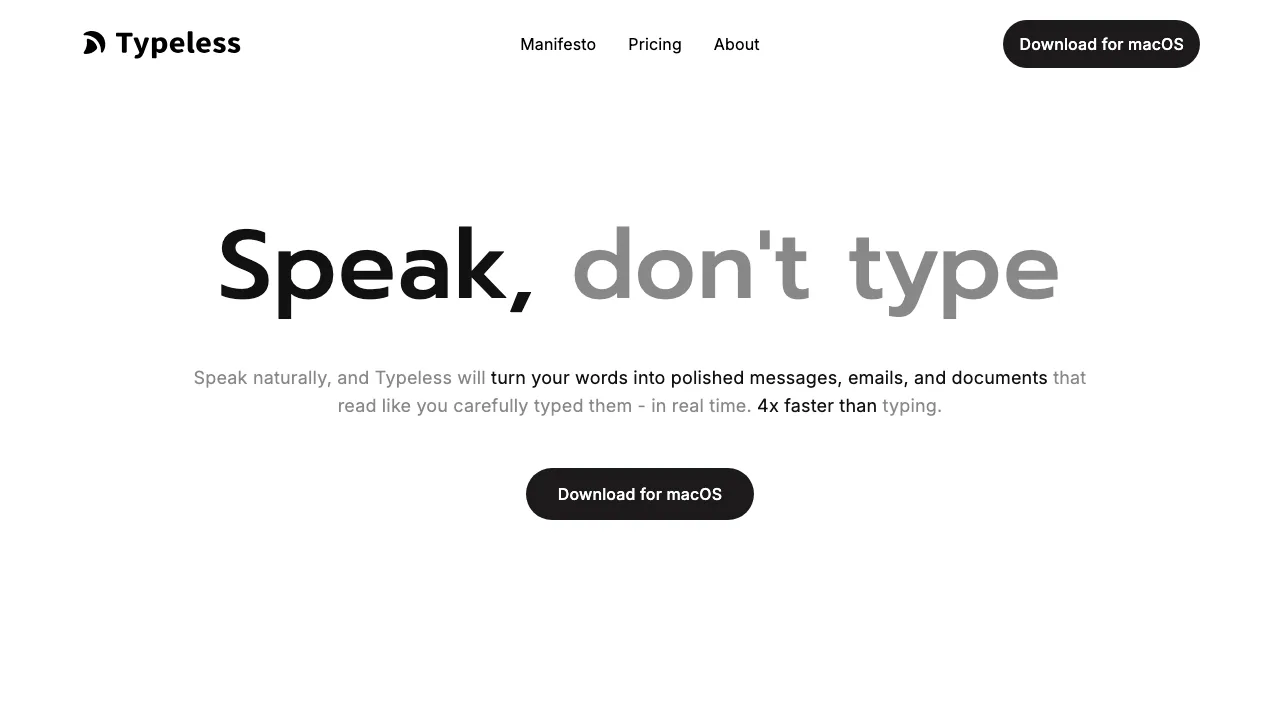
Typeless is an AI voice typing app: you speak into a text field and receive an edited draft where you were writing. Think of it as a voice keyboard for messages, email and documents. It removes verbal filler and repetition, follows corrections made while speaking, and can arrange spoken points into a list. The official site offers macOS, Windows, iOS and Android versions.
It is useful when explaining a thought aloud feels easier than typing it sentence by sentence. Review the output before sending, especially names, quantities and anything that must preserve the speaker’s exact wording.
Shape a draft or reply in another language
A personal dictionary helps with recurring names and specialist terms. To revise existing editable text on desktop, select it and start Ask anything: the default is Fn + Space on Mac or Right Alt + Space on Windows. Describe the change, then finish with the main dictation shortcut. The edited version replaces the selection. Mobile has a separate Speak to edit button.
Translate produces written output in a selected target language. Configure translation targets in Settings, start Translate and choose the language in the Voice bar. The translation guide explains desktop and mobile controls. Typeless advertises over 100 languages and mixed-language input; test your actual vocabulary rather than assuming equal quality in every setting.
Try one complete dictation
Install the app and sign in. On Mac, grant Microphone and Accessibility access and complete the microphone test. Then:
- Click the text field in your destination app.
- Press Dictate once: Fn on Mac or Right Alt on Windows by default.
- Speak after the Voice bar or interaction sound appears.
- Press the same shortcut again. Check the inserted text before sending it.
On mobile, use the Typeless keyboard and tap Speak once to start and again to finish. Shortcuts can be changed; consult the dictation instructions for language variants and controls.
When the free plan is enough
Checked September 11, 2026: the public USD Free plan includes 8,000 words per week with standard accuracy and standard access during busy periods. Pro adds unlimited words, enhanced accuracy, priority access and cloud history sync. It costs $12 per member per month when billed annually, or $30 per member with monthly billing. Enterprise pricing is custom.
Try a normal week of messages before choosing a subscription. Regional store prices and taxes may differ; verify the current plan conditions at checkout.
Cloud processing and history are separate
According to the data controls policy, speech and limited relevant context are processed in the cloud and discarded when the result returns. History text stays on your device unless you enable optional cloud sync; disabling that option deletes the cloud history text.
Ordinary dictation data is not used for model training. Voluntary feedback has separate diagnostic and explicit-consent conditions. Local history therefore does not mean offline speech recognition.
Common questions
Is Typeless free?
Yes, within the weekly Free allowance. Unlimited words and cloud sync are Pro features.
Can I use it on Android as well as a computer?
The official site lists Android, iOS, Windows and macOS. Use the appropriate app and follow its keyboard or permission setup.
How do I stop dictation and get the text?
Press your desktop Dictate shortcut again, or tap Speak again on the mobile keyboard. The text appears in the field where you started.
Official help and support
- Help center: installation and troubleshooting.
- Service status: incidents and availability.
- Contact Typeless: product and account support.
Related tools
AI Speech-to-Text Tools →
Willow VoiceFreemium
Dictate into your apps or turn spoken ideas into a complete draft.
TuckyFreemium
Screen-edge Mac notes with optional AI rewriting, voice and connectors.
WordtuneFreemium
AI writing assistant for rewriting, grammar, clarity, summaries, tone changes and browser-based editing.
QuillBotFreemium
AI writing assistant for paraphrasing, grammar, summaries, translation, citations and multilingual editing.
LoquiFreemium
Speak naturally and insert polished text into the app you are using.