

SpacesheepFreemium
Turn AI output into shared documents, dashboards and small apps.
myPip: AI game maker for playable game ideas
Describe a game, test the result and improve it with AI.
What does myPip actually do?
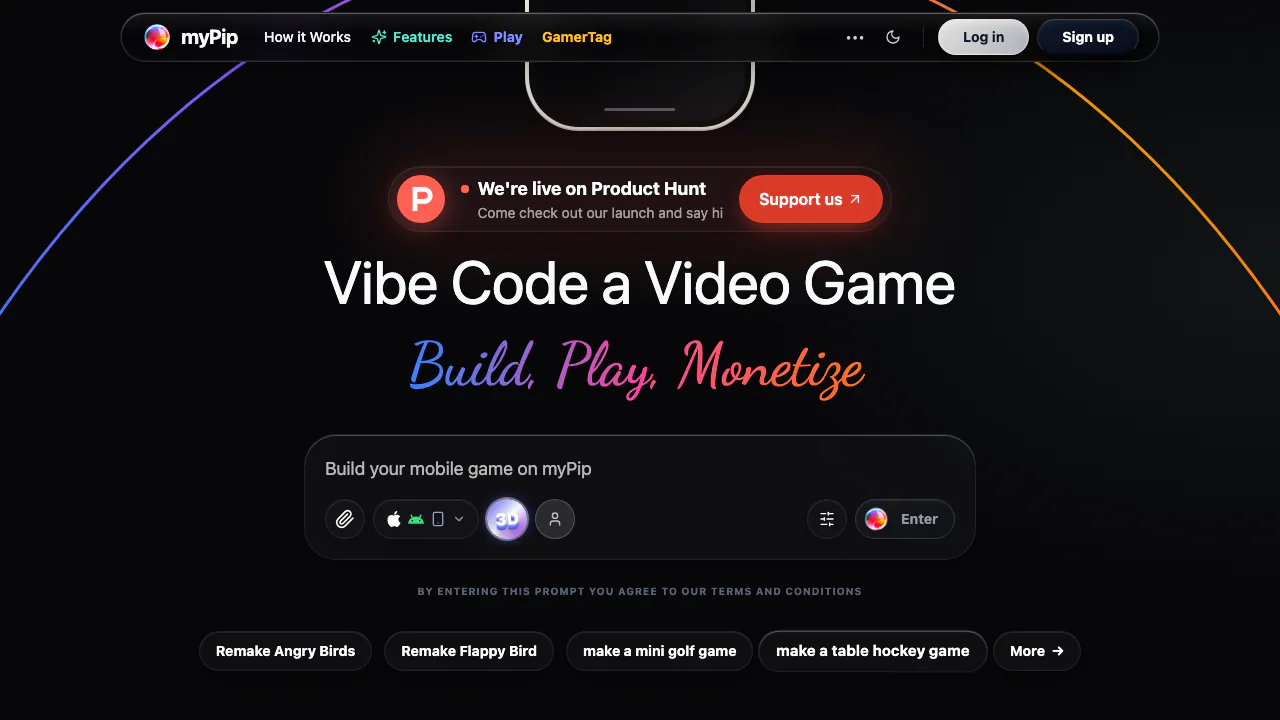
myPip is an AI game maker that turns a written game idea into something you can play. You describe what the player does, how scoring works and what the game should look like; the platform generates game code and a preview. It suits first-time creators, game-jam experiments and developers checking whether a small mechanic is fun.
Official examples include arcade challenges, puzzles, text adventures, RPG-style systems and 3D games. Start with a modest playable loop. These examples describe scope, rather than guaranteeing a finished commercial game from any prompt.
Make a first game and test the rules
- Sign in or create a myPip account, then describe one clear game idea in the prompt box.
- Specify controls, points, failure and restart behavior. For example: “Make a portrait game where a robot dodges falling rocks. Drag left or right, earn one point per second, and show a restart button after a collision.”
- Generate the first version and play its browser preview. Check movement, scoring, collisions and restarting.
- Request one change at a time, such as slower obstacles or larger touch controls, then play again.
The official building guide recommends establishing the core loop before adding many levels or shops.
Start from a community game
The community exposes Play Game and Remix actions. Play an example to understand its rules, then remix it to explore another theme or mechanic. Remixes have a separate allowance from builds: copying a starting point does not make subsequent AI changes unlimited.
Test on a phone or build through a chatbot
Official guidance describes QR-code testing on iPhone and Android and names Expo Go for the mobile preview workflow. Check real touch controls and screen layout before sharing.
The myPip connector guide explains authorized ChatGPT and Claude access through MCP. The connector can create, edit and list games, check a build and publish to the community after your confirmation. It spends your myPip account's credits. Disconnect it in Settings when access is no longer needed.
Publish a web game and check the roadmap
The publishing guide describes a mypipplay.com subdomain or a domain you own. For a custom domain, copy the exact DNS records supplied in publishing settings and verify the address after propagation.
That guide still marks mobile app-store and console-store publishing as upcoming, despite broader pricing-card wording. Ads and in-app purchases also have inconsistent rollout descriptions. Confirm availability before buying a publishing license or planning revenue.
Free builds and paid plans
Checked on October 25, 2026, the public pricing page shows Free with 20 builds and 5 remixes per month. Pro is $20/month for 200 builds and 20 remixes; Pro+ is $33/month for 500 builds and 100 remixes. Premium is $199/month and lists unlimited remixes.
Publishing licenses are another unit: the cards list 1 for Pro, 3 for Pro+ and 5 for Premium. These are page-displayed dollar prices, without local-currency conversion or a tax-inclusive quote. Check checkout terms. Build allowances are not guaranteed numbers of polished games.
Source-code restrictions and data handling
The current Terms, opened from the pricing-page footer, restrict generated code to myPip and prohibit extracting it for external hosting. Some introductory documentation mentions export; seek support clarification before relying on that wording.
The standalone privacy policy describes cloud processing of prompts, code and technical metadata, and names analytics and advertising services. Do not assume local-only or tracking-free processing. It states that account-deletion requests remove associated content from active databases within 30 days. Review asset rights and generated behavior before publishing.
Frequently asked questions
Is myPip free?
There is a free plan with monthly build and remix limits. Paid plans raise those limits; free does not mean unlimited generation.
Do I need coding experience?
You can start with natural-language instructions. You still need to test the game and explain corrections clearly.
What types of games can I make?
Official examples include arcade, puzzle, strategy, text-adventure and RPG-style games, plus 3D experiences. Start small and assess the result.
Official resources
- myPip documentation: building guidance and product explanations.
- Support ticket form: account, publishing and documentation questions.
Related tools
AI Coding & Developer Tools →
Base44Freemium
Turn a plain-language idea into a working app with data, login and hosting.
HeyPiFreemium
An AI meeting workspace for turning live discussion into work.
FlootFreemium
Build and publish full-stack apps from your AI assistant
PaddockFree
Linux computers and controlled sandboxes for coding agents on your own VPS.
Revix AIFreemium
Repository-aware AI code review for your team’s standards