

Revix AIFreemium
Repository-aware AI code review for your team’s standards
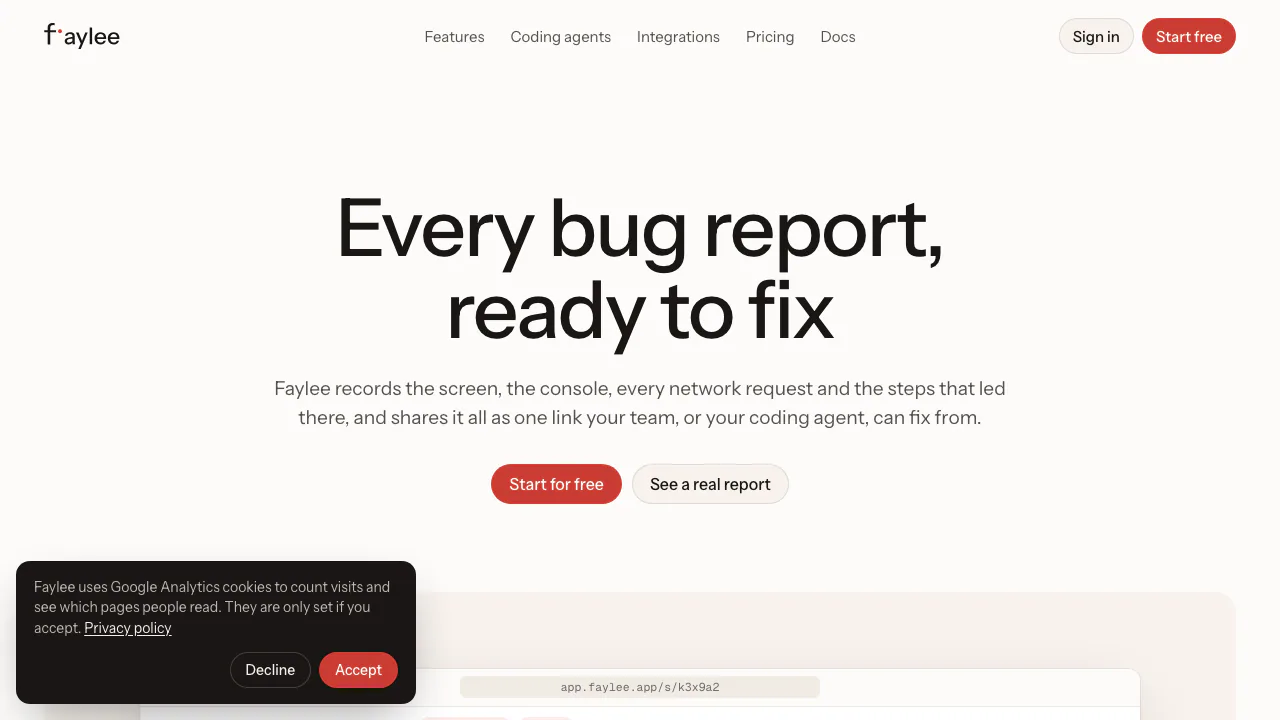
Faylee bug reporting tool for developers and AI agents
Record a web bug once and share its screen, console, requests and steps with your team or coding agent.
What does Faylee do, in plain English?
Faylee is a bug reporting tool for web applications. Instead of sending a developer “the button does not work,” you record the problem and share a link that brings together what you saw, what you clicked, browser errors and network activity. QA testers, product colleagues and developers can investigate the same evidence. Firefight Labs, a brand of UpTech, makes the service.
It also supplies that evidence to a coding agent through MCP. Faylee provides context; changes to your repository remain a task for you and your agent. A useful report can narrow an investigation, but it does not guarantee a correct fix.
Turn a broken interaction into a reproducible report
The extension captures a tab or screen recording alongside console output, requests, interaction steps, device details and a replay of the page. Screenshots with arrows, boxes and notes suit a wrong label or layout. A recording is more useful when the failure depends on several actions.
- Create a workspace, install the extension in Chrome, Edge, Brave or Arc, and connect that browser to the workspace.
- Open the affected website, choose Record tab or Screen or window, and reproduce the problem. Enable the microphone if narration helps explain the expected result.
- Finish the capture, review it, trim unnecessary material and mask private information before sharing.
- Open the resulting report. Match the failed action to the console error or request on the timeline, then give the developer the relevant moment.
The viewer can expose request headers and text bodies, copy a request as cURL and export network data as HAR. These are useful for checking an API failure rather than guessing from a frozen button. Browser-internal pages, the new-tab page and Chrome Web Store cannot be recorded.
Save a bug after it already happened
Instant replay keeps a rolling reconstruction of the page locally, with console, network and steps. The default window is two minutes; the available choices range from 30 seconds to five minutes. Save, review and share it when an intermittent problem appears.
This replay is not a screen video: the viewer rebuilds the page from recorded changes. Incognito windows and blocked sites are excluded, and replay must have been enabled to keep the preceding context.
Give a coding agent the evidence through MCP
Connect a supported client to Faylee’s hosted MCP server at https://app.faylee.app/mcp and authorize it. Claude Code, Codex, Cursor, OpenCode, VS Code and Claude.ai are documented clients. Normal connections use OAuth; a headless client can use a personal token, which carries the user’s access.
Paste the recording link into the agent’s conversation with the repository and requested outcome. The documented workflow starts with open_recording, examines an important timestamp with get_moment, and retrieves a failing request with get_request. The agent can comment back on the recording. Review its explanation, code changes and tests before relying on the result. Follow the official MCP setup guide for your client.
Collect reports from colleagues and customers
Team includes recording links that customers can open in a modern desktop browser without an account or extension. The site widget offers another route: record the screen or submit what just happened on the page. Its technical capture covers console output, fetch/XHR requests and steps; it sees less traffic than the extension, and its screen video has no audio. Page replay depends on the site settings.
Issue trackers, Slack and Sentry connect reporting with existing work. Free includes Slack and one issue tracker; broader integrations and customer-reporting features belong to Team. A REST API, signed webhooks and a CLI support custom workflows.
Free limits and when Team makes sense
Checked on 1 November 2026, the public pricing page lists Free for up to three members, 30 recordings per month and five-minute videos, with MCP included. Recordings become hidden after 14 days and are permanently deleted seven days later unless an upgrade restores them in that interval.
Team is US$15 per billable member monthly, or US$12 per month billed annually at US$144 per member, before tax. Viewers are free. Team adds unlimited recordings, 15-minute videos and 100 AI uses per member per month; an analysis, assistant question or drafted title each counts as a use. New workspaces can try Team for 14 days without a card. Enterprise uses custom annual contracts.
Check captured data before sharing
Faylee redacts recognized secrets in the browser and supports additional masking, but automatic redaction cannot detect every personal detail. The privacy policy clarifies that video may begin uploading privately during review; discarding removes that upload. Console, network and steps upload when shared.
Servers are in the United States. Recordings are workspace-private by default, and public-link access is an explicit sharing choice. Faylee says recording data is not used to train its or its contracted providers’ AI models. Team supports an own S3-compatible storage bucket; this does not mean the whole service is self-hosted.
Your content remains yours; only record material you have permission to capture.
Frequently asked questions
What happens when Free reaches 30 recordings?
Existing reports remain available to view, share and comment on within their retention period. New recording resumes next month or after upgrading. MCP access is included in Free; the built-in AI assistant is a Team feature.
Does instant replay save a video of the previous minutes?
No. It saves page changes and technical context, then reconstructs the page in the viewer. Use a screen recording when you need an actual video.
Must a customer install the extension?
Not when using a Team recording link or site widget. These are different capture routes, so do not assume an extension-free video contains all the extension’s diagnostics.
Official resources
- Installation instructions: connect the extension and workspace.
- REST API documentation: build recording integrations.
- Official support: product, account and billing help.
Related tools
AI Coding & Developer Tools →
PulseDevFreemium
Point at a website element, describe the fix and review the source diff.
AI BridgeFreemium
Organize real coding CLIs, approvals and resumable workspaces in one Mac app.
PaddockFree
Linux computers and controlled sandboxes for coding agents on your own VPS.
tabshFree
Keep local shells, coding agents and project status together in your browser
VibeiDEPaid
Queue Claude Code, Codex and OpenCode tasks, then review every result.