
AI Productivity & Document Tools
Discover and compare AI productivity and document tools for OCR extraction, PDF analysis, document conversion, automated note-taking, and smart workflows.
22 tools, updated November 2026
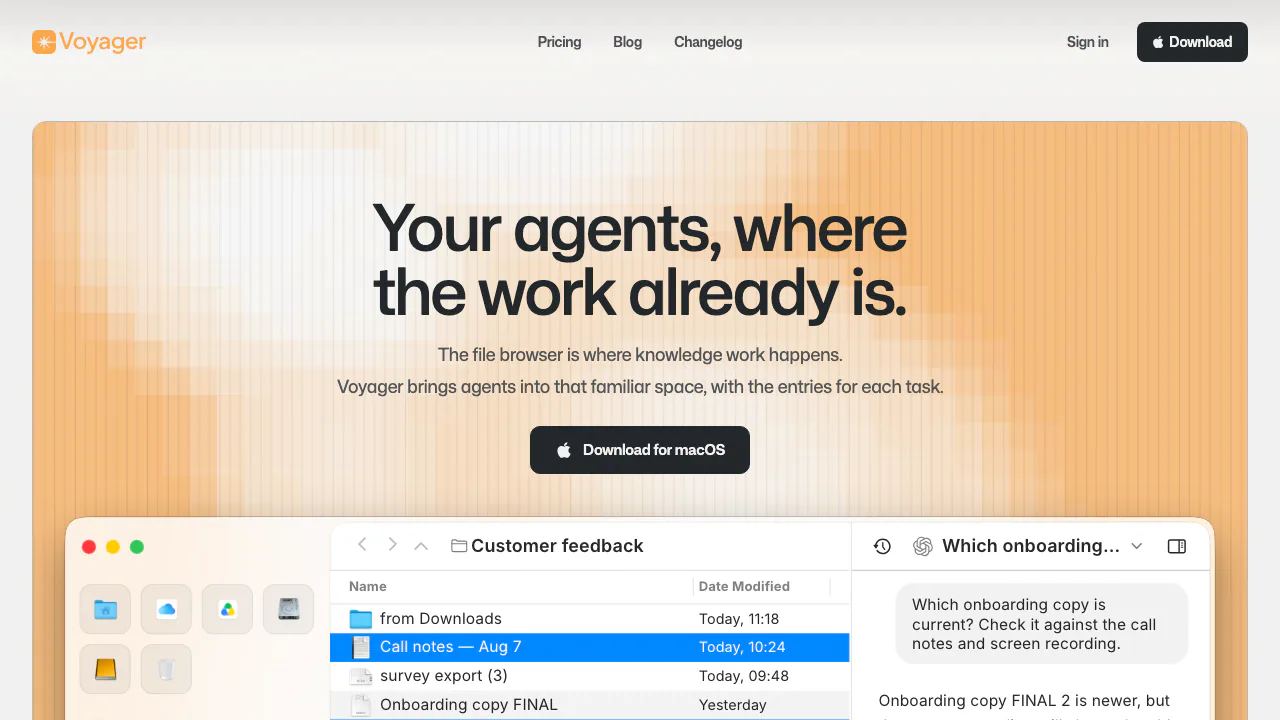

Voyager
Browse local folders, save searches and give selected files to your own AI agents.
Free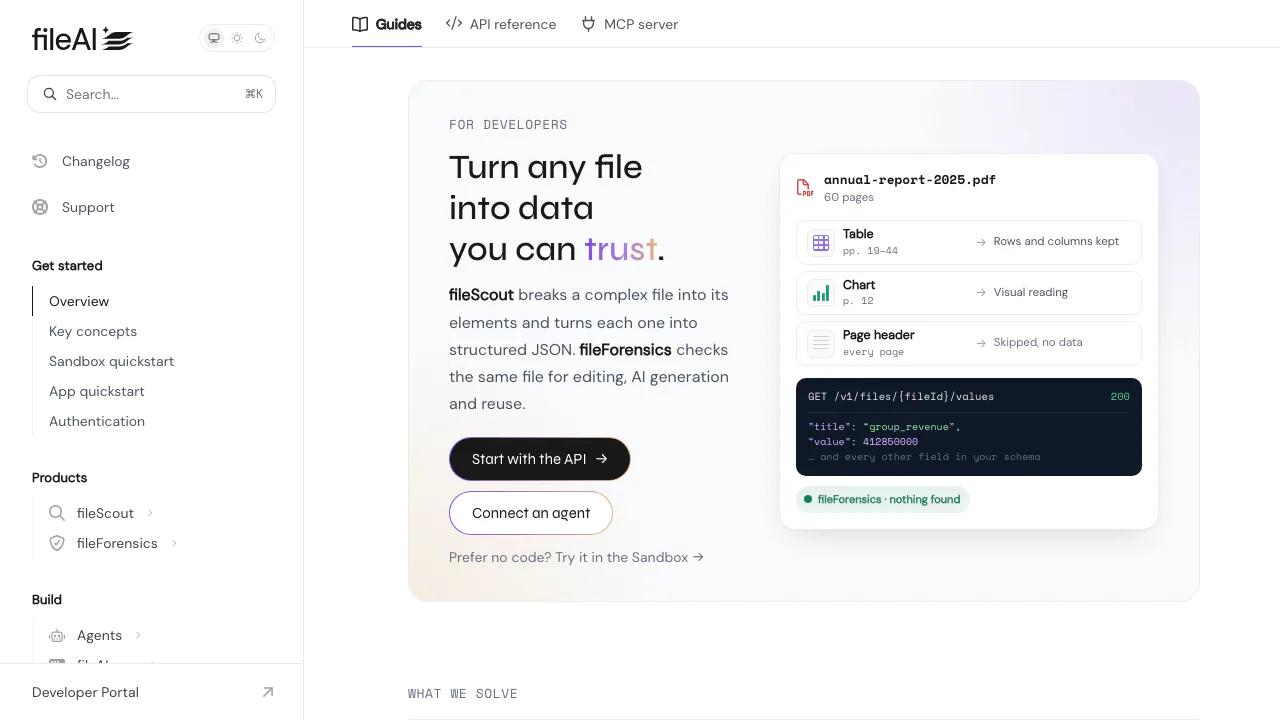
fileAI
Extract document fields to JSON and route suspicious files for review.
Paid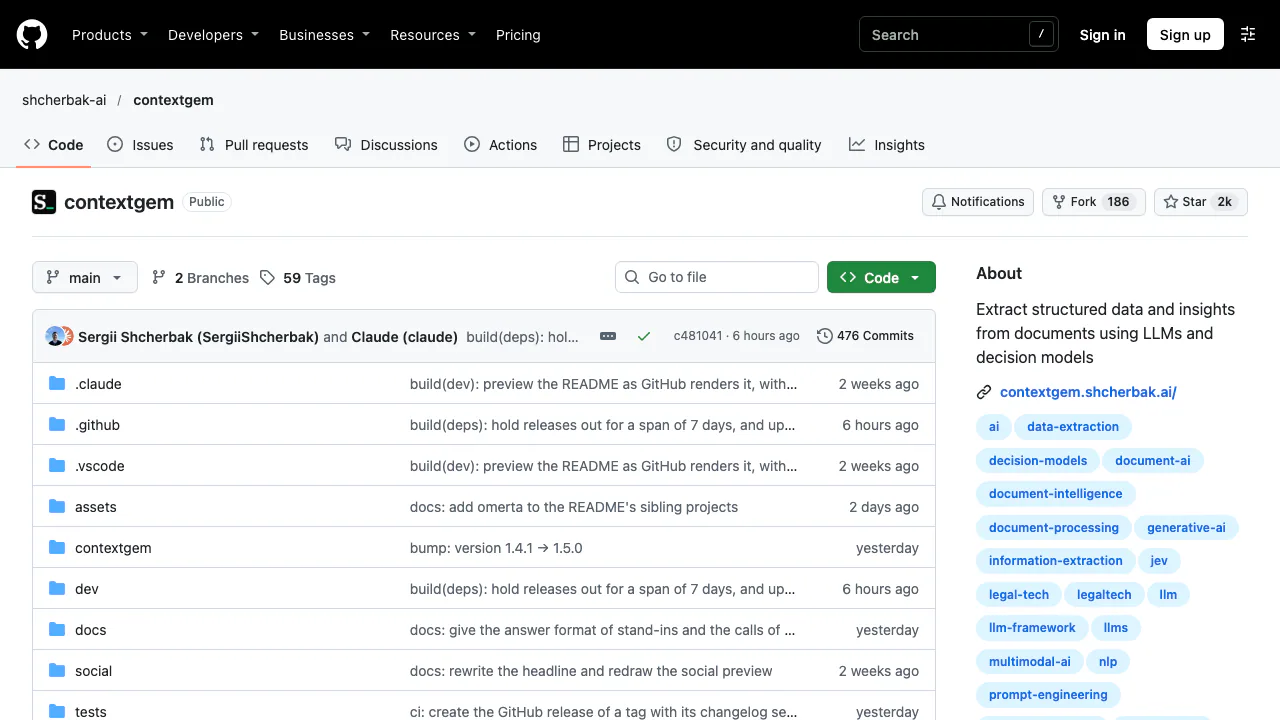

ContextGem
Extract typed document data with source references using Python, LLMs and decision models.
Free

Papermark
Share confidential files, track readership and review documents with AI.
Freemium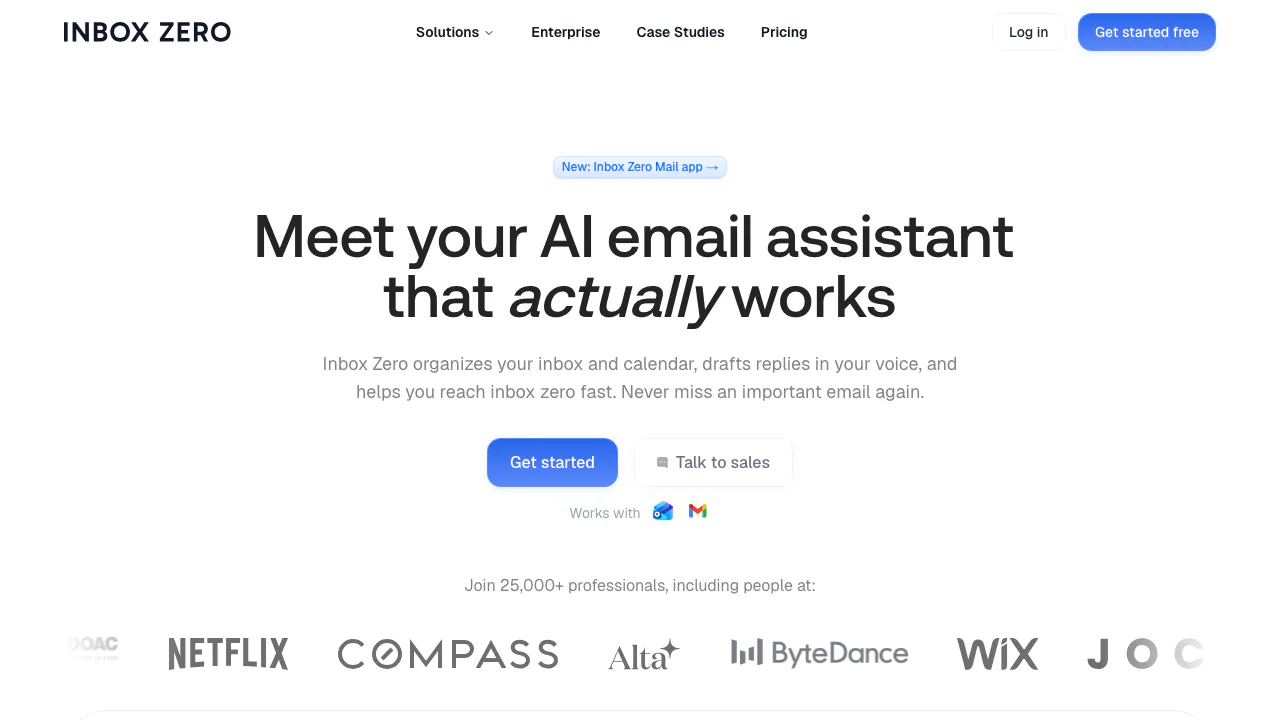

Inbox Zero
Sort incoming mail, prepare replies and clear subscriptions with an AI assistant.
Freemium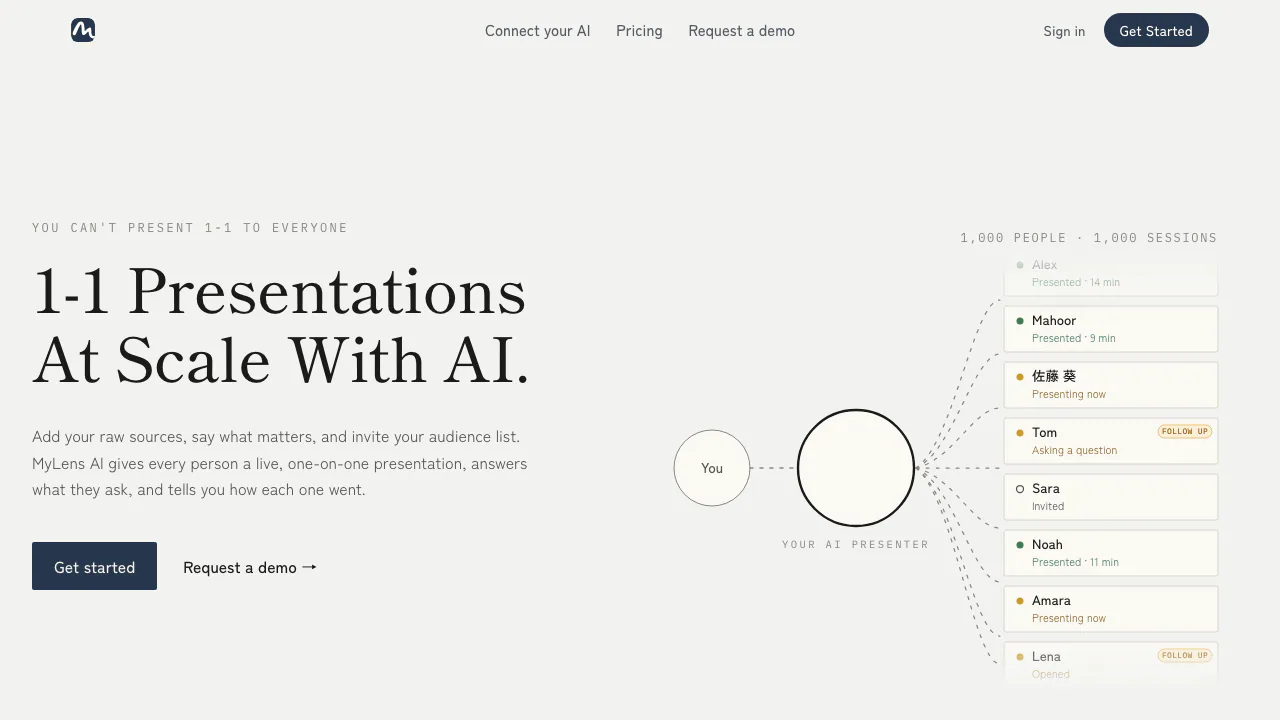

MyLens AI
Turn documents, links and ideas into narrated visuals and individual presentations that viewers can question.
Freemium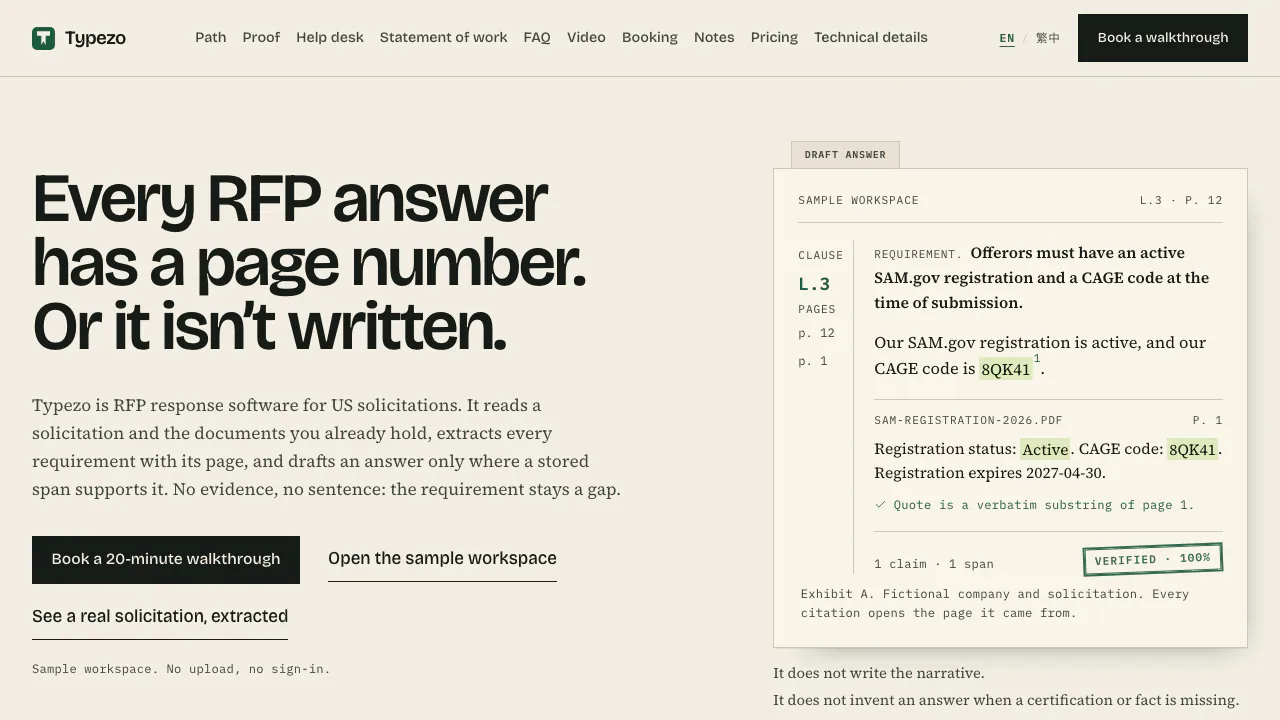

Typezo
Turn US solicitation requirements into sourced answers and an editable compliance matrix.
Paid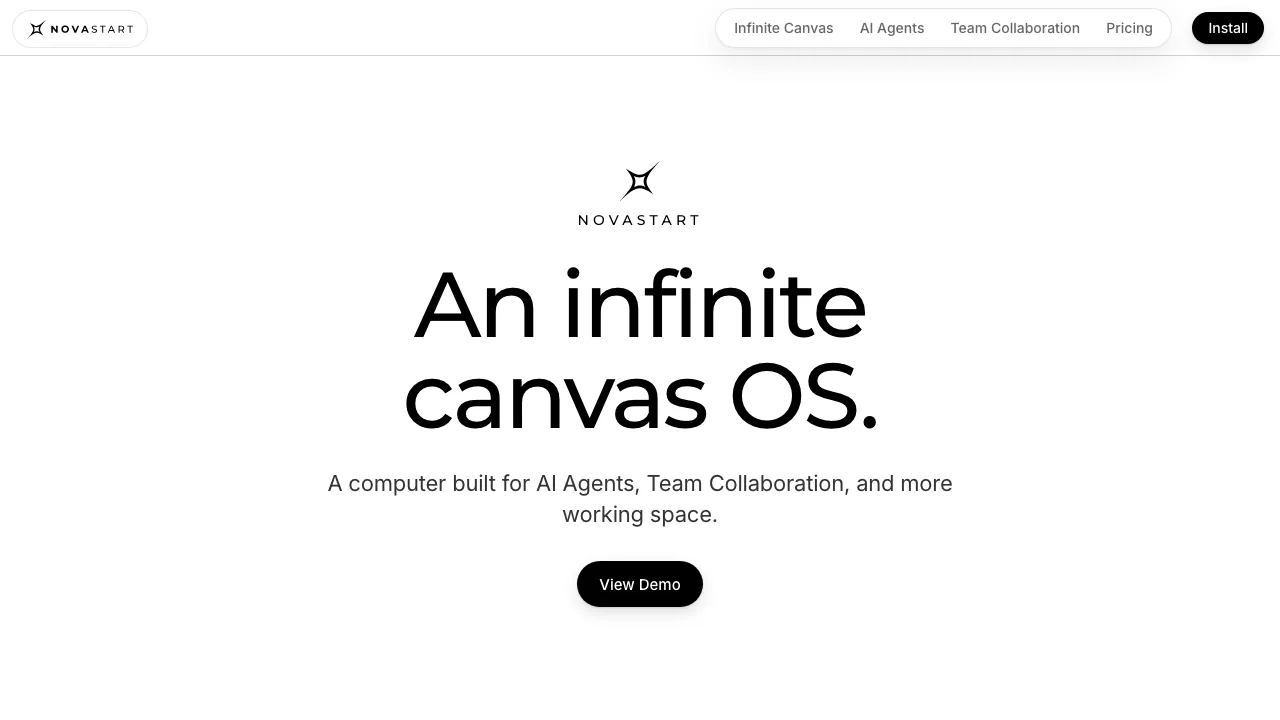

Novastart
Arrange real app windows, follow AI agents and share a working canvas.
Freemium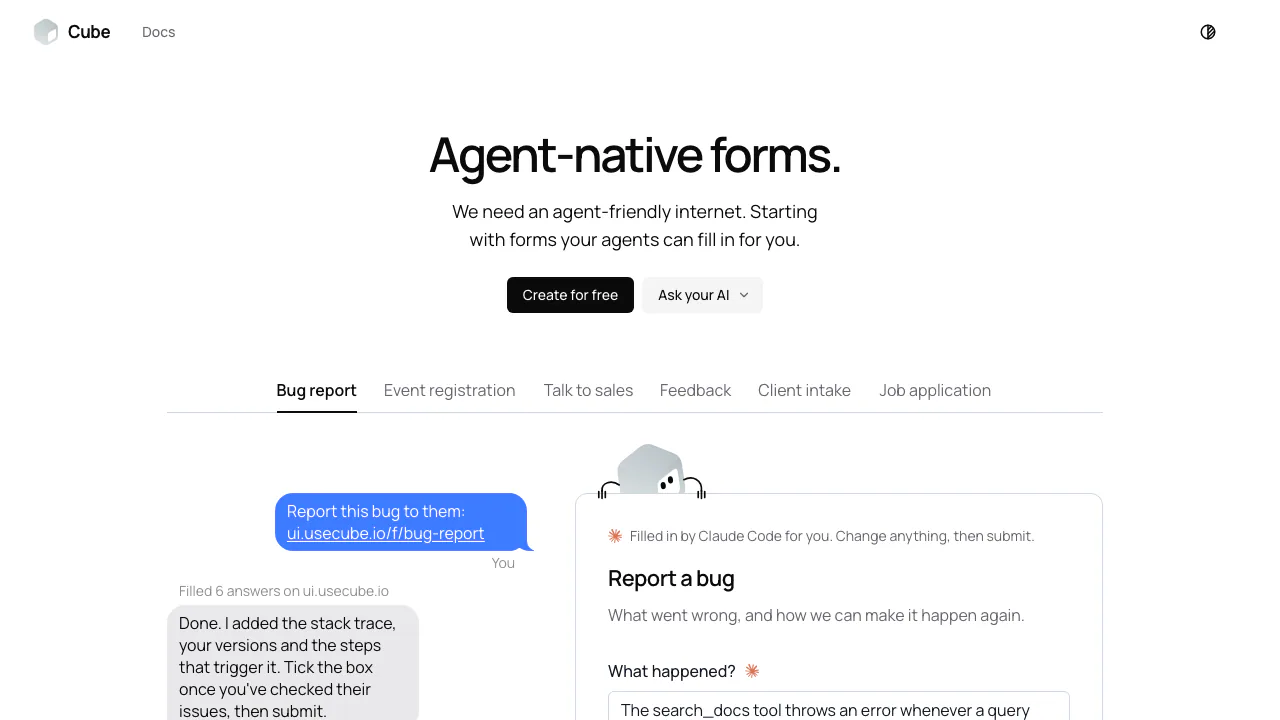

Cube Forms
Cube Forms is an AI form builder designed for people and their agents to use the same form
Free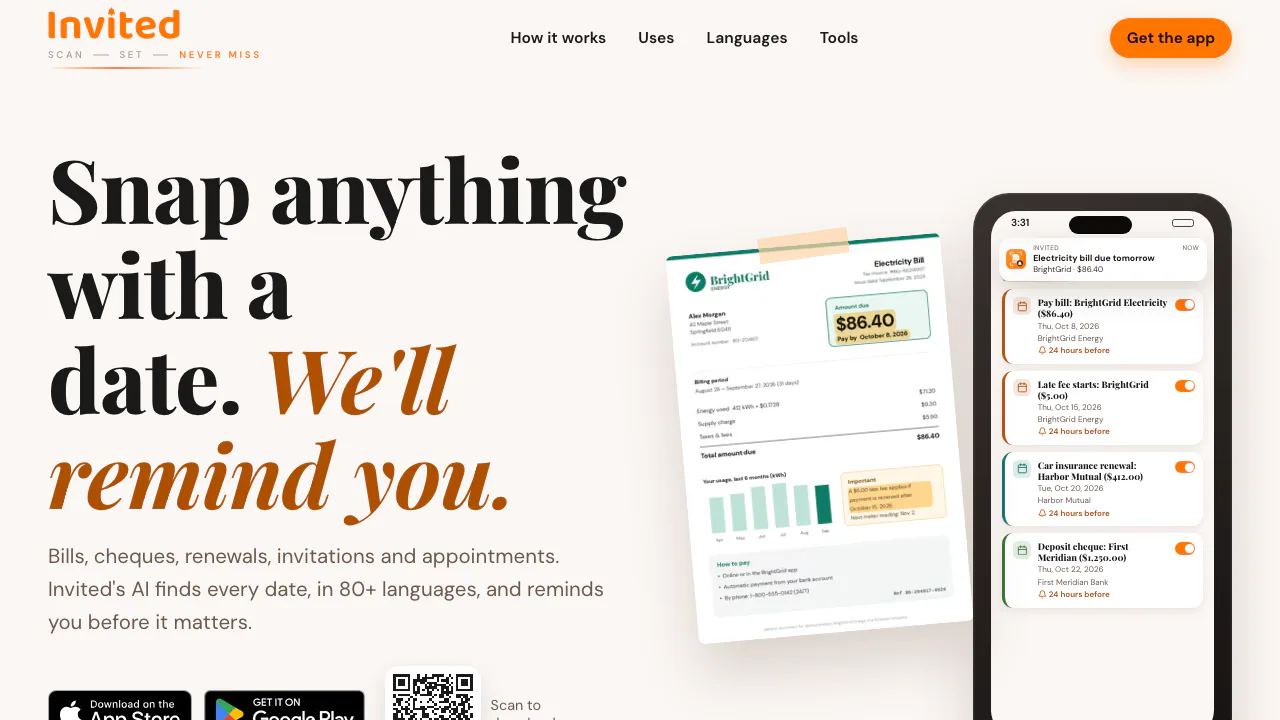

Invited
Turn bills, invitations and tickets into reminders you can review.
Freemium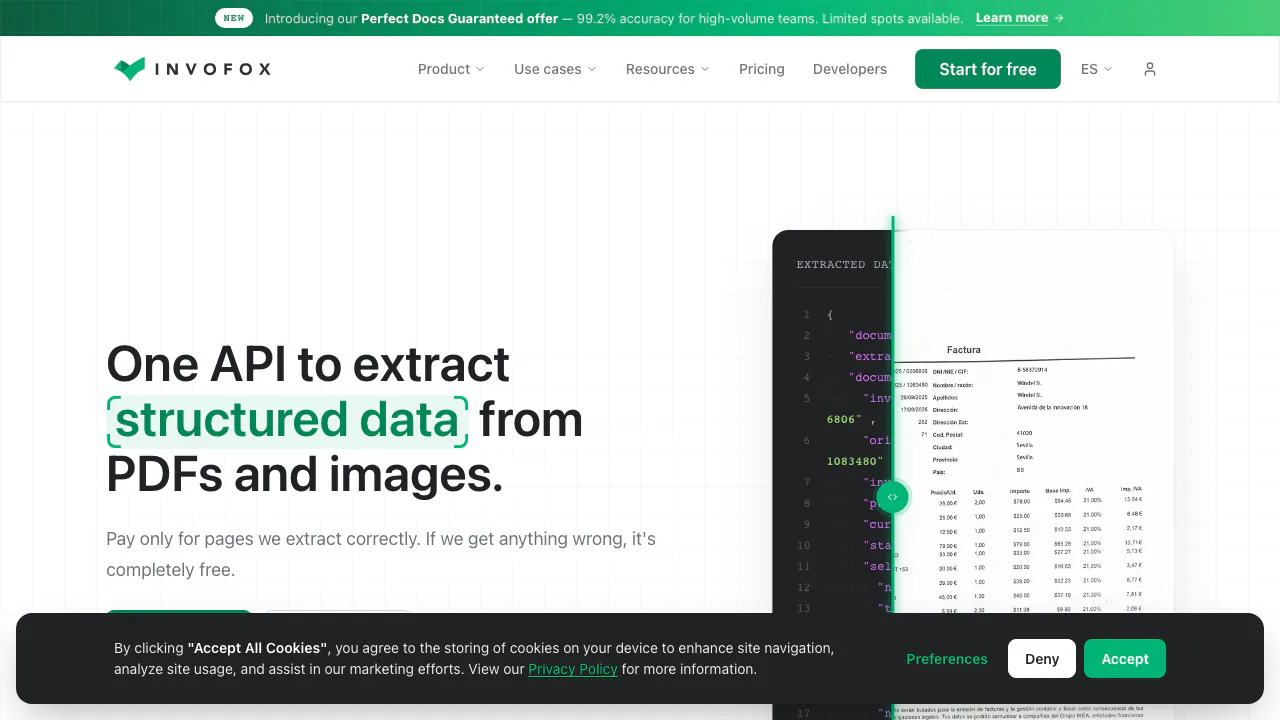

Invofox
Turn invoices, PDFs and scans into structured JSON for your software.
Paid

Hemory
Turn conversations into searchable memory for your AI agents.
Freemium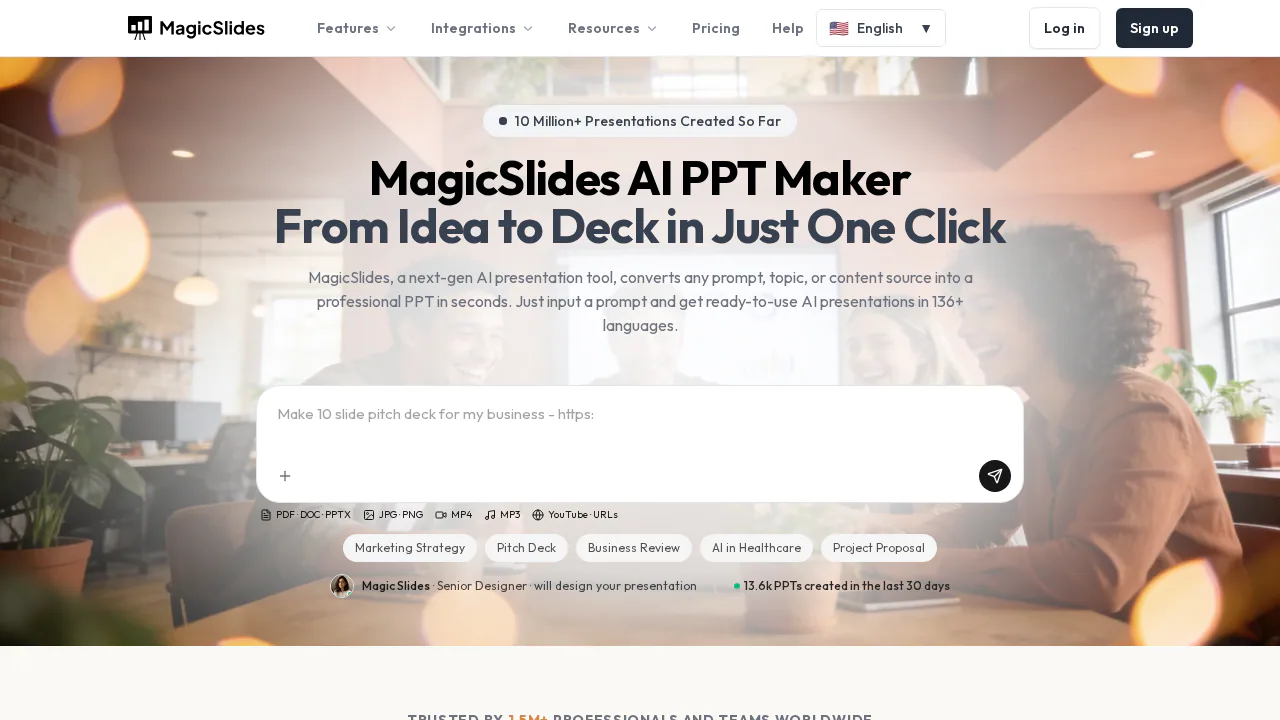

MagicSlides
MagicSlides is an AI presentation maker that turns a topic, written content or source material into a slide deck you can refine
Freemium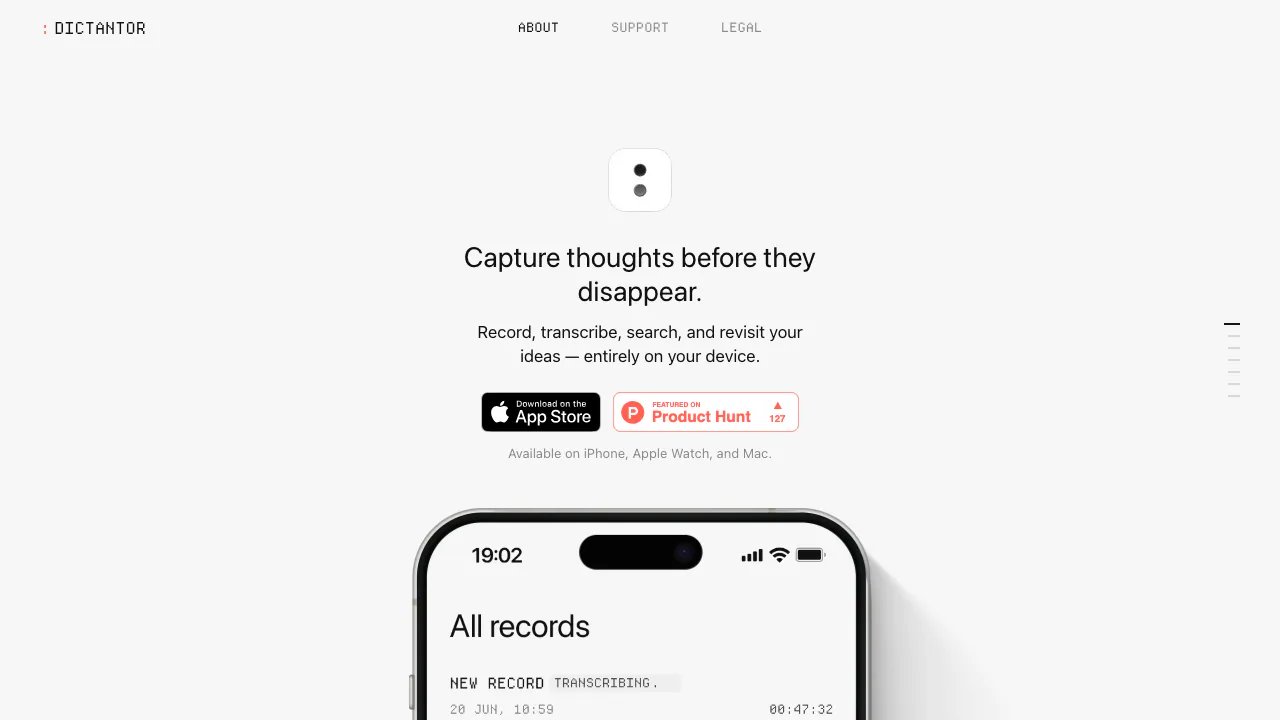

Dictantor
Record speech, find the exact passage and keep transcription on your Apple devices.
Free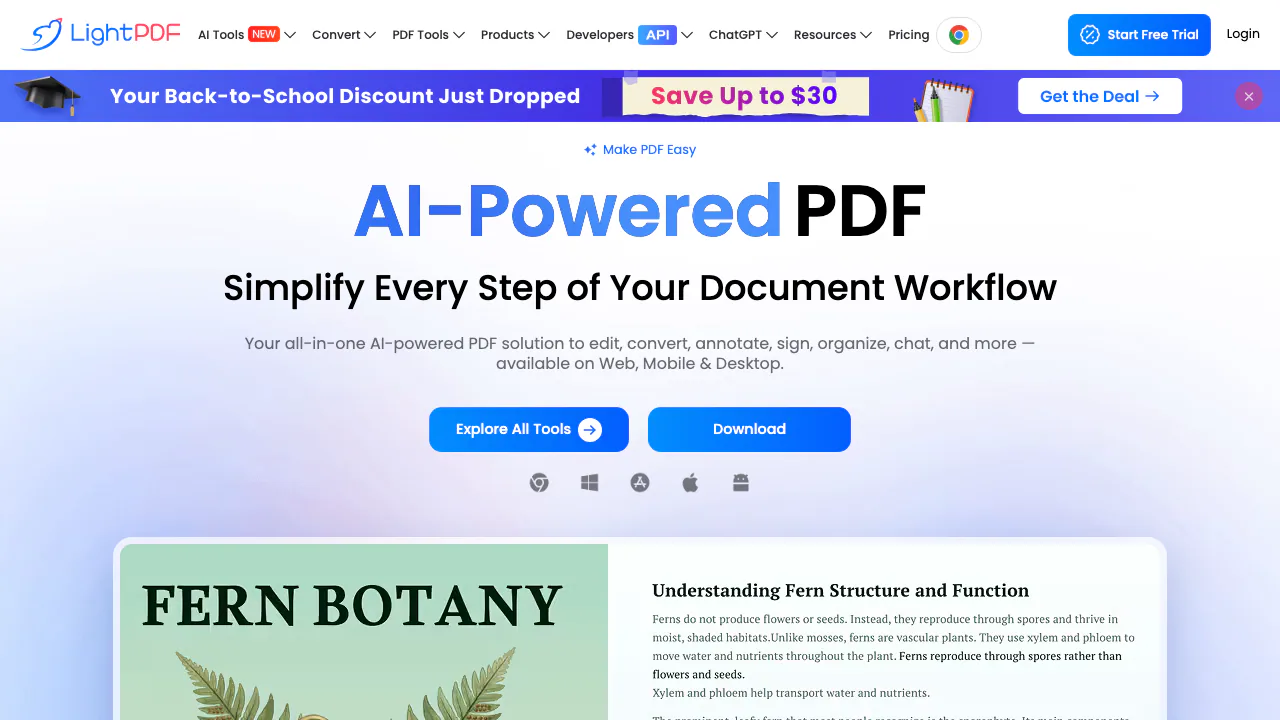

LightPDF
AI PDF editor, converter, and document chat on web, desktop, and mobile
Freemium

Napkin AI
Turn text into editable diagrams, infographics and presentation decks
Freemium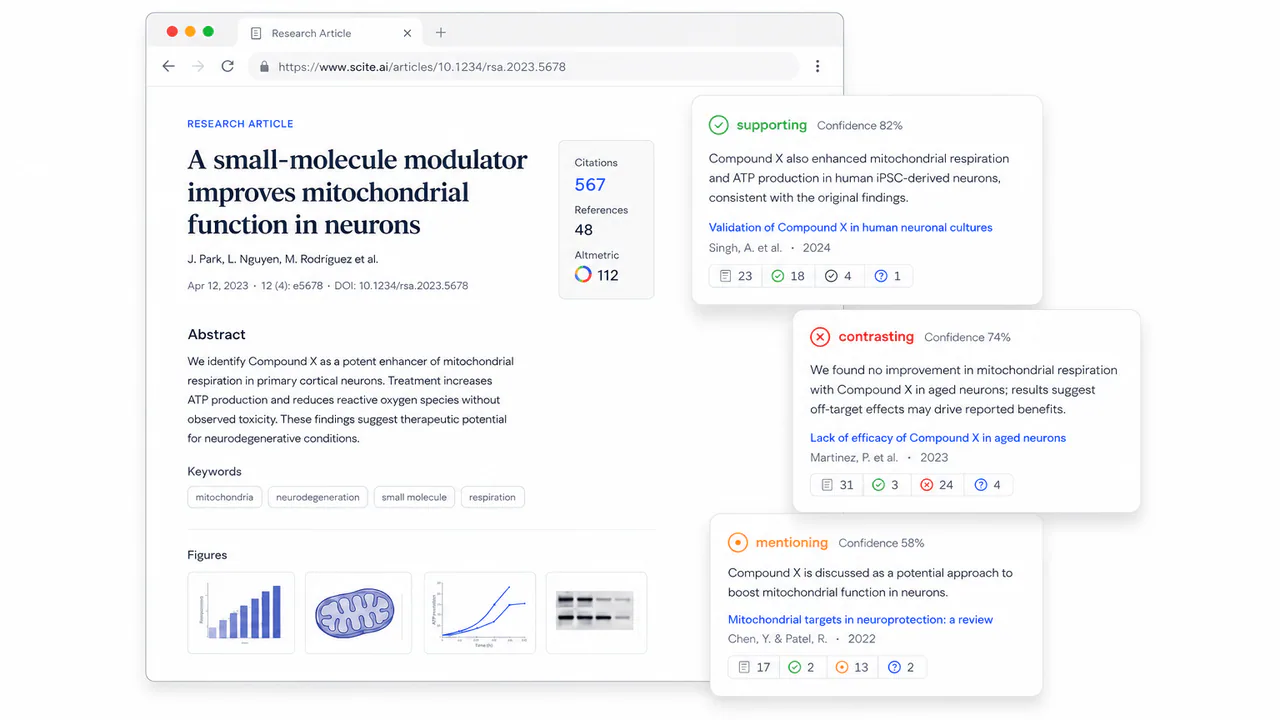

scite
See how scientific papers are supported, contrasted or mentioned
Paid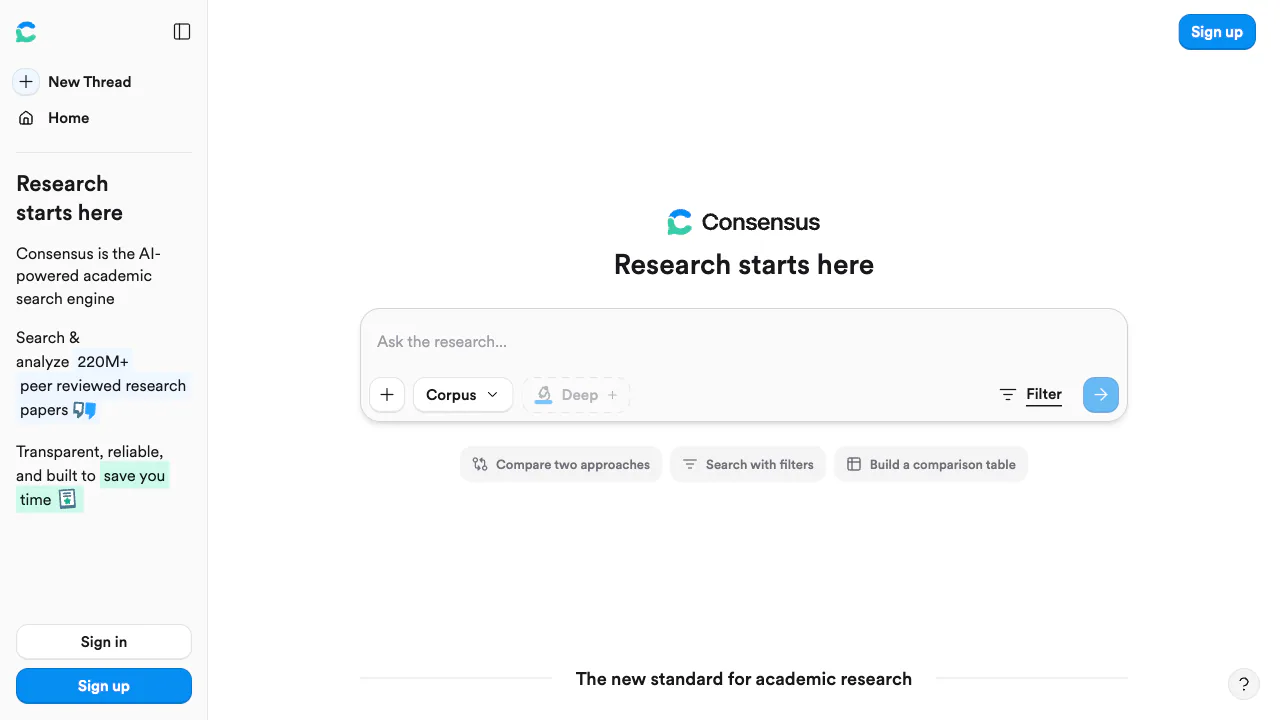

Consensus
Search peer-reviewed research in natural language and inspect cited evidence before using a conclusion.
Freemium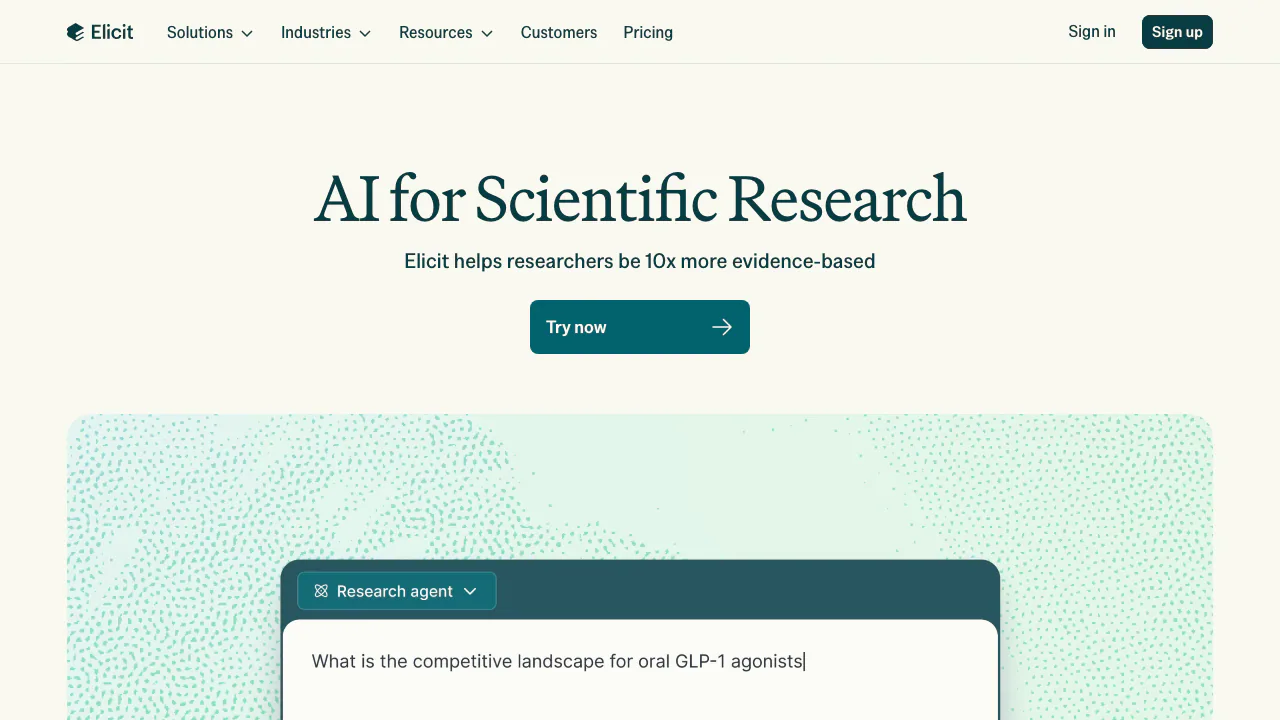

Elicit
Search academic literature, screen papers, extract study details and build evidence-backed research reports.
Freemium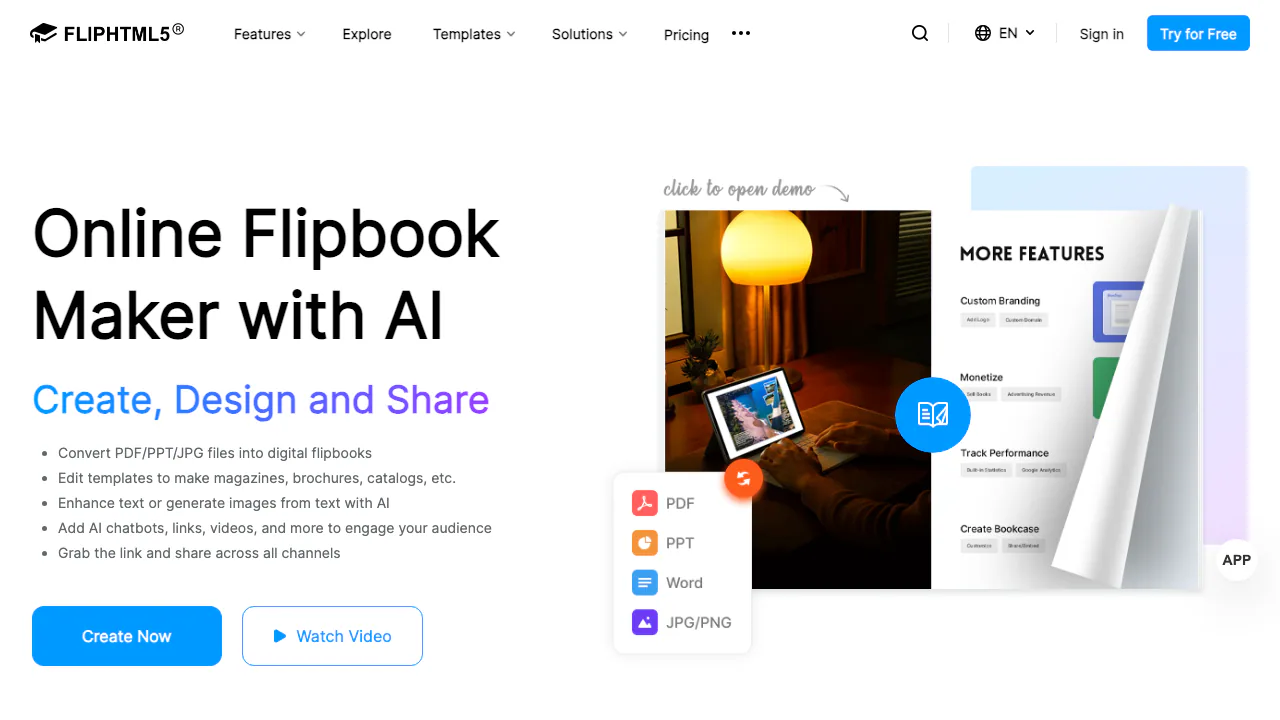

FlipHTML5
Interactive Flipbook Maker and AI Digital Publishing Platform
Freemium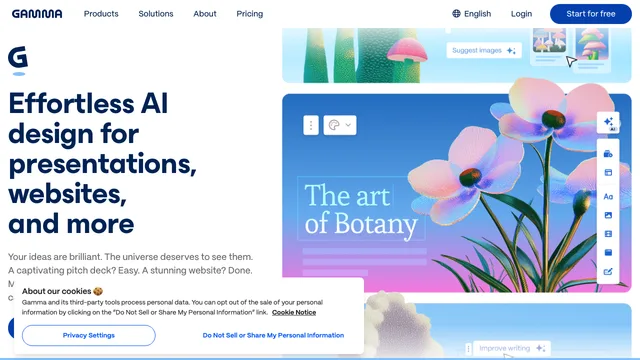

Gamma
AI presentation maker for turning prompts, outlines and files into editable decks, documents and webpages.
Freemium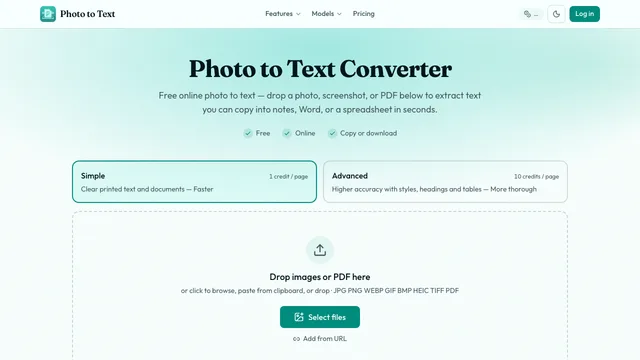
Photo to Text
Free online photo to text OCR converter
Freemium
Find the right AI productivity and document tools for your workflow
AI productivity and document tools transform unstructured information—such as images, scanned PDFs, handwritten notes, tables, and business documents—into searchable, editable, and actionable digital assets. Modern platforms combine computer vision, optical character recognition (OCR), and large language models (LLMs) to automate time-consuming administrative tasks, extract structured tables into spreadsheets, and generate ready-to-share summaries.
Whether you are a student digitizing lecture handouts, an office worker converting locked invoices into Excel, or a developer building document workflows, this category helps you compare capabilities, accuracy, privacy safeguards, and pricing models.
Key capabilities of AI productivity and document tools
High-accuracy OCR & photo-to-text extraction
Convert camera photos, screenshots, and scanned receipts into editable Word documents, plain text, or Markdown without manual retyping. Advanced vision models preserve formatting, headers, lists, and multi-column layouts.
Table & spreadsheet parsing
Extract tabular data from receipts, financial statements, and screenshot grids directly into clean Excel (.xlsx), CSV, or TSV files with accurate cell boundaries.
PDF conversion & document transformation
Transform locked PDF scans into editable DOCX files, extract text by section, or convert multi-format document batches with high fidelity.
Workflow automation & smart note integration
Integrate document ingestion directly into note-taking tools, cloud drives, and automated pipelines to reduce manual administrative overhead.
How to compare AI productivity and document tools
- Recognition accuracy: Test with difficult real-world samples—including low-light phone photos, tilted documents, blurry screenshots, and handwriting—not just clean digital samples.
- Layout and table fidelity: Verify how well the tool maintains tables, headers, columns, footnotes, and embedded graphics.
- Export format support: Ensure the platform exports directly to the file types you need (DOCX, XLSX, CSV, Markdown, TXT, JSON).
- Batch processing & file size limits: Review page limits per run, maximum file size, and batch upload capabilities.
- Privacy and data security: Check data retention policies, whether uploaded files are stored or used for model training, and whether guest sessions automatically purge records.
- Cost predictability: Compare free allowances, pay-as-you-go credit packages, and subscription tiers to find the most cost-effective solution for your volume.
Frequently asked questions
What is the difference between traditional OCR and AI-powered OCR?
Traditional OCR relies on pattern matching and often fails on blurry photos, irregular fonts, or complex layouts. AI OCR leverages deep learning and vision-language models to understand context, correct common optical distortions, and accurately reconstruct nested tables.
Can I extract tables from images directly into Excel?
Yes. Many modern document AI tools identify table grid structures, merge cells accurately, and export directly to native XLSX or CSV formats.
Are my uploaded documents stored on external servers?
Privacy policies vary by tool. Leading privacy-focused tools process guest uploads ephemerally without permanent storage or model training, while offering manual deletion and automatic expiration for registered accounts. Always inspect the vendor's data retention policy before uploading sensitive files.
Are there free AI document tools available?
Most tools provide a free tier or trial credits allowing you to process a limited number of pages per run. For high-volume batch processing or advanced multi-column layout parsing, paid credit packs or subscriptions are typically required.