
AI Avatar Generators
Find AI tools for creating profile avatars, talking digital humans, and presenter videos from photos, scripts, or audio.
27 tools, updated November 2026

Popcraft
Create AI videos, images, audio and product ads in one workspace
AI Image & Video GeneratorsFreemium
ngram
Turn briefs, docs, URLs, and screen recordings into editable business videos.
AI Image & Video GeneratorsFreemium

Spira AI
Create branded content, review social posts, schedule publishing and learn from results.
AI Marketing & Sales ToolsFreemium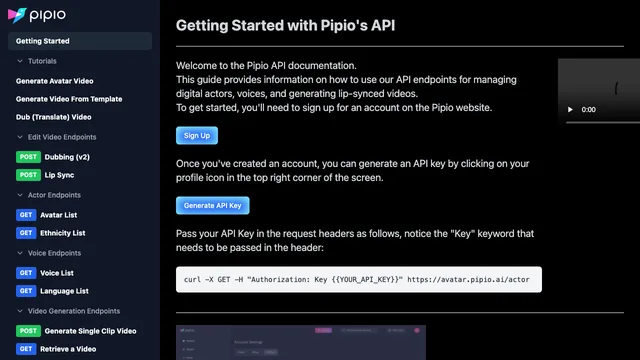
Pipio
Create presenter videos with AI avatars, voices, and dubbing
AI Image & Video GeneratorsFreemium
Tavus
Real-time conversational AI humans, custom replicas and async avatar video through one API
AI Image & Video GeneratorsFreemium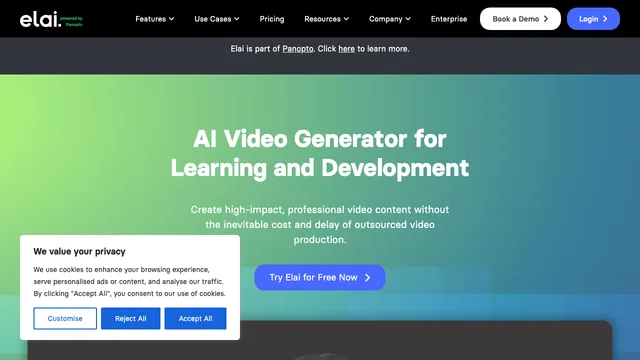

Elai.io
Turn scripts, slides, URLs, and documents into interactive AI avatar videos
AI Image & Video GeneratorsFreemium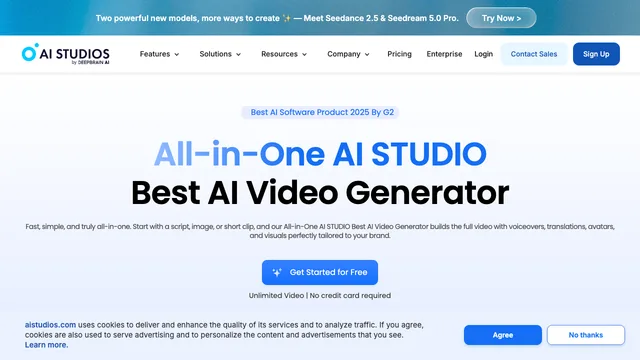

AI Studios
DeepBrain AI's all-in-one platform for avatar video, dubbing and generative media
AI Image & Video GeneratorsFreemium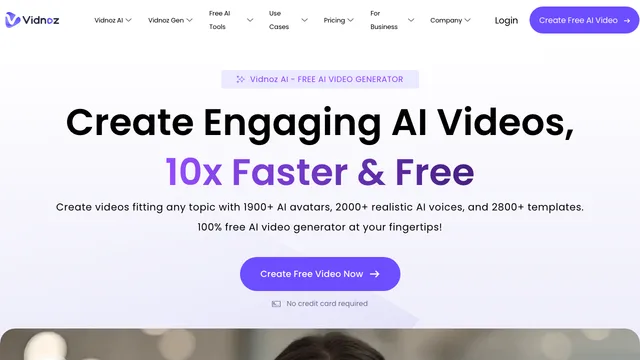

Vidnoz AI
Create AI avatar videos from scripts, photos, and files
AI Image & Video GeneratorsFreemium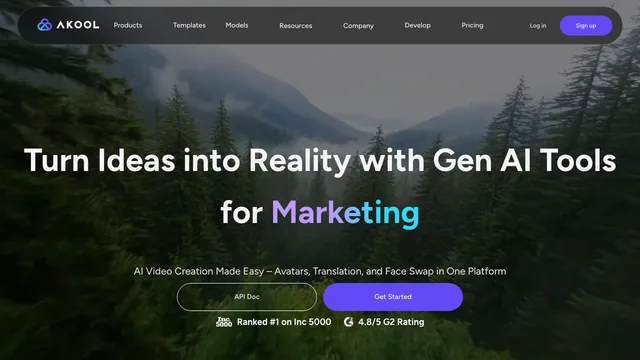

AKOOL
Create AI avatar videos, face swaps, translations, and voices in one suite
AI Image & Video GeneratorsFreemium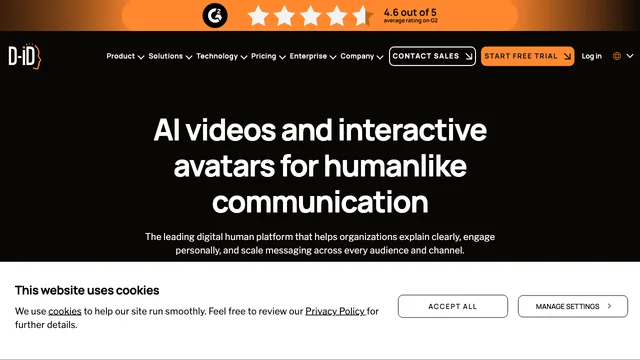
D-ID
Turn photos and scripts into talking AI avatars
AI Image & Video GeneratorsPaid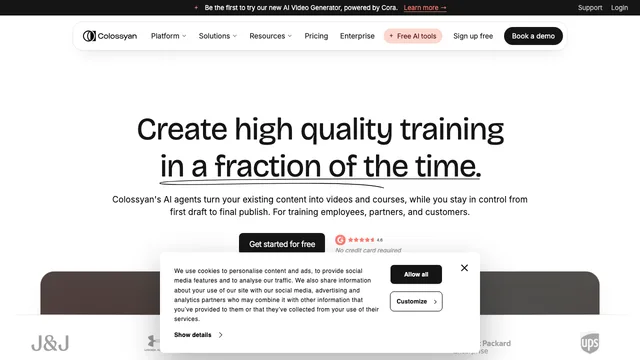
Colossyan
AI avatar videos, interactive courses and multilingual training from existing content
AI Image & Video GeneratorsFreemium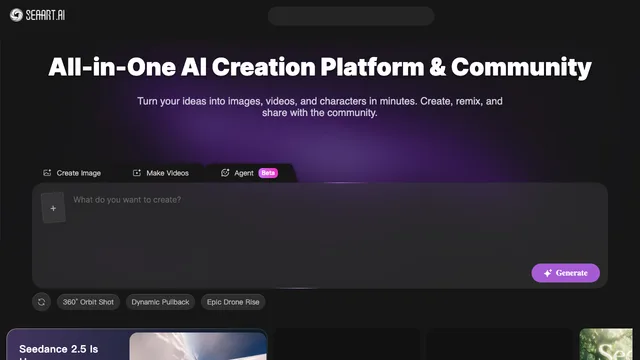

SeaArt AI
Generate images, videos, avatars, and voices with AI
AI Image & Video GeneratorsFreemium

Lumen5
Turn ideas and articles into branded videos with AI
AI Image & Video GeneratorsFreemium

Fliki
Turn ideas, scripts, articles, and slides into narrated videos with AI voices and avatars.
AI Image & Video GeneratorsFreemium

Pictory
Repurpose scripts, articles, slides, and recordings into branded videos with AI visuals, voices, and avatars.
AI Image & Video GeneratorsPaid

InVideo AI
Turn prompts into publish-ready videos with AI models, avatars, voices, and stock media.
AI Image & Video GeneratorsFreemium
Leonardo AI
Generate, edit and upscale images, animate videos, and train custom AI models.
AI Image & Video GeneratorsFreemium

Kling AI
Generate cinematic videos, images, voices, and avatars from prompts or references.
AI Image & Video GeneratorsFreemium
Higgsfield
Generate cinematic videos, images, ads, avatars and voiceovers across leading AI models.
AI Image & Video GeneratorsFreemium

Cutout.Pro
Remove backgrounds and build AI visuals in one workspace
AI Image & Video GeneratorsFreemium

Magnific
The all-in-one AI creative suite formerly known as Freepik
AI Image & Video GeneratorsFreemium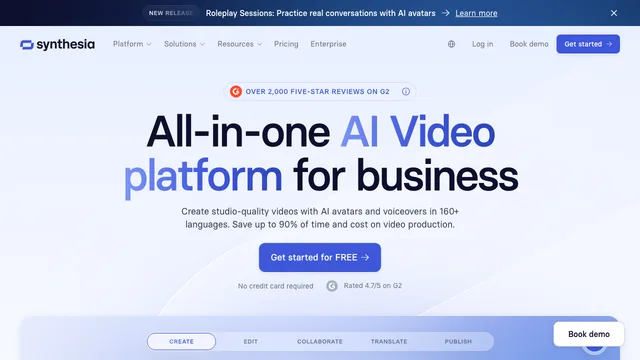

Synthesia
Turn scripts, documents and presentations into multilingual videos with AI presenters and voices.
AI Image & Video GeneratorsFreemium

Descript
Edit video and podcasts as easily as a document
AI Image & Video GeneratorsFreemium

VEED
Generate, edit, subtitle and localize videos with AI in a browser-based workspace.
AI Image & Video GeneratorsFreemium
Choose an AI avatar generator for the output you need
“AI avatar generator” can describe two different workflows. Some tools create a new profile image or stylized character from a photo or text prompt. Others animate a portrait or supplied presenter to produce a talking-avatar video. Before choosing a service, confirm whether it generates a still image, a speaking video, or both.
Talking-avatar tools are useful for product explainers, training modules, social clips, virtual hosts, and localized presenter videos. Static-avatar tools are better suited to profile pictures, character concepts, channel identities, and branded illustrations.
What can AI avatar generators create?
Profile images and character avatars
Image-focused generators transform a photo or prompt into a portrait, headshot, illustrated character, or profile avatar. Compare the available styles, identity consistency, image resolution, background options, and whether the service requires several training photos.
Talking avatars from a portrait and audio
Audio-driven avatar tools animate a face from a portrait and voice track. They may generate lip movement, facial expressions, head motion, and body gestures. Some tools accept a finished audio file, while others convert a typed script into speech before producing the video.
Digital presenters and localized videos
Presenter platforms may offer stock avatars, custom avatars, voice selection, multilingual text-to-speech, subtitles, templates, and brand controls. Reusing the same presenter with translated narration can help teams create language variants without recording every version on camera.
How to compare AI avatar generators
- Output type: Confirm whether the result is a still avatar, talking-head video, full-body presenter, or editable scene.
- Required inputs: Check whether you need one portrait, multiple photos, a script, a clean audio track, or recorded training footage.
- Identity and lip sync: Review face stability, mouth shapes, blinking, expression, head movement, and consistency across longer clips.
- Resolution and duration: Compare supported aspect ratios, output resolution, clip-length limits, frame rate, and download formats.
- Voice and language support: Look for uploaded audio, built-in text-to-speech, voice selection, pronunciation controls, and the languages needed for your audience.
- Motion control: Some generators accept prompts for gesture, framing, camera position, expression, and atmosphere.
- Pricing: Compare free credits, cost per second, resolution surcharges, queue priority, and whether unused subscription credits expire.
- Rights and privacy: Read how uploaded faces and voice recordings are stored, whether consent is required, and which commercial uses are allowed.
A practical testing workflow
Begin with a clear, evenly lit portrait and a short audio clip with one speaker and little background noise. Generate a five- to ten-second sample before spending credits on a longer video. Check identity stability, lip sync, pronunciation, framing, and visible artifacts. Change one input or setting at a time so you can identify what improves the result.
For business use, also test a real brand script, the intended aspect ratio, subtitle workflow, and final export settings. Confirm that the person whose face or voice is used has provided the necessary permission.
Frequently asked questions
What is an AI avatar generator?
It is a tool that uses generative or animation models to create a digital representation of a person or character. The output may be a still profile image, an animated portrait, or a presenter video driven by text or audio.
How do I create a talking AI avatar from a photo?
Upload a suitable portrait, add a script or clean speech recording, choose an avatar model and output settings, then generate a short preview. Review lip sync and identity before creating a longer clip.
Can I use an AI avatar generator for free?
Many services provide free credits, limited previews, or a free plan. Model access, resolution, watermarks, duration, and commercial rights can be restricted, so compare the current plan details.
What makes a good source portrait and audio track?
Use a sharp image with a clearly visible face, even lighting, and simple framing. Audio should contain clean single-speaker speech with correct pronunciation, minimal noise, and unnecessary silence removed.
Can AI avatars be used commercially?
Commercial use depends on the service, plan, model, and source material. Review the current terms and obtain permission to use any person's face, voice, trademarks, and copyrighted inputs.