
AI Voice Generators
Find AI tools for turning text into narration, character voices, multilingual speech, and production-ready voiceovers.
27 tools, updated November 2026

StepFun
Explore StepFun models in AI Studio or integrate coding, multimodal and voice capabilities through an API.
AI Model APIs & InfrastructurePaid

Lisen
Listen to articles in Chrome with your own Cartesia voices.
AI Audio & Voice GeneratorsFreemium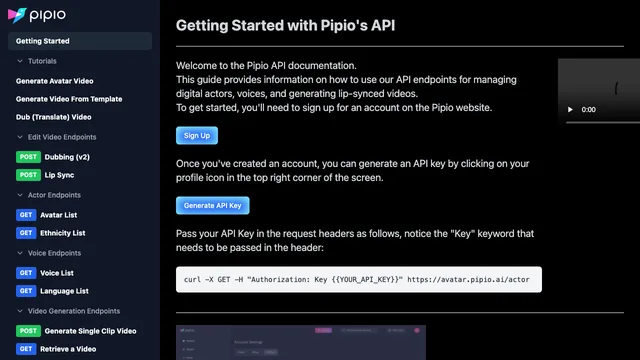
Pipio
Create presenter videos with AI avatars, voices, and dubbing
AI Image & Video GeneratorsFreemium

Tavus
Real-time conversational AI humans, custom replicas and async avatar video through one API
AI Image & Video GeneratorsFreemium

Elai.io
Turn scripts, slides, URLs, and documents into interactive AI avatar videos
AI Image & Video GeneratorsFreemium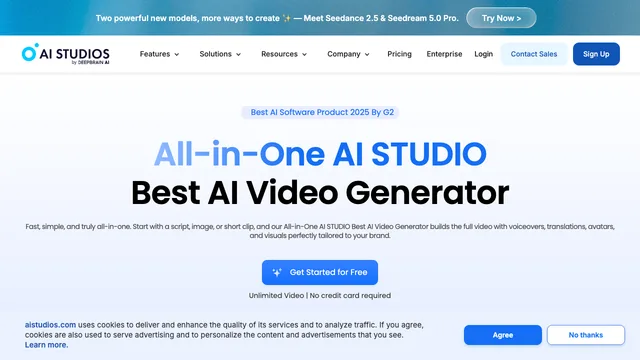

AI Studios
DeepBrain AI's all-in-one platform for avatar video, dubbing and generative media
AI Image & Video GeneratorsFreemium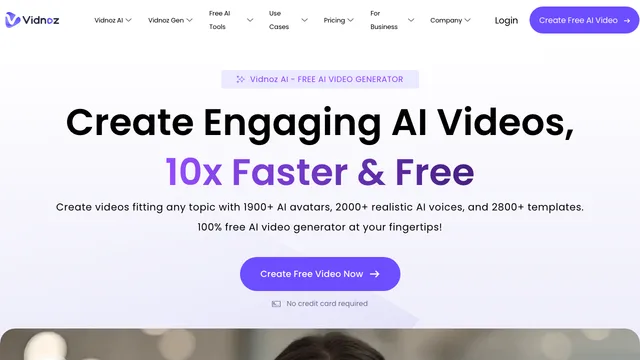

Vidnoz AI
Create AI avatar videos from scripts, photos, and files
AI Image & Video GeneratorsFreemium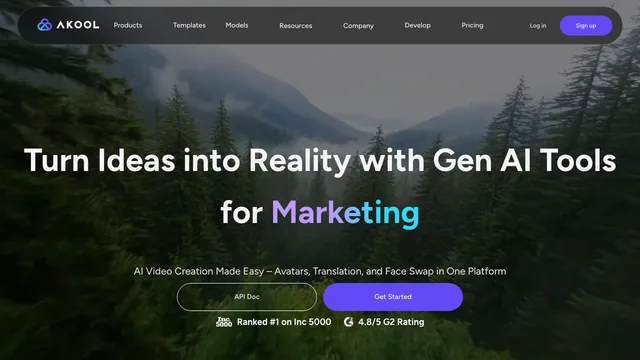

AKOOL
Create AI avatar videos, face swaps, translations, and voices in one suite
AI Image & Video GeneratorsFreemium
D-ID
Turn photos and scripts into talking AI avatars
AI Image & Video GeneratorsPaid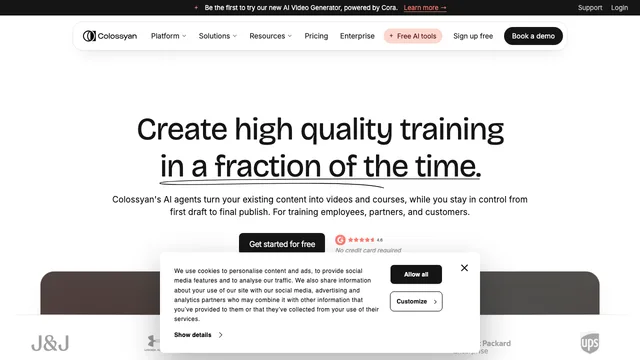

Colossyan
AI avatar videos, interactive courses and multilingual training from existing content
AI Image & Video GeneratorsFreemium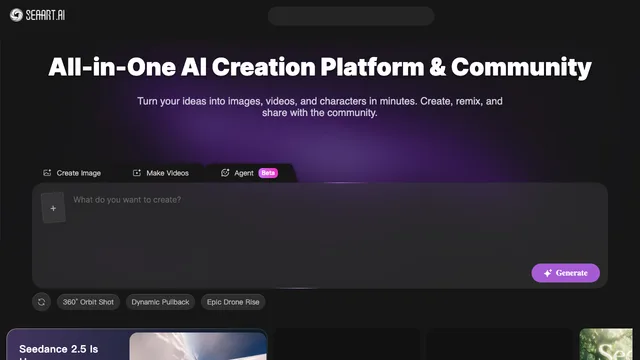

SeaArt AI
Generate images, videos, avatars, and voices with AI
AI Image & Video GeneratorsFreemium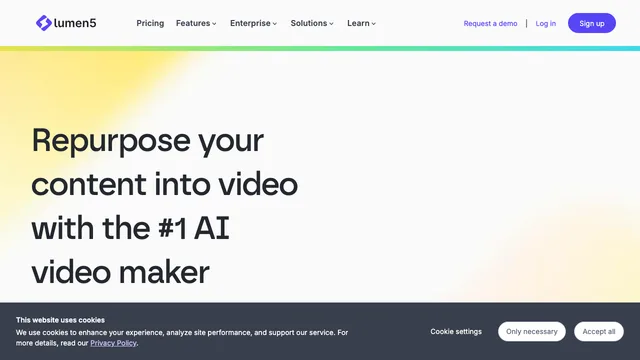

Lumen5
Turn ideas and articles into branded videos with AI
AI Image & Video GeneratorsFreemium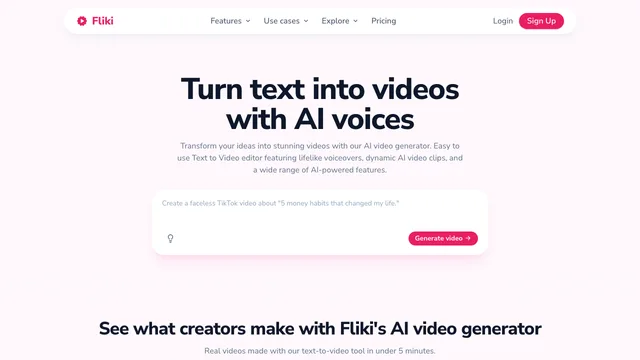

Fliki
Turn ideas, scripts, articles, and slides into narrated videos with AI voices and avatars.
AI Image & Video GeneratorsFreemium

Pictory
Repurpose scripts, articles, slides, and recordings into branded videos with AI visuals, voices, and avatars.
AI Image & Video GeneratorsPaid

InVideo AI
Turn prompts into publish-ready videos with AI models, avatars, voices, and stock media.
AI Image & Video GeneratorsFreemium

Kling AI
Generate cinematic videos, images, voices, and avatars from prompts or references.
AI Image & Video GeneratorsFreemium

Higgsfield
Generate cinematic videos, images, ads, avatars and voiceovers across leading AI models.
AI Image & Video GeneratorsFreemium

Cutout.Pro
Remove backgrounds and build AI visuals in one workspace
AI Image & Video GeneratorsFreemium

Magnific
The all-in-one AI creative suite formerly known as Freepik
AI Image & Video GeneratorsFreemium

ElevenLabs
Lifelike AI voices, cloning, dubbing, music, and voice agents in one platform
AI Audio & Voice GeneratorsFreemium

Synthesia
Turn scripts, documents and presentations into multilingual videos with AI presenters and voices.
AI Image & Video GeneratorsFreemium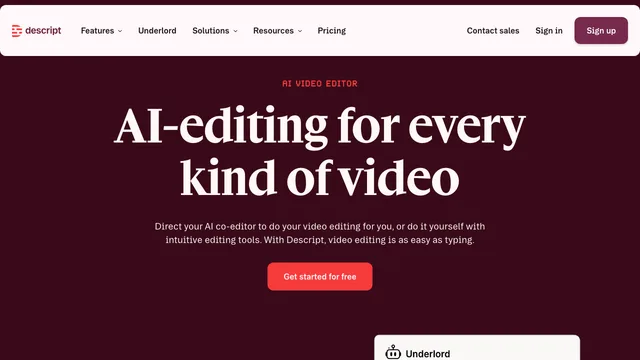

Descript
Edit video and podcasts as easily as a document
AI Image & Video GeneratorsFreemium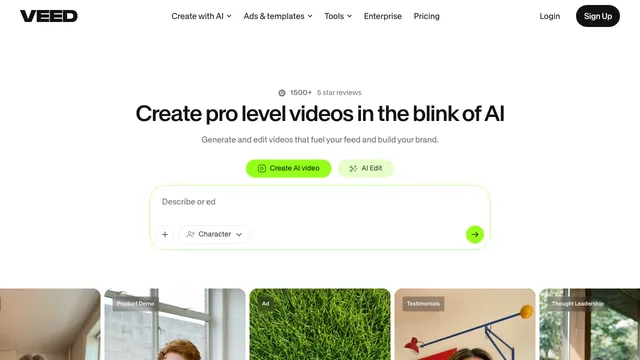

VEED
Generate, edit, subtitle and localize videos with AI in a browser-based workspace.
AI Image & Video GeneratorsFreemium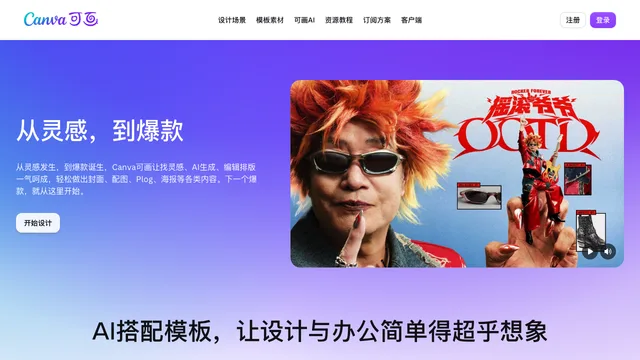

Canva
Generate and edit visual content with AI, templates, brand tools, and collaborative design workflows.
AI Image & Video GeneratorsFreemium
Choose an AI voice generator for your audio workflow
AI voice generators turn written text or creative direction into spoken audio. They can produce narration for videos, podcast segments, course lessons, game dialogue, character performances, advertisements, accessibility audio, and localized versions of existing content.
The term covers several workflows. Standard text-to-speech uses a preset voice, voice design creates a new voice from a written description, and voice cloning builds a digital voice from recorded speech. Some platforms also support dubbing, speech-to-speech transformation, sound effects, or real-time voice agents. Check which workflow a tool actually provides before uploading a script or voice sample.
What can AI voice generators do?
Convert text into narration
Text-to-speech tools read a script with a selected voice and language. Useful controls may include speed, pitch, pauses, pronunciation, emphasis, stability, similarity, and emotional delivery. The available controls and their effect vary by model.
Design character and brand voices
Voice-design tools let users describe traits such as age, accent, vocal texture, pace, energy, and mood. This can help with fictional characters, branded narration, prototypes, and creative projects when an existing preset does not fit the intended performance.
Create multilingual voiceovers
Multilingual models can generate speech in several languages or accents. They are useful for localizing tutorials, product tours, training, social videos, and announcements. Always test names, numbers, technical terms, and regional pronunciation before producing a full script.
Clone or transform a permitted voice
Voice-cloning tools use recorded samples to reproduce a speaker's vocal identity, while speech-to-speech tools transform an existing performance. These features require particular care: obtain the speaker's informed consent, follow platform verification rules, and never use a person's voice to impersonate or deceive.
How to compare AI voice generators
- Naturalness: Listen for stable tone, believable pauses, appropriate emphasis, and consistent delivery across longer passages.
- Language support: Verify the exact language, regional accent, and pronunciation controls required for the audience.
- Voice options: Compare preset libraries, natural-language voice design, custom voices, cloning, and reference-audio support.
- Creative controls: Look for pace, pitch, volume, emotion, stability, style prompts, phoneme editing, and SSML when needed.
- Output: Check audio formats, sample rate, duration or character limits, project history, and whether audio can be regenerated consistently.
- Pricing: Compare free characters or credits, cost per character or generation, premium-model surcharges, and whether unused allowances expire.
- Commercial rights: Read the current license for generated audio, custom voices, and any stock voice used in paid work.
- Privacy and consent: Review how scripts and voice samples are stored, whether data is used for training, and how cloned voices are verified or deleted.
A practical voice test
Prepare a short script containing ordinary sentences, names, numbers, abbreviations, and one emotionally important line. Generate the same passage with several voices or models. Compare pronunciation, cadence, breath placement, emotion, background artifacts, and consistency.
For production work, test the actual target language and audio format, not only an English demo. Listen on both headphones and phone speakers, then confirm commercial rights and obtain consent for any identifiable cloned or reference voice.
Frequently asked questions
What is an AI voice generator?
It is software that uses speech-synthesis models to create spoken audio from text, a voice description, or an approved reference recording. Depending on the tool, the output may use a preset, designed, cloned, or transformed voice.
Is there a free AI voice generator?
Many tools offer free characters, credits, previews, or a limited plan. Free access may restrict premium voices, downloads, commercial use, cloning, or the amount of text, so check the current plan before starting a project.
What is the difference between text-to-speech and voice cloning?
Text-to-speech generates speech with a preset or designed voice. Voice cloning attempts to reproduce the identity of a specific speaker from recordings and therefore requires the speaker's permission and may involve additional verification.
Can an AI voice generator speak different languages?
Many models support multiple languages, but coverage and pronunciation quality vary. Confirm the exact language and accent, then test names, numbers, and specialized vocabulary with a short sample.
Can AI-generated voices be used commercially?
Commercial use depends on the platform, model, plan, stock-voice license, and rights to any reference recording. Review current terms and obtain consent before using a recognizable person's voice.