
AI Coding & Developer Tools
Discover AI tools for code completion, repository-aware generation, debugging, testing, review, refactoring, documentation, terminal work and autonomous development agents.
55 tools, updated November 2026
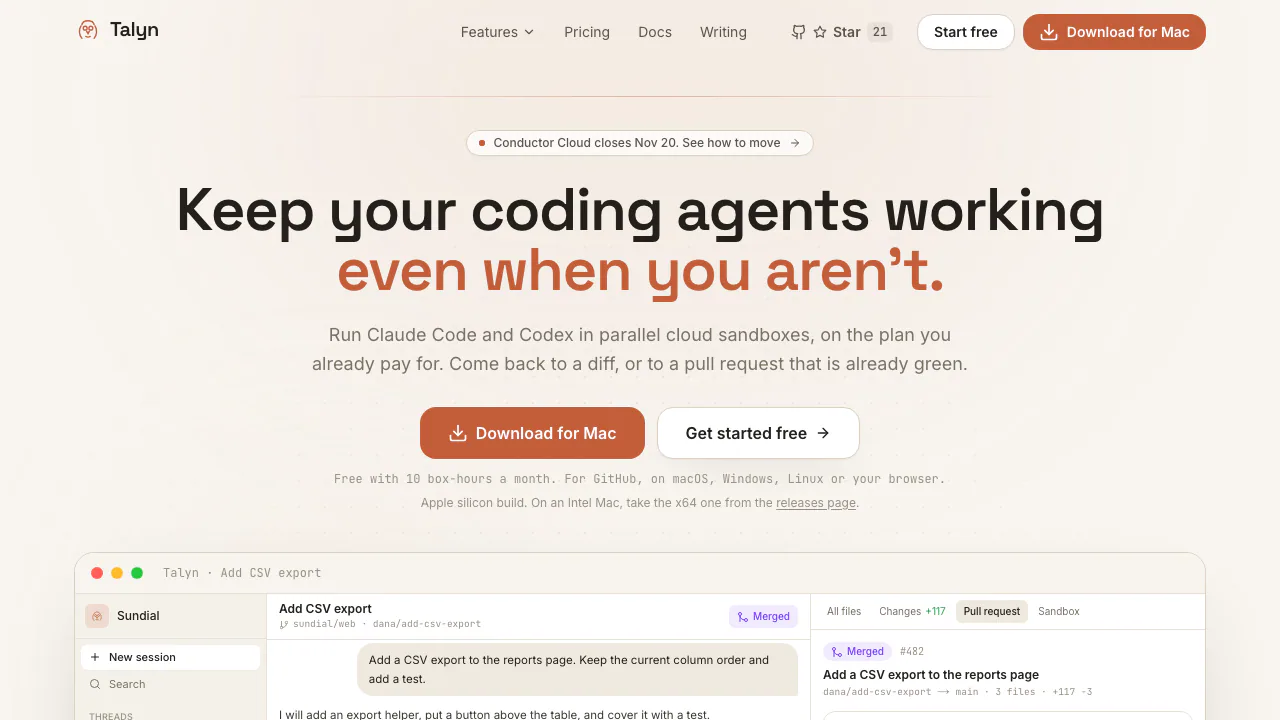

Talyn
Run Claude Code and Codex in separate cloud sandboxes, review their changes and carry work through GitHub pull requests.
Freemium

Antelog
Check agent actions before execution and trace what happened.
Freemium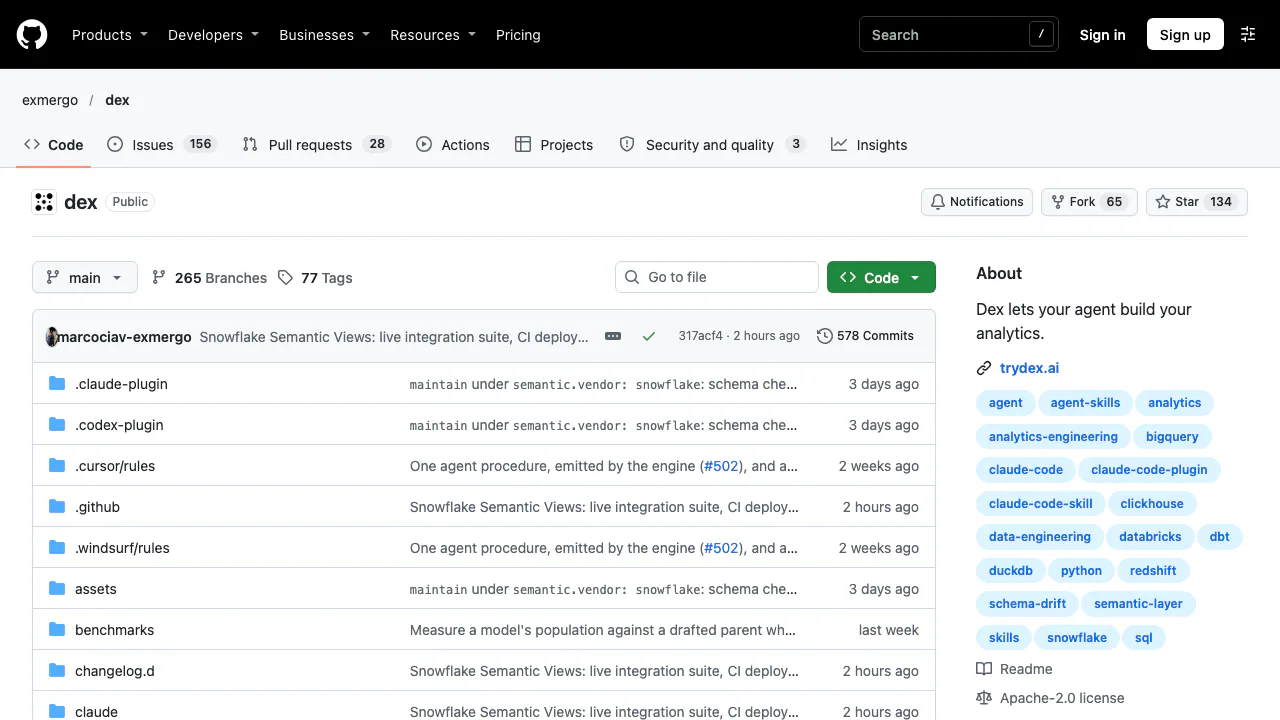

Dex
Give your coding agent a repeatable way to explore data, build dbt models and maintain metrics.
Free

Arcjet
Check agent actions before they run, with policies, threat detection and decision records.
Freemium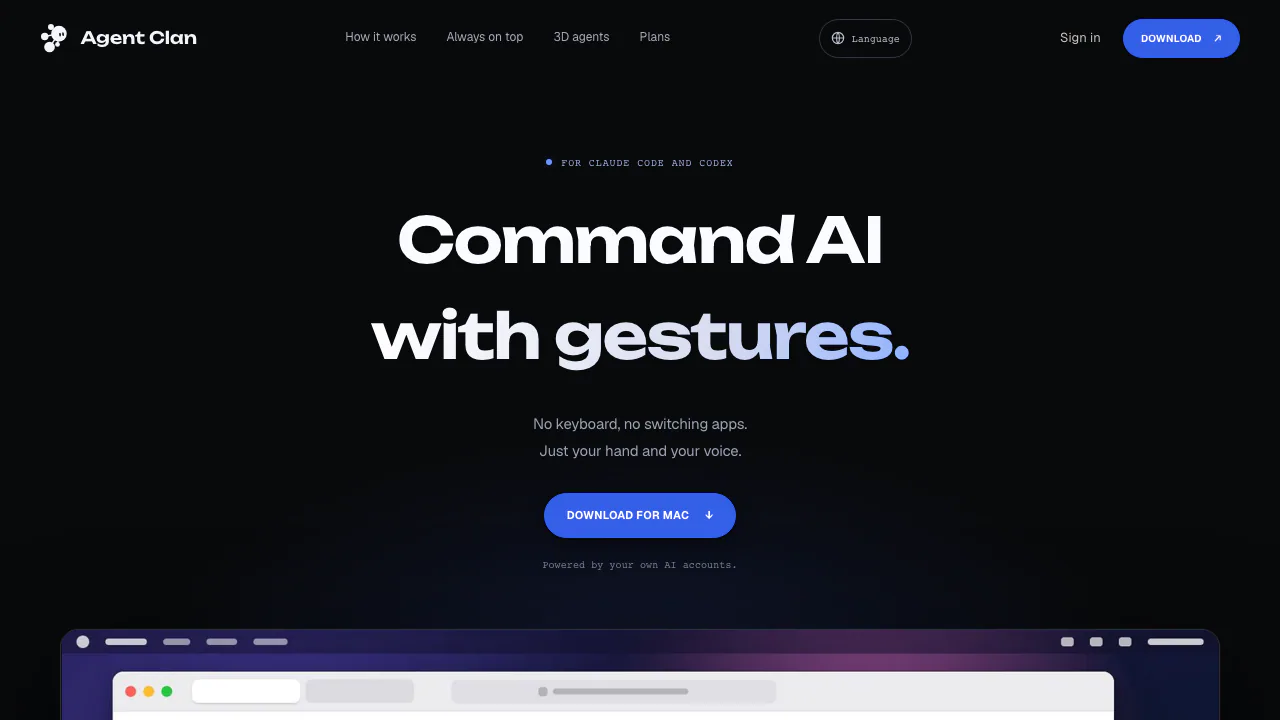

Agent Clan
Send tasks and review approvals across Claude Code and Codex sessions.
Freemium

Hexmos
Review Git changes where they happen, from your terminal to your team's pull requests.
Freemium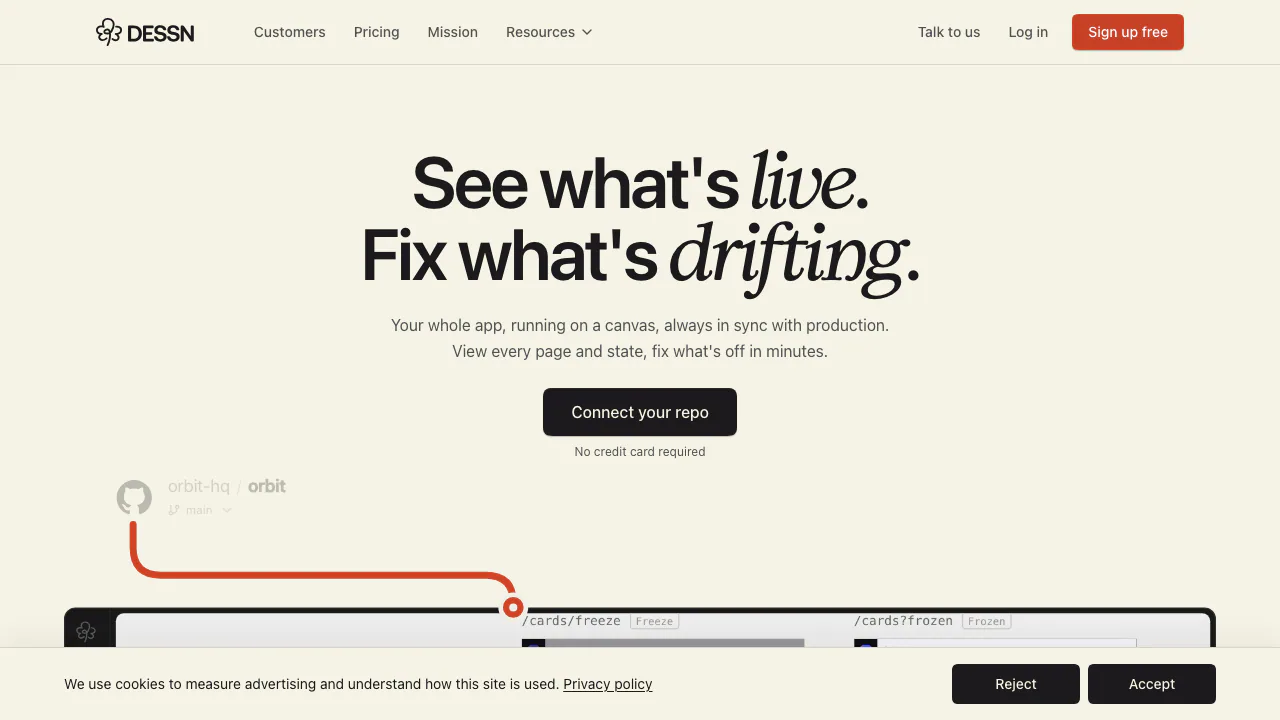

Dessn
Design and review changes against the frontend your product already uses.
Freemium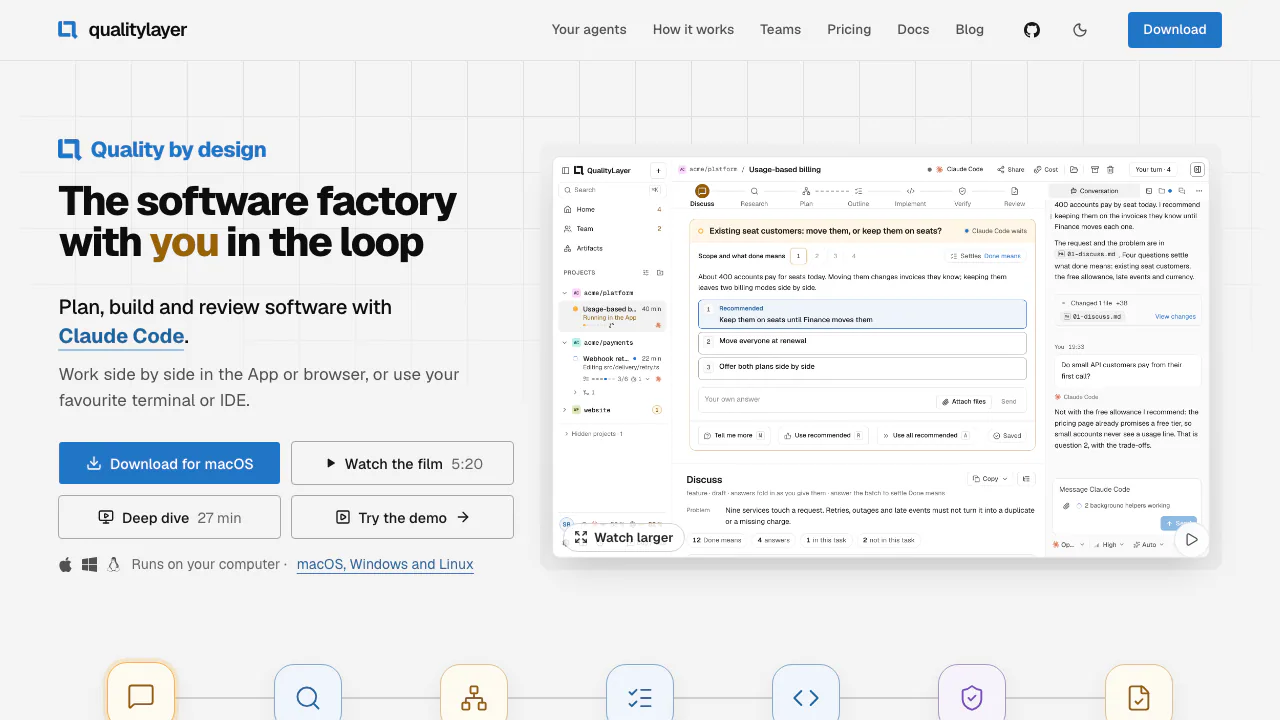

QualityLayer
An approval and review workflow for the coding agents you already use.
Paid

One Roof
Bring coding-agent sessions, approvals and bounded loops into one Mac app.
Free

Wavefunction
Parallel coding tasks with your own cloud or local models.
Free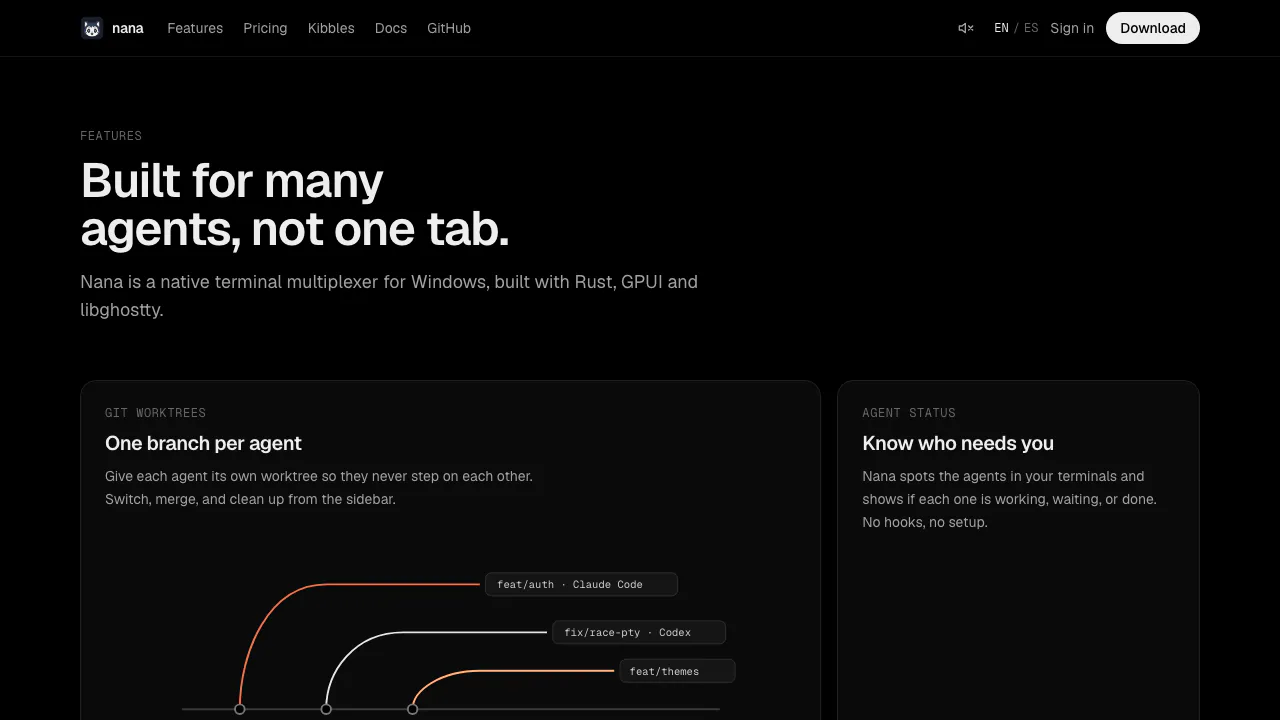

Nana
Run coding agents side by side with worktrees and persistent terminals.
Free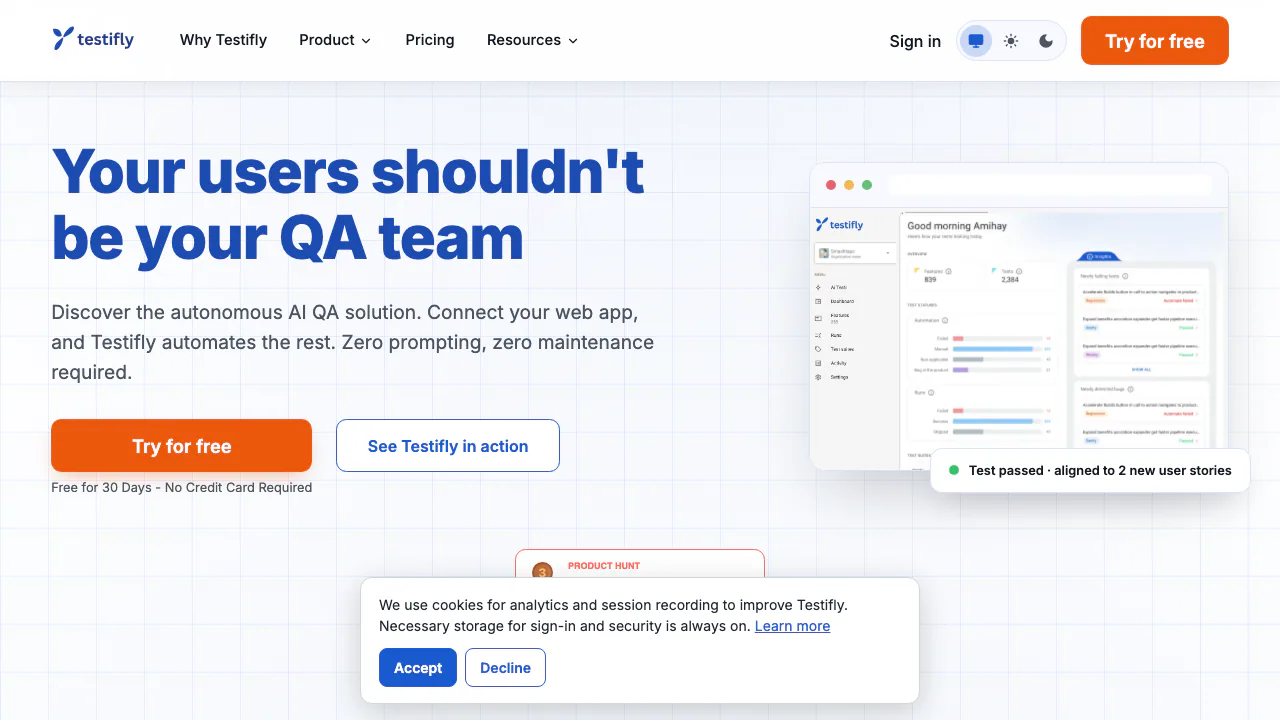
Testifly
Discover web-app flows, generate tests and investigate regressions with AI.
Paid

Flockbay
Build and playtest editable Godot games with AI
Freemium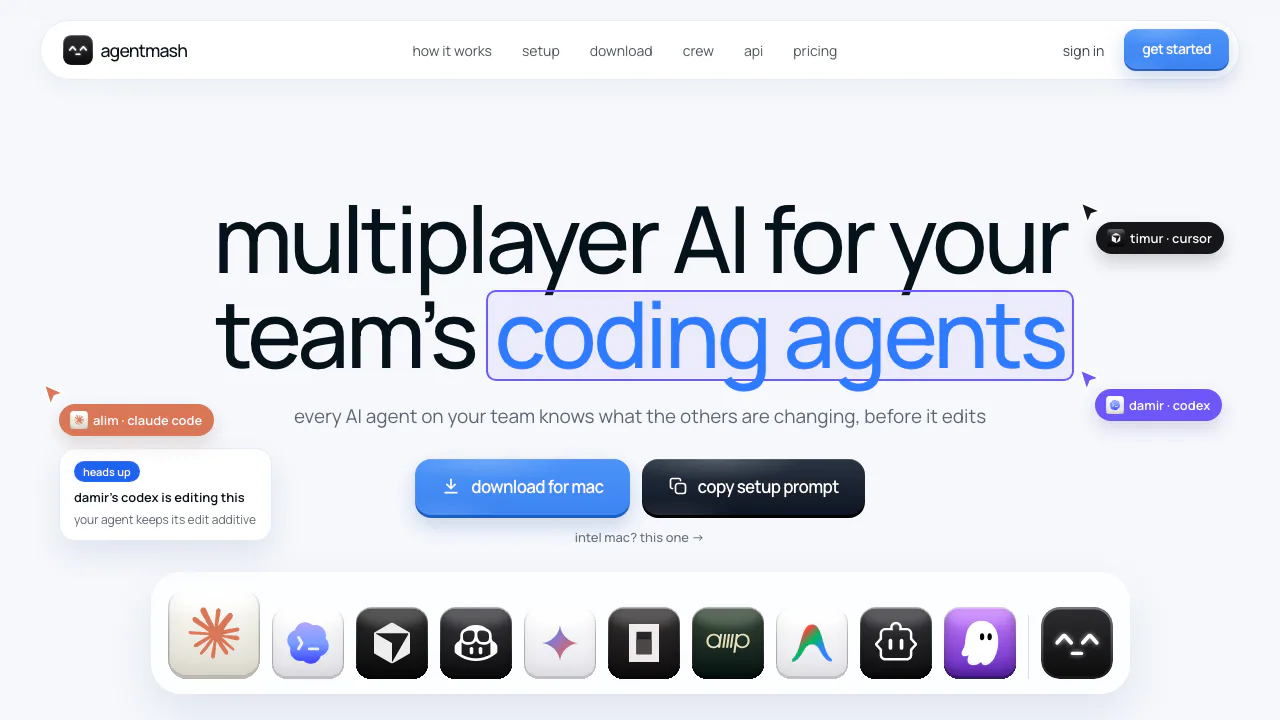

AgentMash
A shared workspace that tells coding agents what teammates are changing before their work overlaps.
Freemium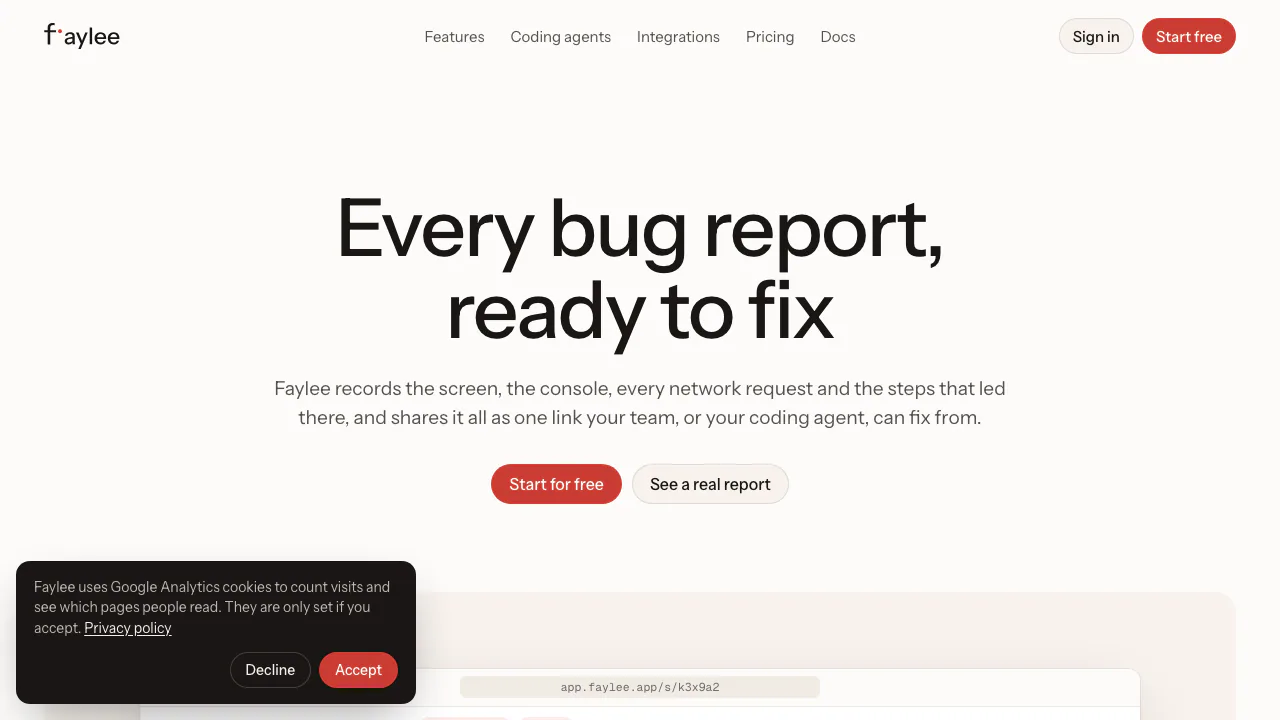

Faylee
Record a web bug once and share its screen, console, requests and steps with your team or coding agent.
Freemium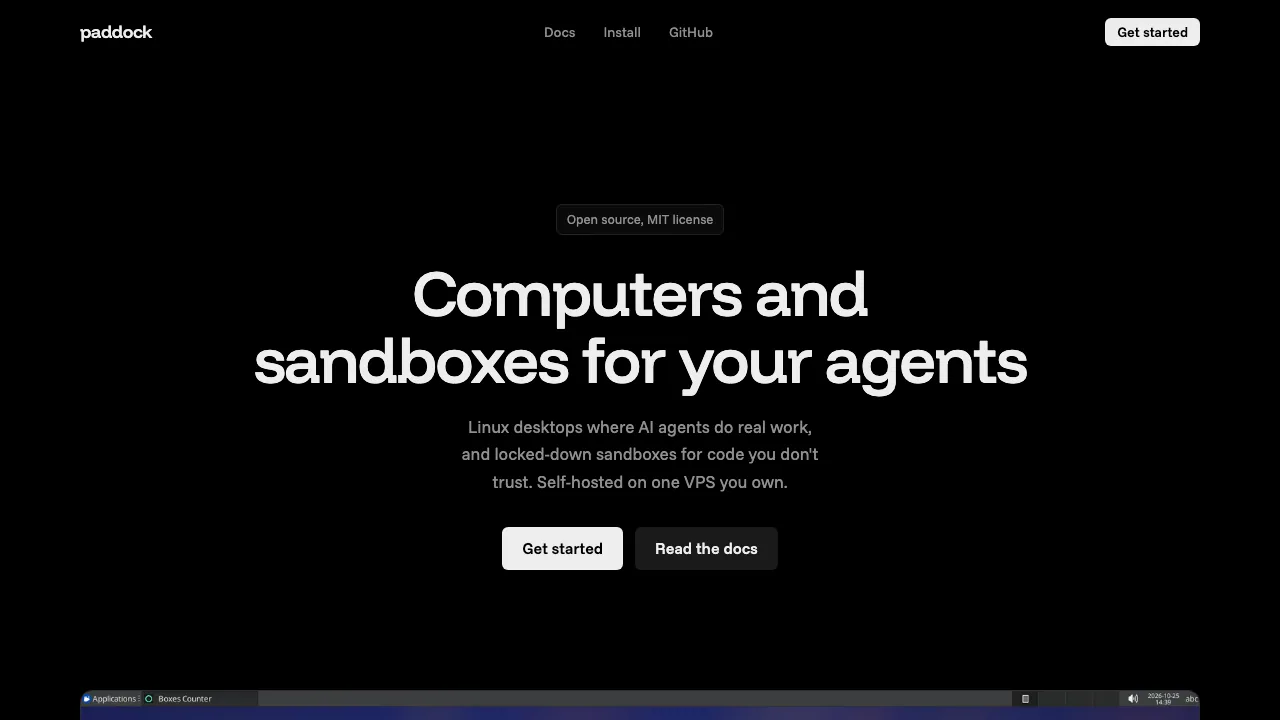

Paddock
Linux computers and controlled sandboxes for coding agents on your own VPS.
Free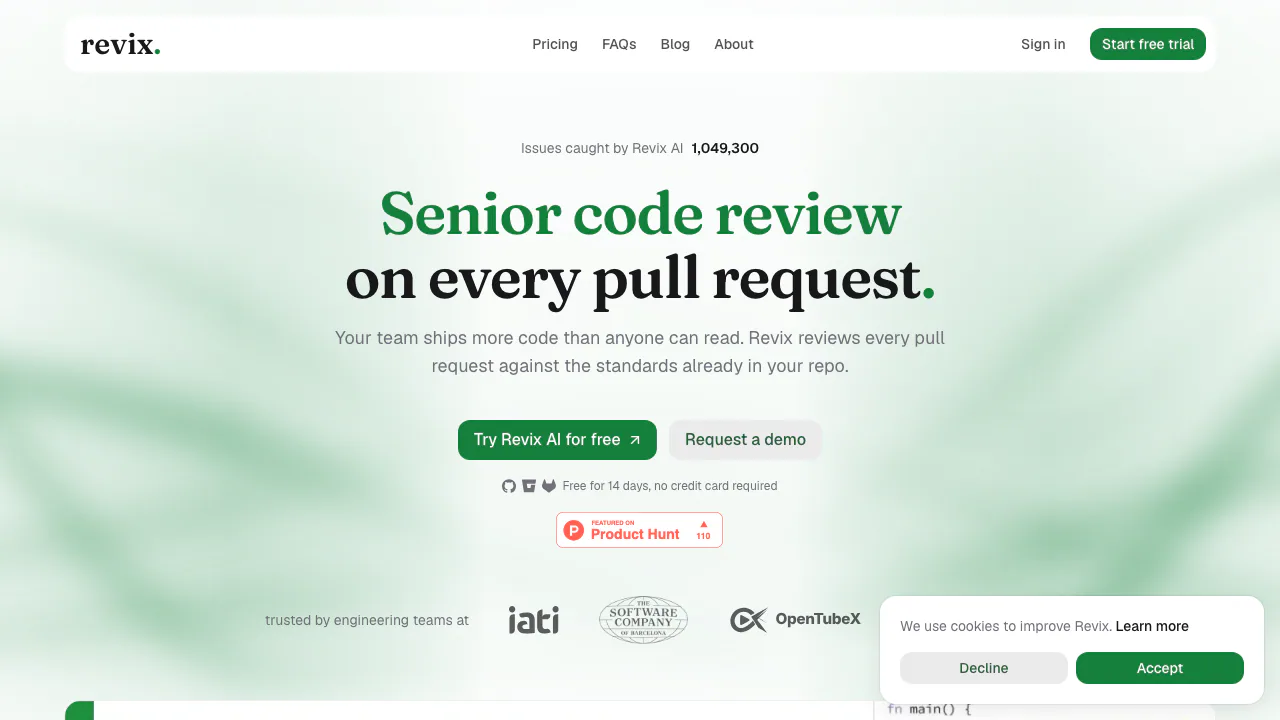

Revix AI
Repository-aware AI code review for your team’s standards
Freemium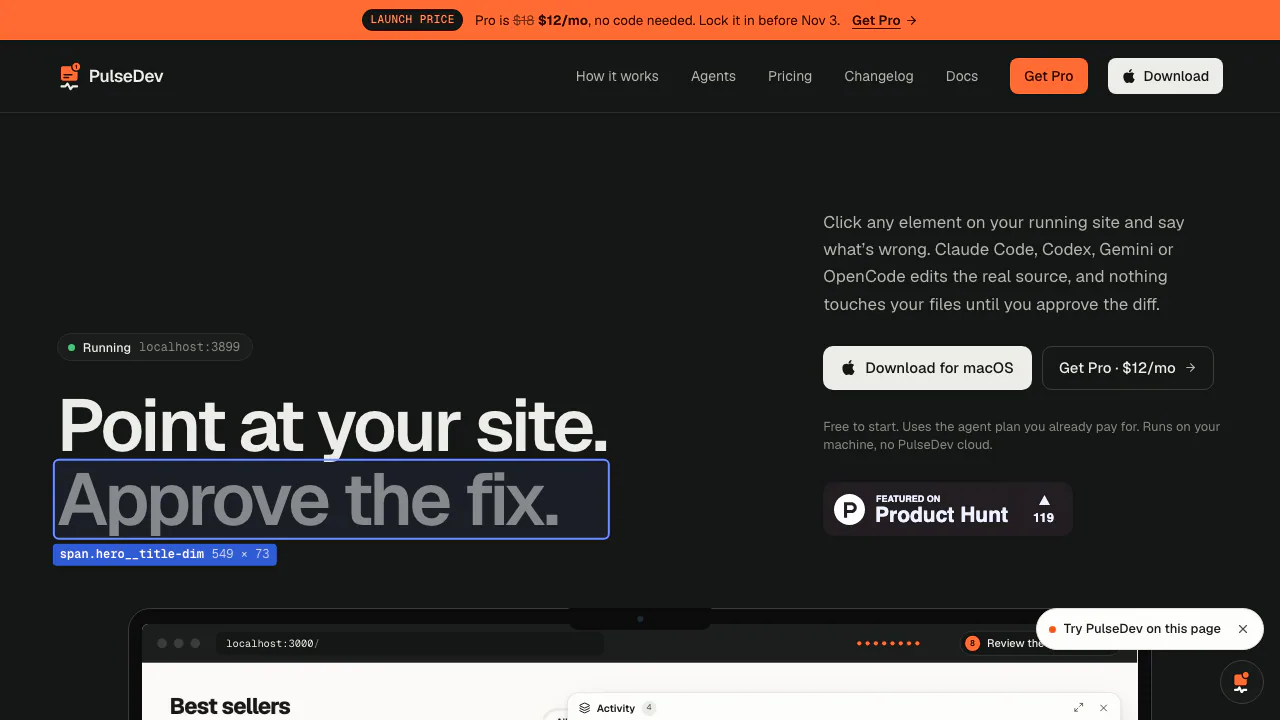

PulseDev
Point at a website element, describe the fix and review the source diff.
Freemium

AI Bridge
Organize real coding CLIs, approvals and resumable workspaces in one Mac app.
Freemium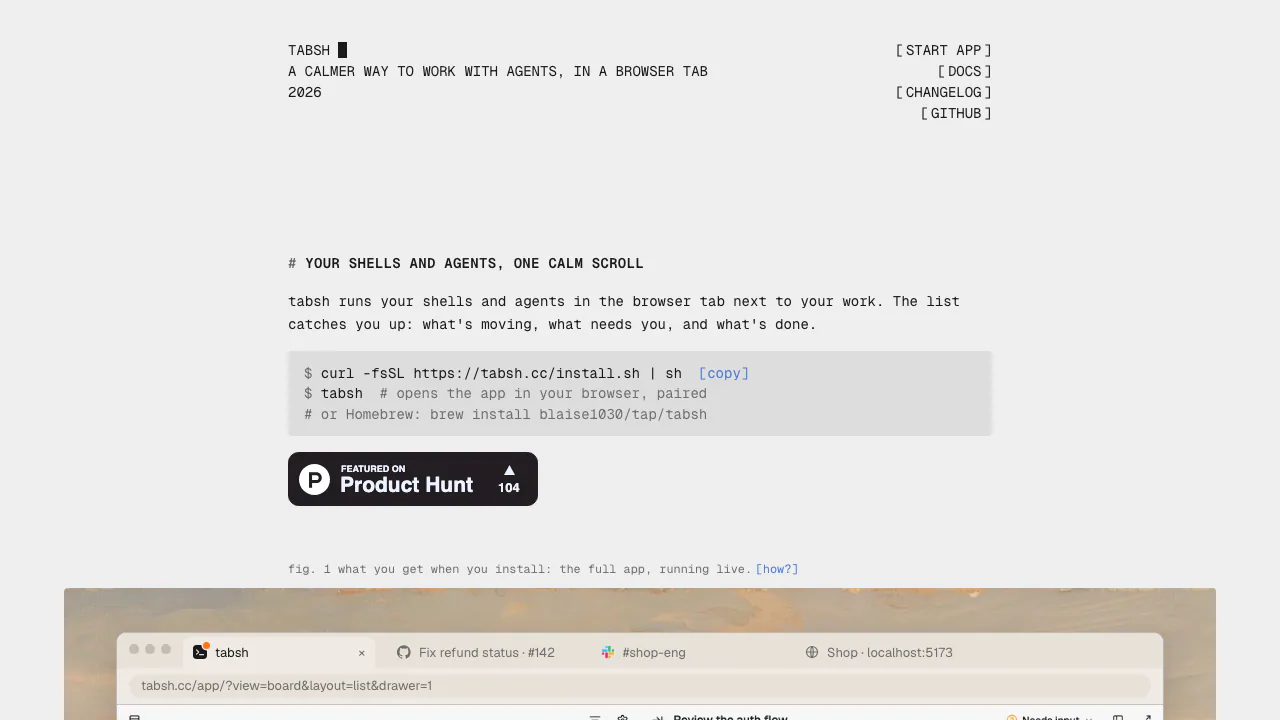

tabsh
Keep local shells, coding agents and project status together in your browser
Free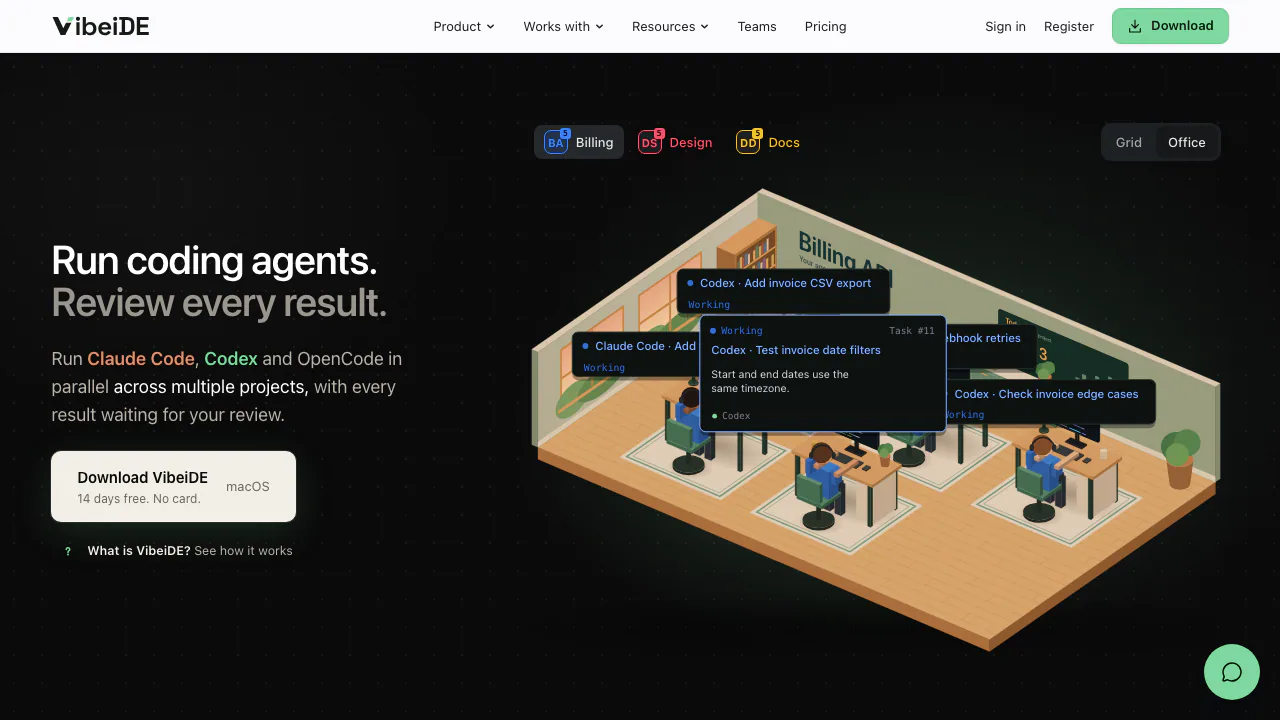

VibeiDE
Queue Claude Code, Codex and OpenCode tasks, then review every result.
Paid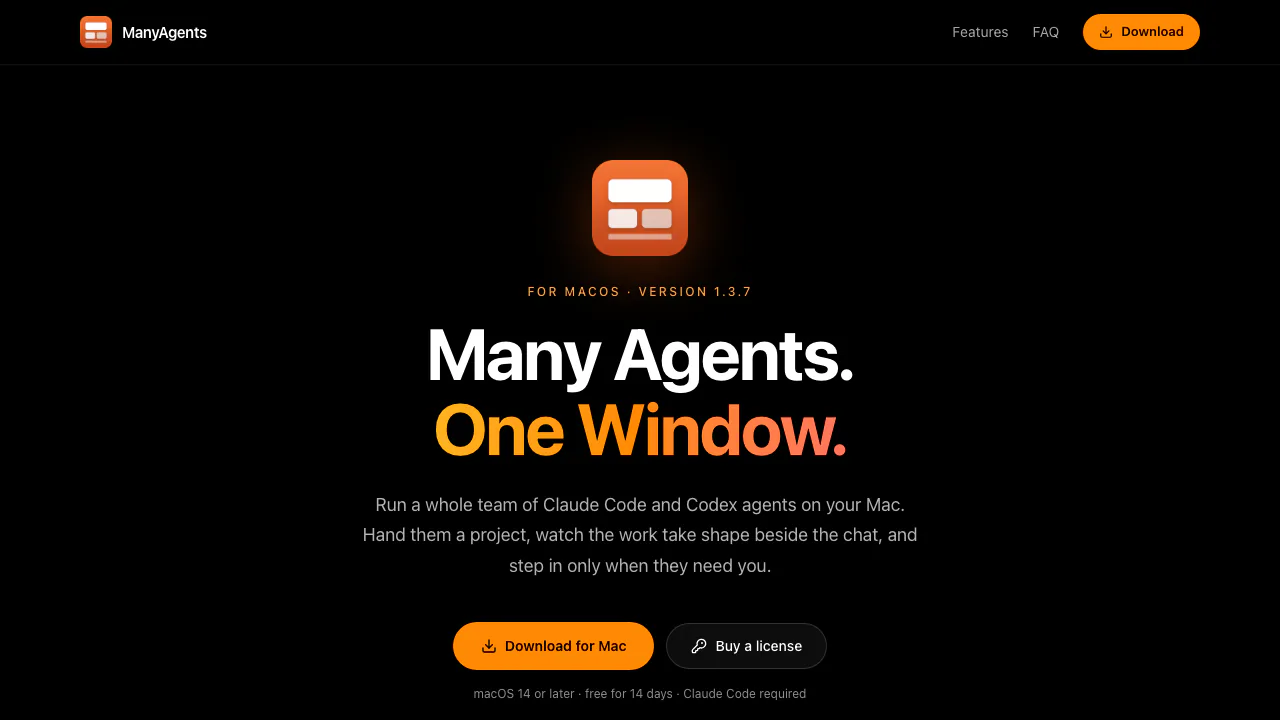

ManyAgents
Run Claude Code and optional Codex agents with isolated worktrees, review and live previews.
Paid

AgentValley
See active sessions, waiting agents and project usage without switching terminals.
Free

myPip
Describe a game, test the result and improve it with AI.
Freemium
What are AI coding tools?
AI coding tools help developers understand, write, change, test, review, and document software. The category includes inline completion extensions, chat assistants inside an editor, AI-native code editors, terminal agents, pull-request reviewers, and cloud agents that can work on a repository in the background.
These products do not all solve the same problem. An autocomplete tool predicts the next lines while you remain in control. A repository-aware editor can search and change several files. A terminal or cloud agent may plan a task, run commands, inspect output, revise code, and open a pull request. Comparing them as if they were identical can lead to the wrong choice and unsafe permissions.
Types of AI coding tools
Code completion and editor assistants
Completion tools suggest expressions, functions, tests, comments, and repeated code while you type. Editor chat can explain selected code, answer framework questions, generate a file, or propose a refactor. These tools tend to fit existing workflows with less disruption, but their understanding may be limited by the files and context they can access.
AI-native code editors
AI-native editors place repository search, multi-file editing, chat, planning, and agents at the center of the interface. They can be useful for navigating unfamiliar projects and applying connected changes. Before switching, check extension compatibility, remote-development support, settings migration, update policies, and whether the editor is based on another upstream project.
Terminal and cloud coding agents
Agent tools can read files, execute commands, run tests, use external tools, and continue through several steps. This makes them useful for migrations, bug fixes, dependency updates, test coverage, and repetitive repository work. It also increases risk: a tool with broad shell, network, credential, or production access can make damaging changes quickly.
Review, testing, and security tools
Some products focus on pull-request review, vulnerability findings, test generation, static analysis, documentation, or incident diagnosis. They may complement an editor assistant rather than replace it. Check whether findings are supported with reproducible evidence and whether developers can suppress or correct recurring false positives.
How to compare AI coding tools
Match the tool to the work unit
Start with the job you want to accelerate: completing a line, explaining a function, changing several files, resolving an issue, reviewing a pull request, or delivering a full feature. Evaluate the tool on representative work from your own repositories rather than relying on one public benchmark.
Examine context and model controls
Check which files the tool can read, how it indexes a repository, whether it respects ignore rules, how long context remains available, and whether you can select or restrict models. More context is not always better if irrelevant files, generated output, secrets, or private data enter the prompt.
Review permissions and human approval
Prefer the smallest permissions that support the task. Look for read-only modes, command approval, diff review, protected branches, sandboxing, audit logs, secret redaction, and organization policies. Generated code should pass the same review, tests, security checks, and ownership standards as human-written code.
Compare cost using usable outcomes
Pricing can combine seats, premium requests, model multipliers, tokens, compute time, or usage limits. Measure the cost of accepted, verified changes rather than the number of suggestions. An inexpensive tool can become costly if developers spend extra time fixing plausible but incorrect output.
Risks and practical safeguards
AI-generated code can introduce insecure defaults, invented APIs, outdated dependencies, license concerns, subtle logic errors, or unnecessary complexity. Agents may modify unrelated files or execute a command with wider impact than expected.
Use version control, review every diff, keep tests close to important behavior, restrict credentials, protect production systems, and make destructive actions require explicit approval. Treat generated explanations as hypotheses until the code, documentation, and runtime evidence confirm them.
Frequently asked questions
What is the best AI coding tool?
There is no universal winner. The best choice depends on your editor, languages, repository size, task type, security requirements, team workflow, and budget. Test the same real tasks with a small group and compare accepted output, review time, failure modes, and total cost.
Are there free AI coding tools?
Many products offer a free tier, trial, student access, open-source client, or limited model usage. Review request limits, model access, data handling, commercial terms, and whether the free plan is suitable for private repositories.
Can AI coding tools replace developers?
They can automate parts of implementation and analysis, but they do not remove responsibility for requirements, architecture, security, testing, maintenance, and user impact. A developer or accountable team still needs to verify and own the result.
Are AI coding agents safe for private code?
Safety depends on the provider, plan, configuration, model routing, retention policy, permissions, and your organization. Check whether code is stored or used for training, where processing occurs, which subprocessors are involved, and whether enterprise controls meet your requirements.
How should a team evaluate an AI coding tool?
Define representative tasks, a review rubric, security constraints, and a limited pilot. Track task completion, accepted code, defects, review time, test coverage, developer experience, usage cost, and incidents. Reassess when models, prices, or product permissions change.