
AI Image & Video Generators
AI image and video generators create or edit still visuals, talking-avatar clips, product photos, and generative video from text prompts, reference images, scripts, or recordings. Use this page to match your output type to the right tool and check free-tier export rules, commercial rights, pricing models, and API options before you pay.
56 tools, updated November 2026
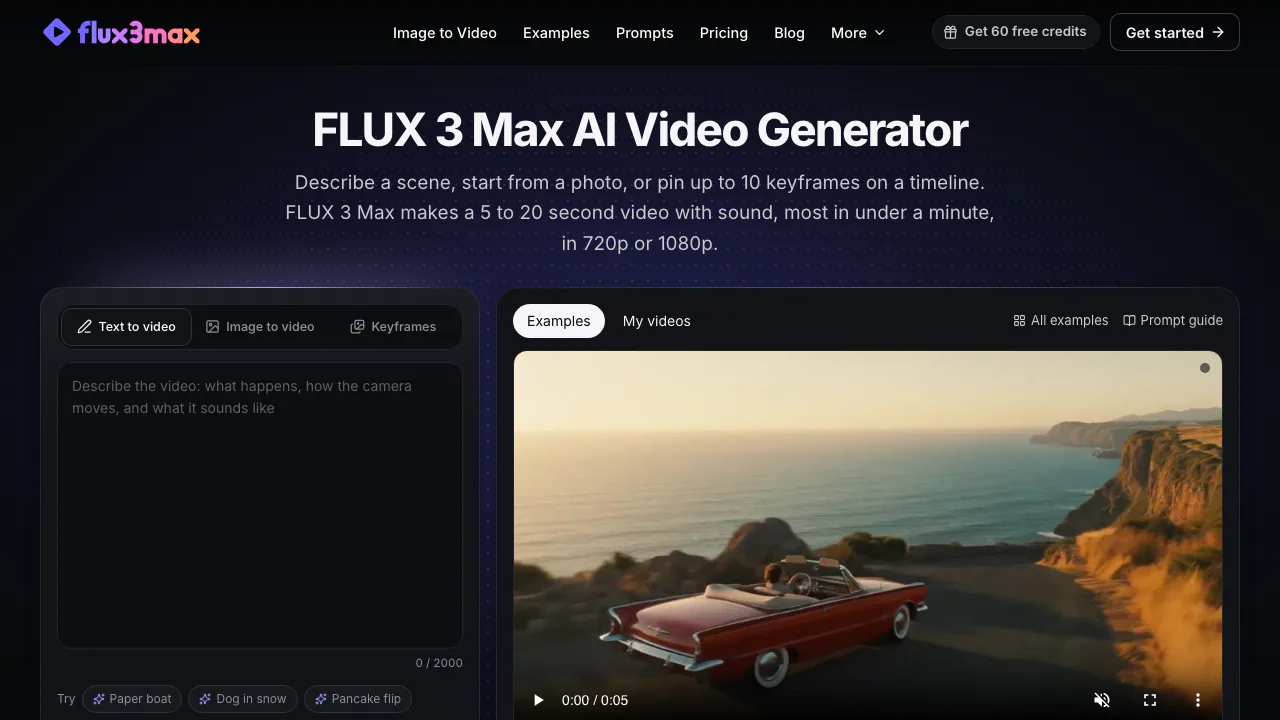

Flux3Max.io
NEWWeb studio for 5–20s FLUX 3 Max AI videos with sound and non-expiring packs
Freemium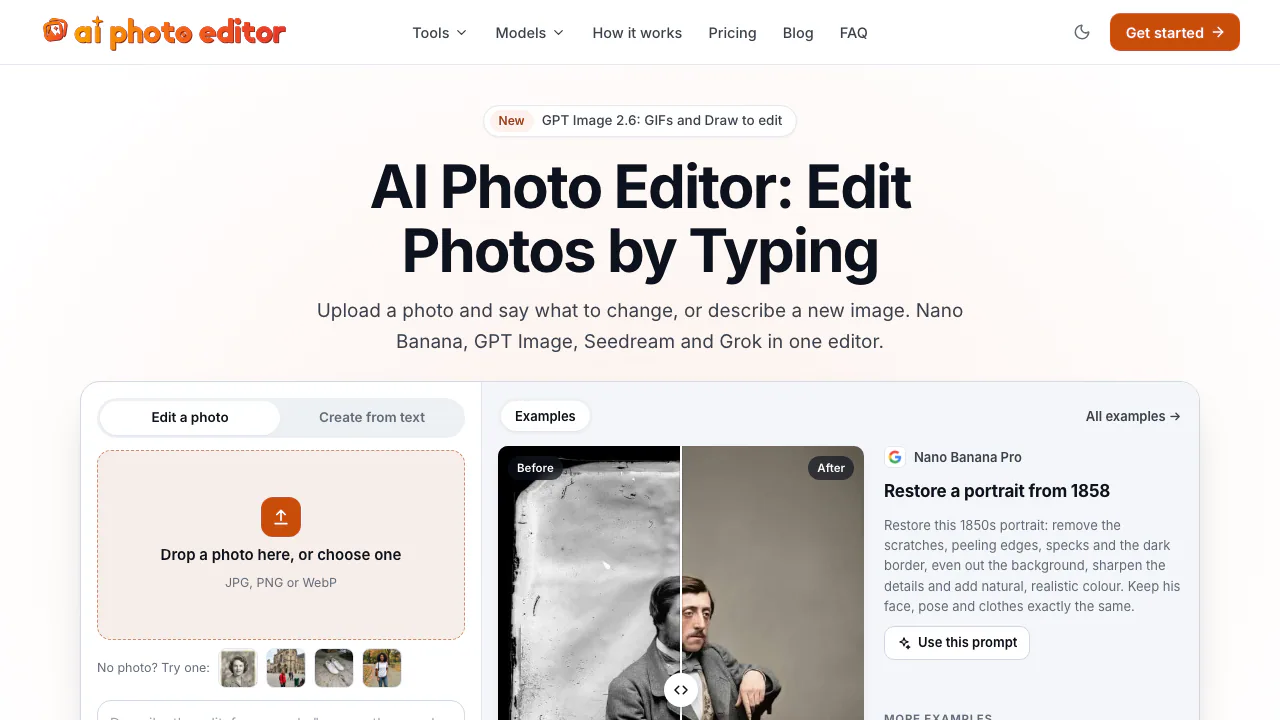

AI Photo Editor
NEWEdit photos by typing with Nano Banana, GPT Image, and Seedream on pay-as-you-go credits
Freemium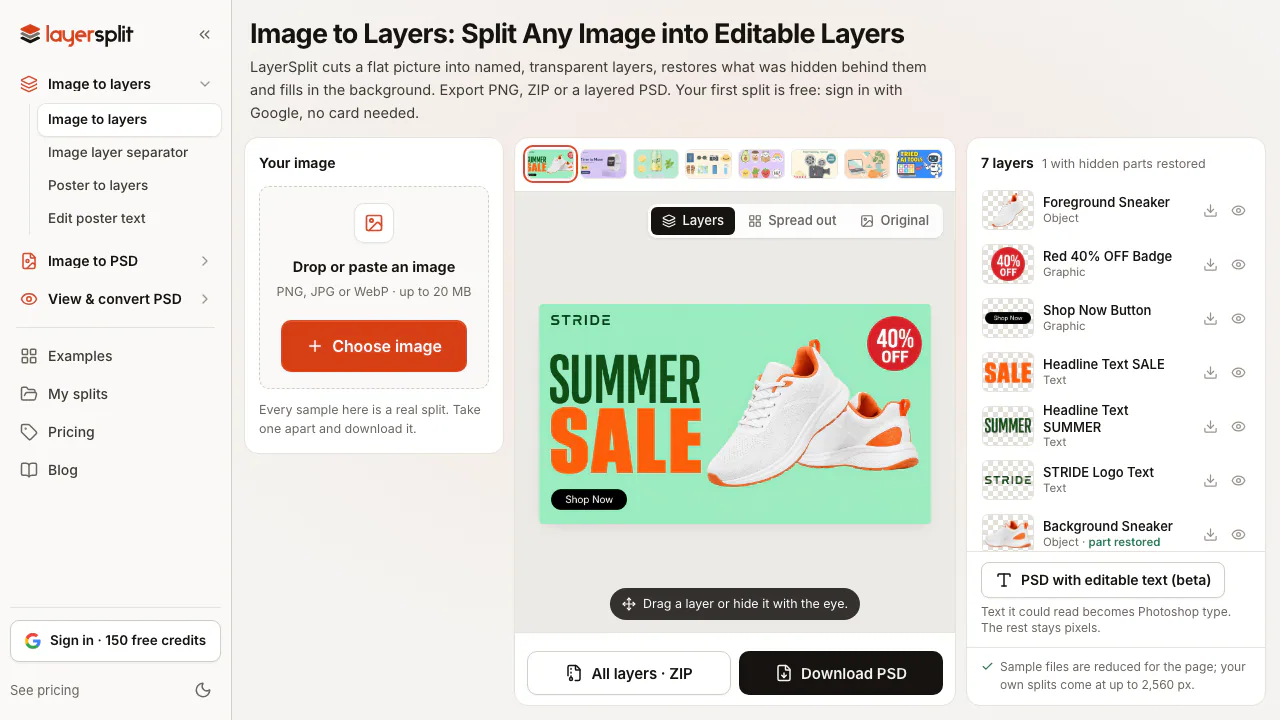

LayerSplit
NEWSplit flat images into named PNG or PSD layers with AI-restored backgrounds
Freemium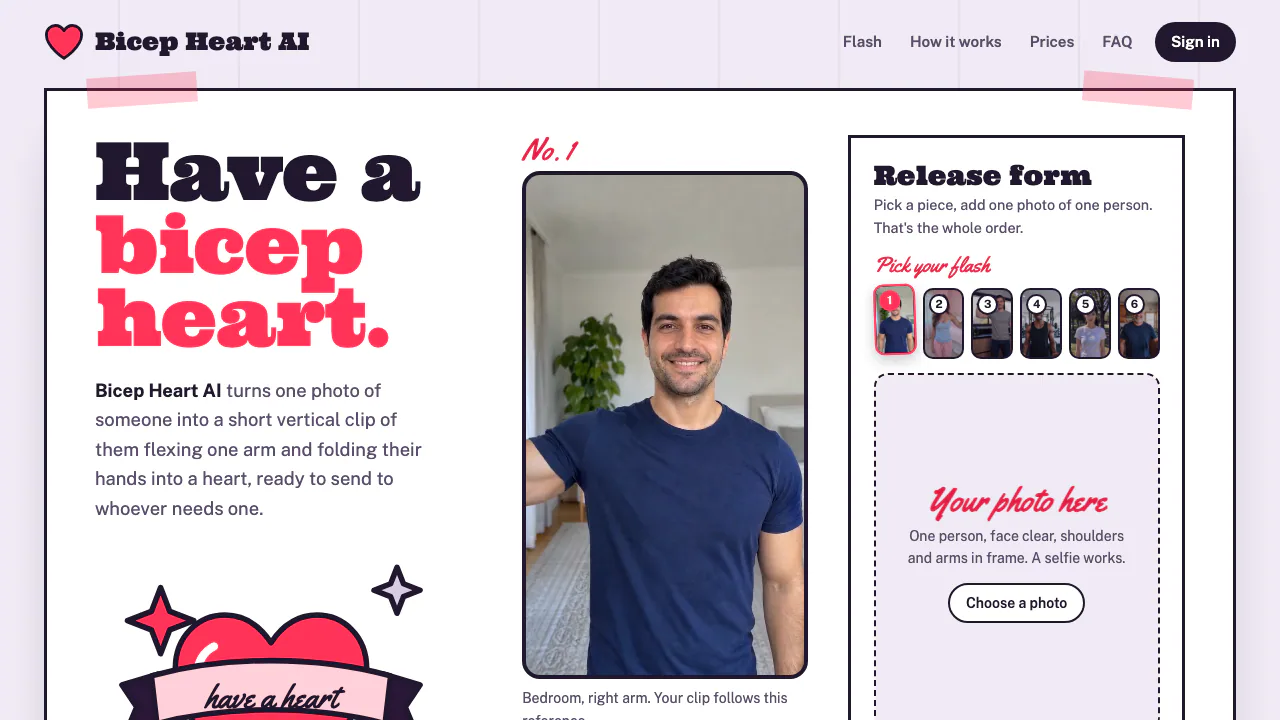

Bicep Heart AI
Make a short, silent arm-heart video from one consenting adult’s photo.
Paid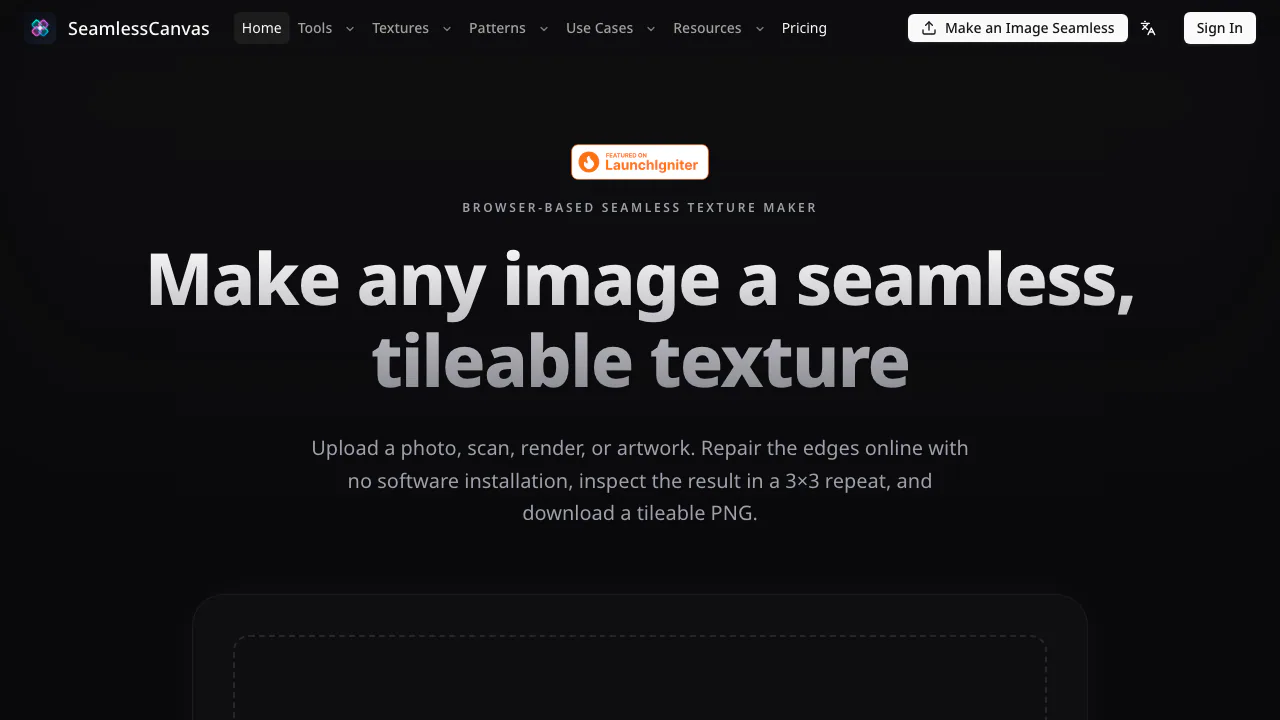

SeamlessCanvas
Repair image seams and generate repeatable textures and patterns.
Freemium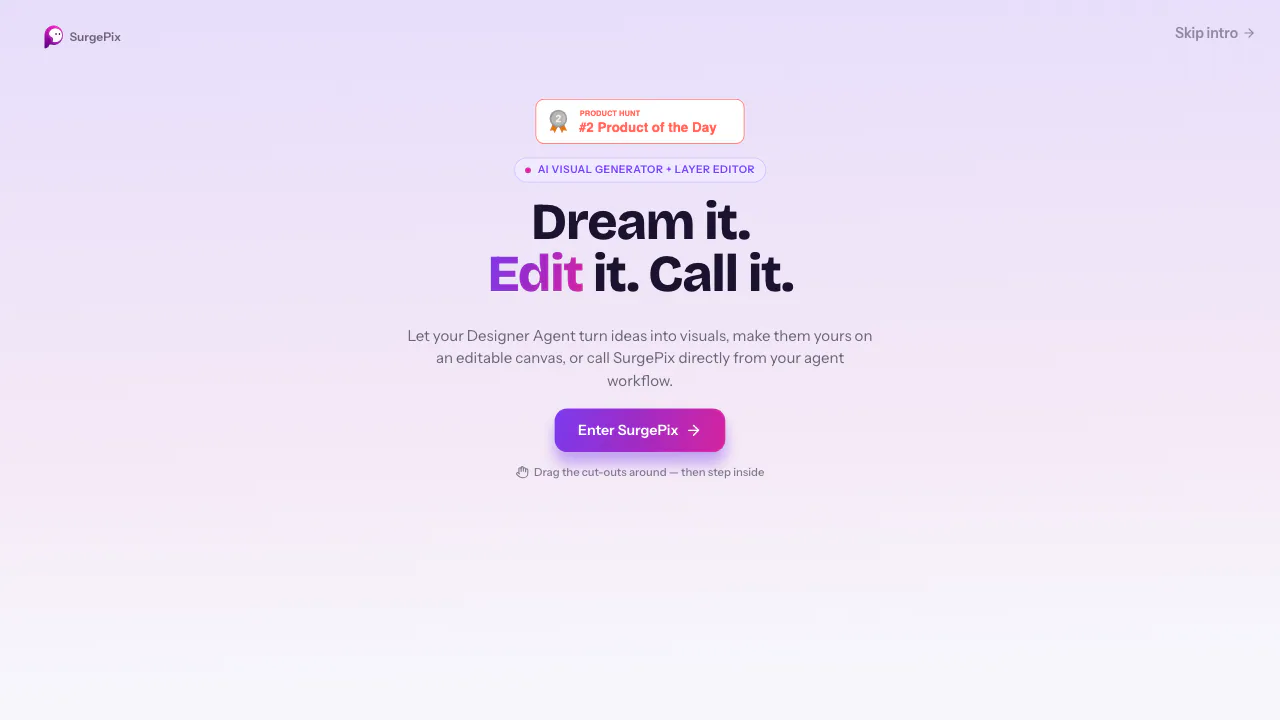

SurgePix
Generate images, posters and decks, then refine individual layers.
Freemium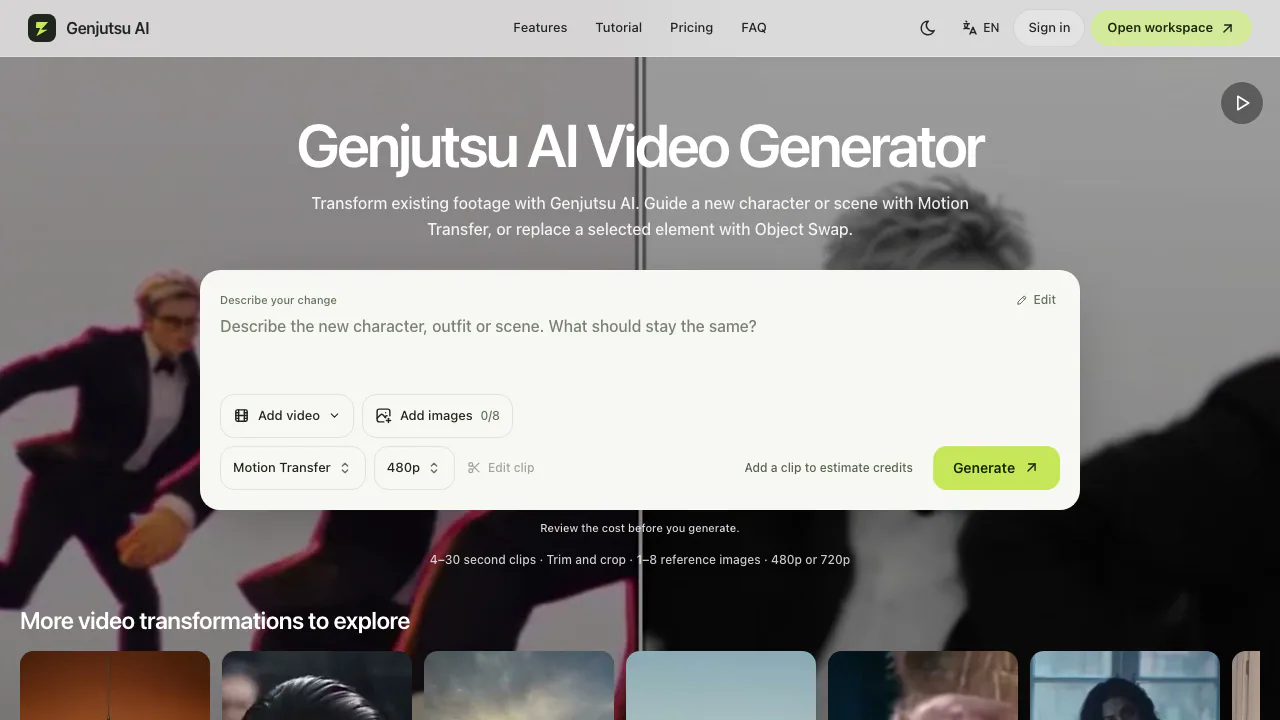

Genjutsu AI
Recast a short video or replace a selected subject using reference images.
Paid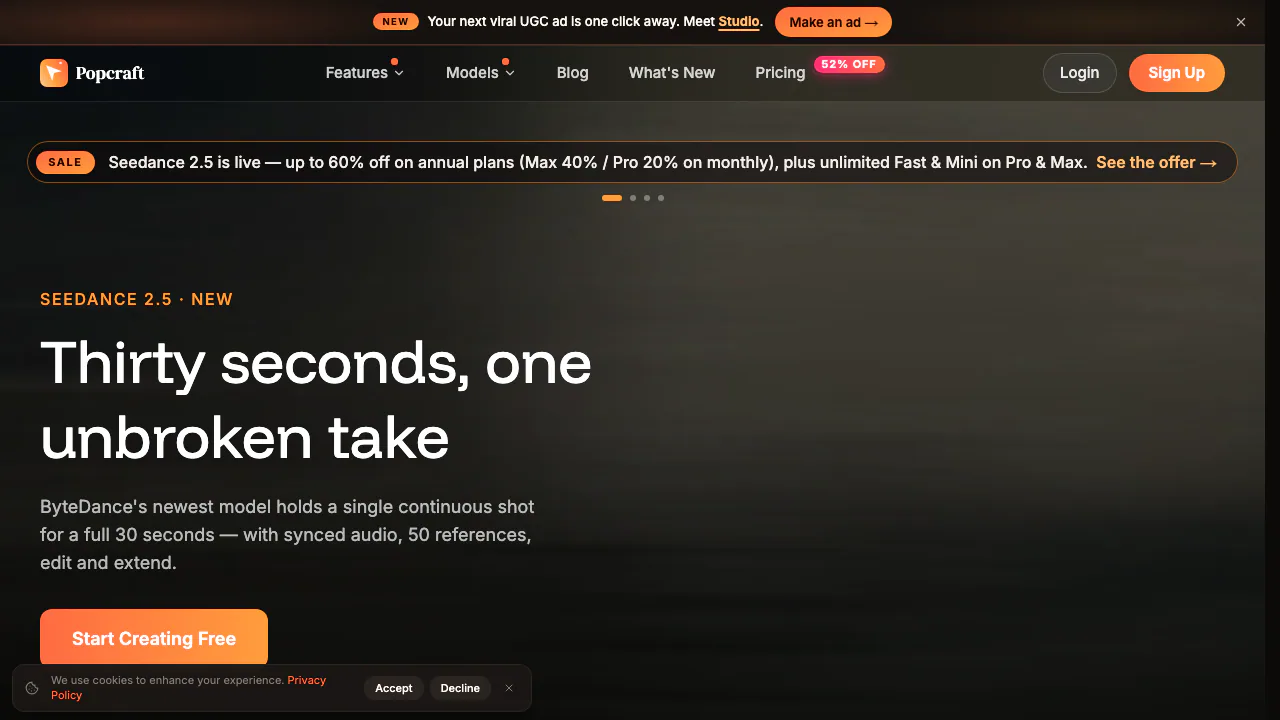

Popcraft
Create AI videos, images, audio and product ads in one workspace
Freemium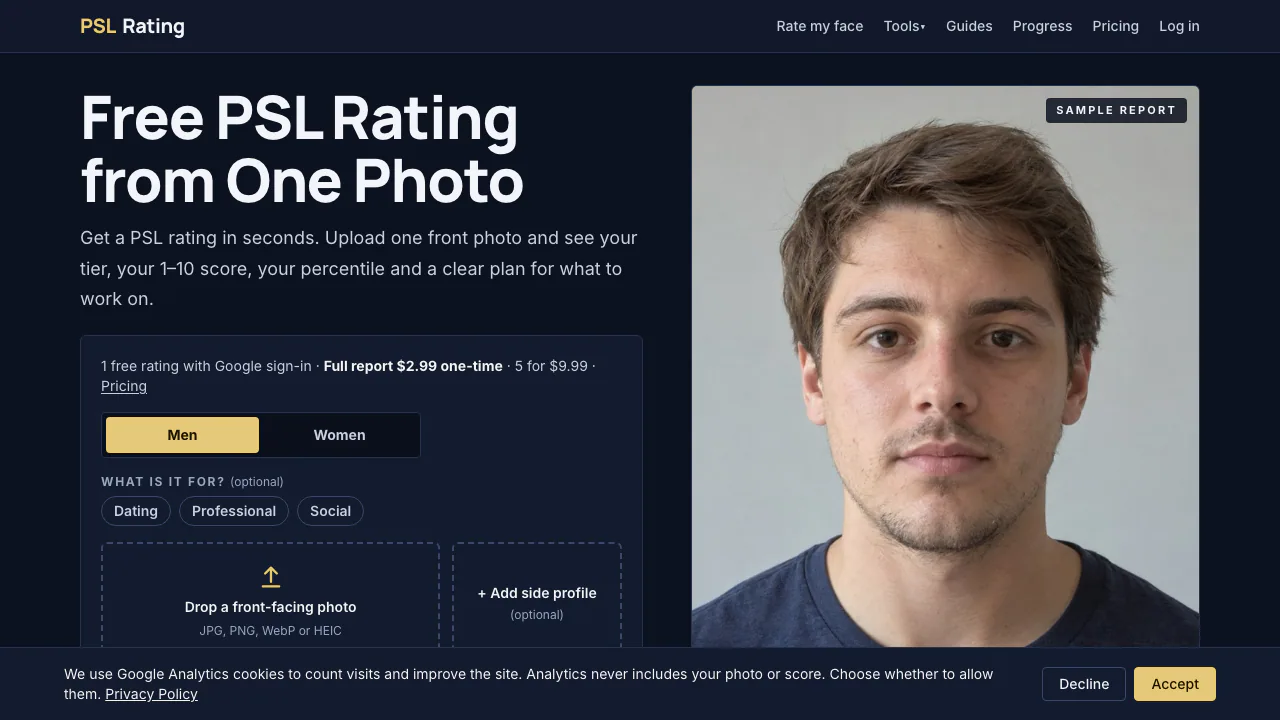

PSL Rating
Photo-based AI face rating with a free first result and optional detailed report.
Freemium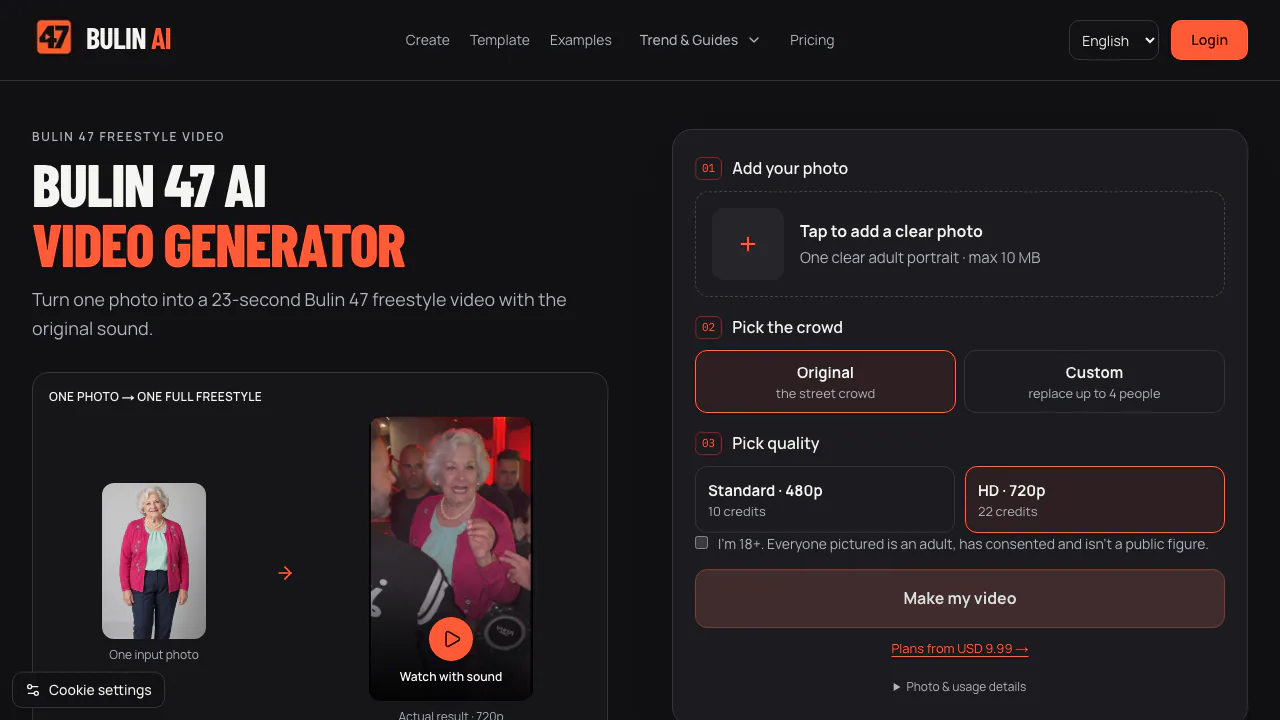

Bulin 47 AI
Turn an authorized adult portrait into a 23-second freestyle remix with the original sound.
Paid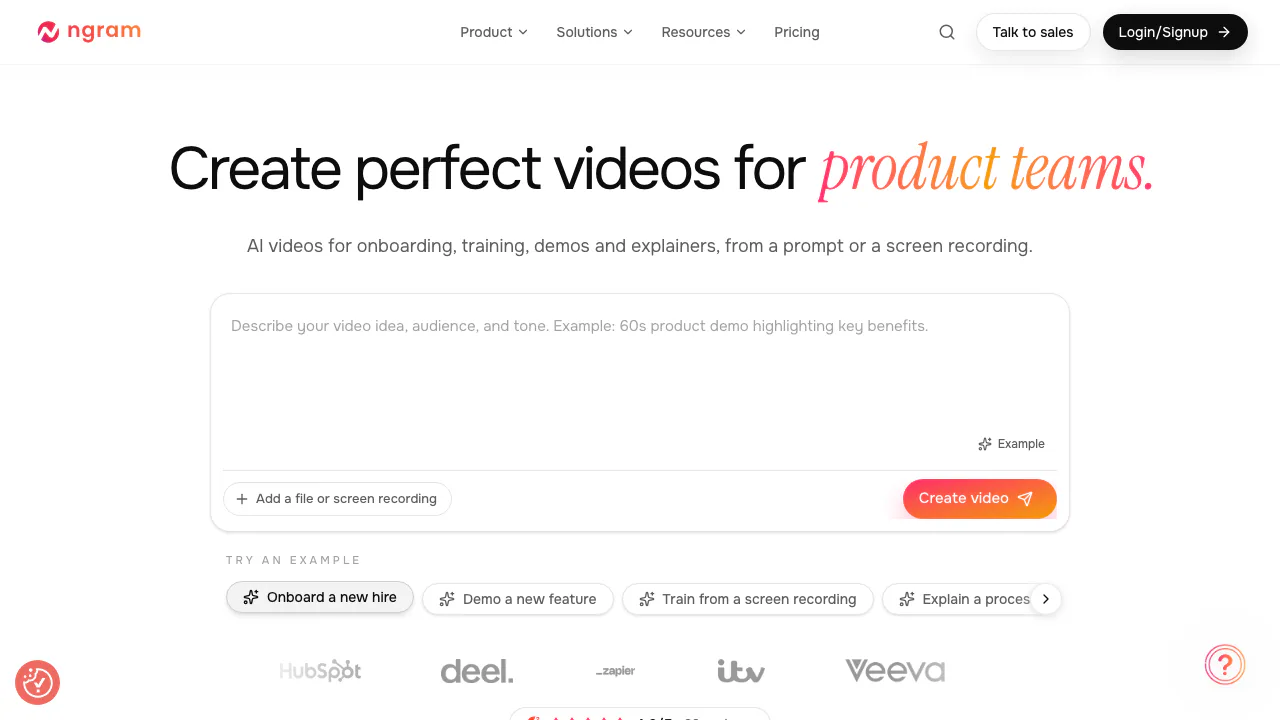
ngram
Turn briefs, docs, URLs, and screen recordings into editable business videos.
Freemium

Favore
Create an image, refine it, then turn it into motion in one workspace.
Paid

DENRAKEIW
Creative AI production, custom ComfyUI workflows and open-source image tools
Contact for pricing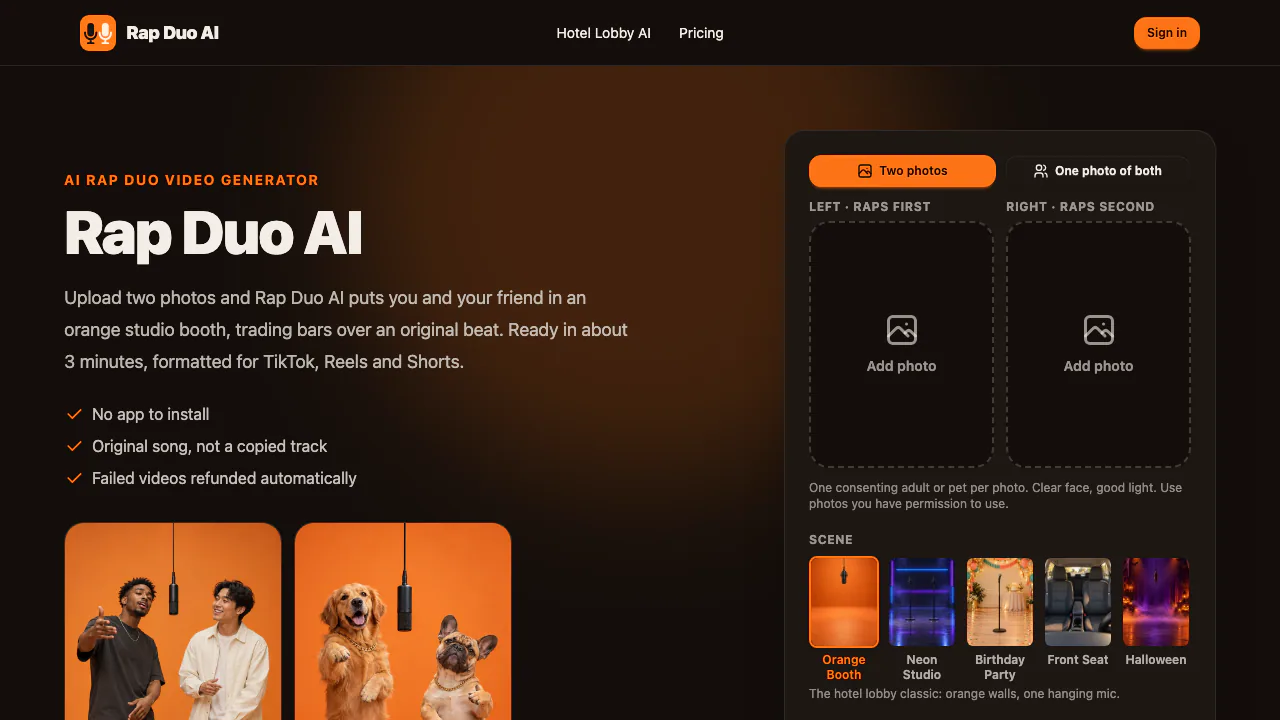

Rap Duo AI
Turn two photos into an English rap duet with generated music and vocals.
Paid

FacelessReel
Turn a story idea into a narrated faceless short video.
Unknown

DermInk
Explore tattoo ideas before your artist consultation.
Unknown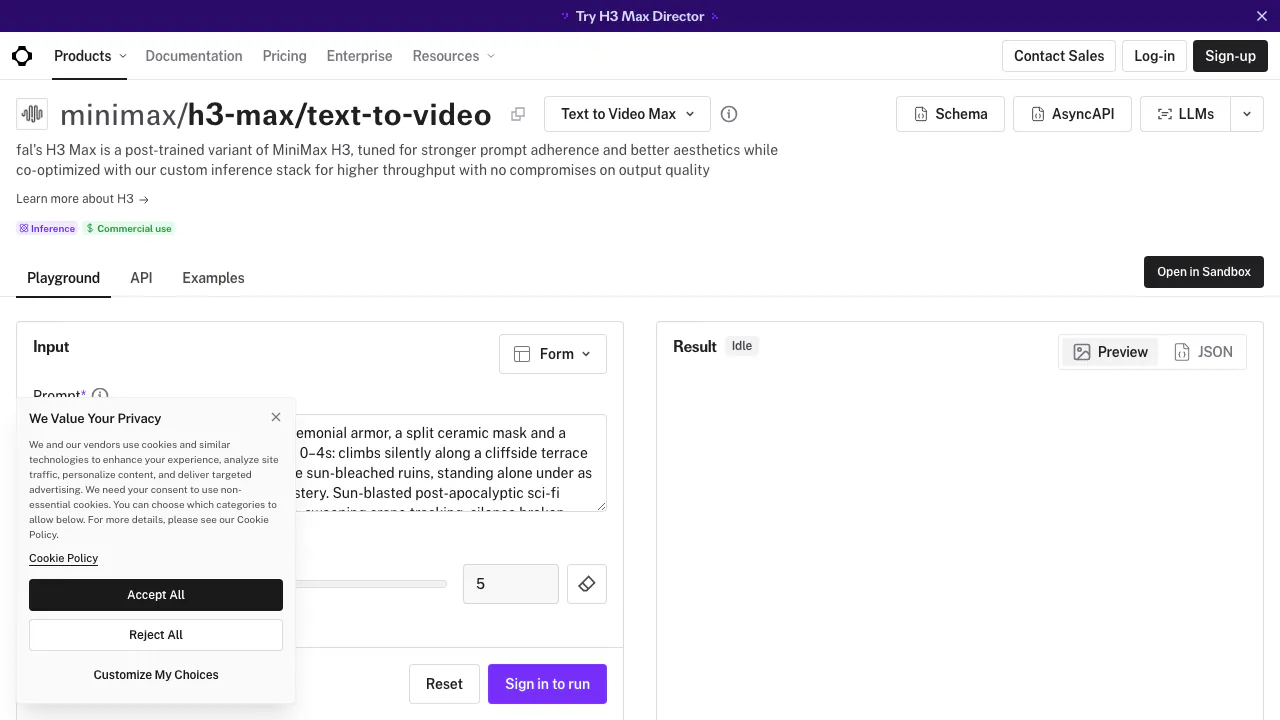

MiniMax H3 Max
Turn a written shot into a short video with synchronized audio.
Freemium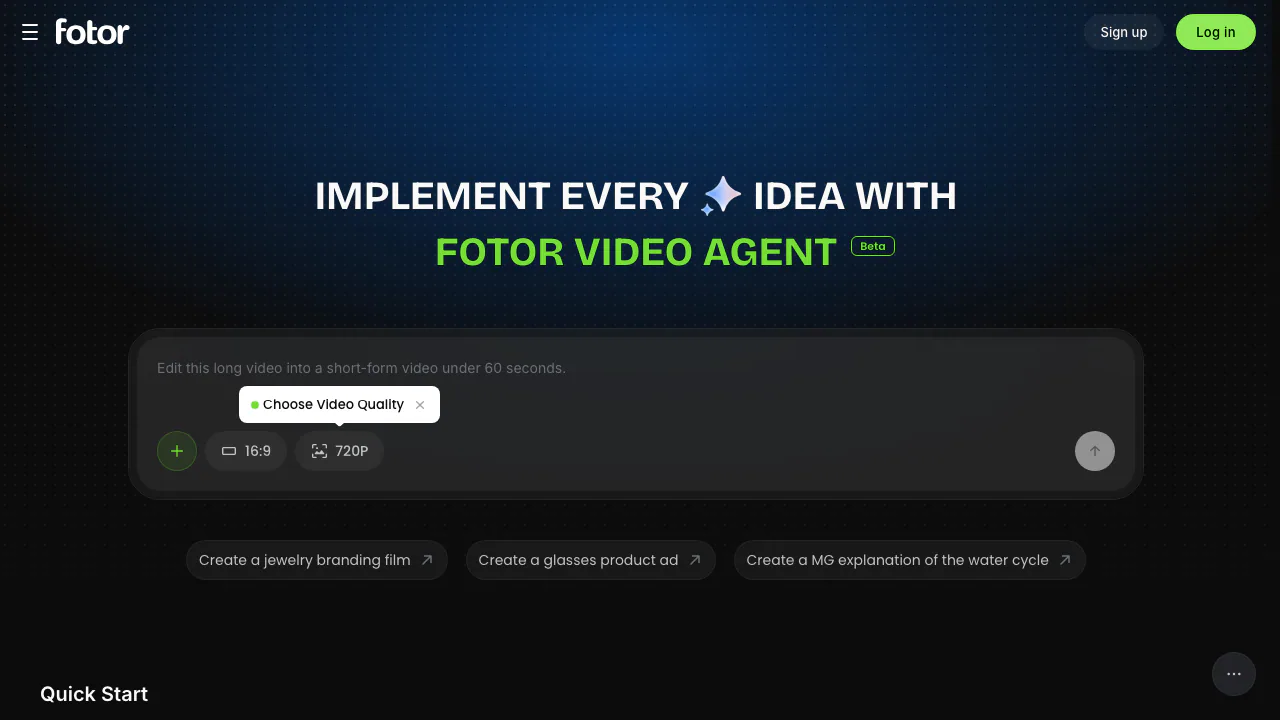

Fotor Video Agent
Chat your way from a rough idea or source file to an editable video project.
Freemium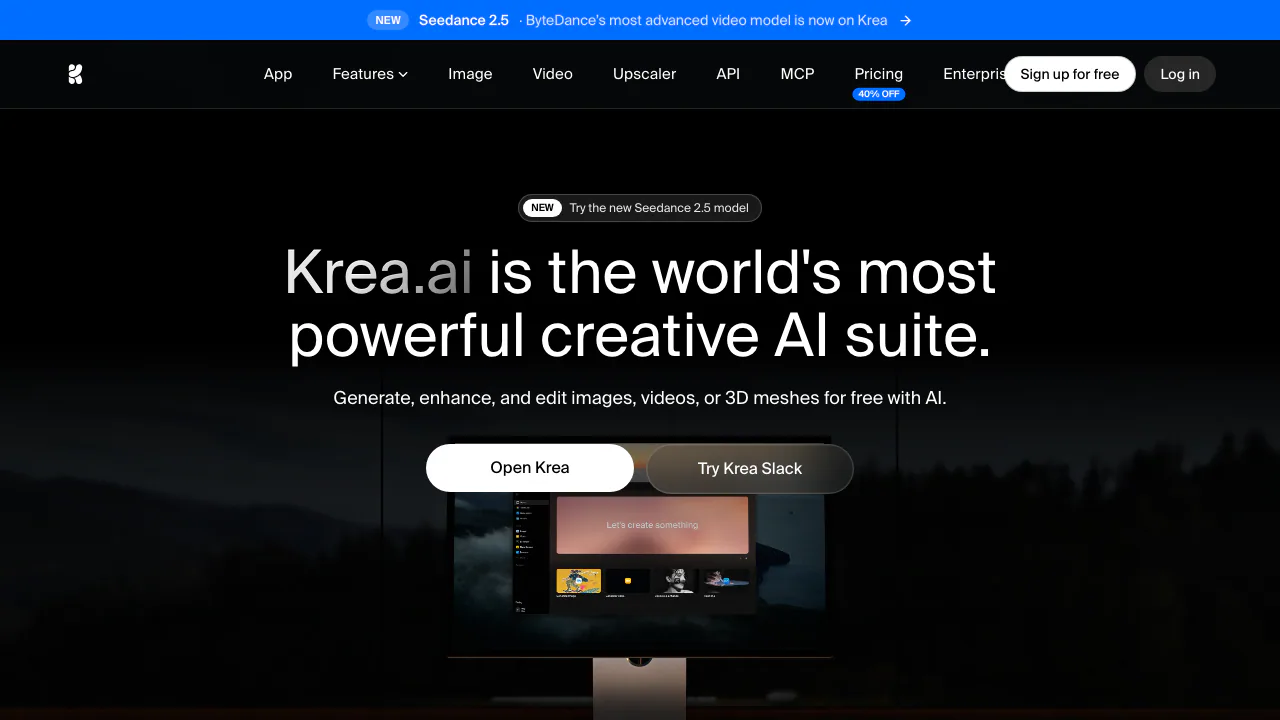

Krea
Generate, edit and enhance images, video and 3D assets across many AI models
Freemium

Recraft
Generate and edit raster, vector and product visuals in one design workspace
Freemium

remove.bg
Automatic AI photo background remover moving to Canva and Leonardo.Ai on Dec 1, 2026
Freemium

Graffiti Generator
Free online graffiti generator and AI street art maker
Freemium

Image to Image Generator
Multi-model AI studio for image-to-image creation and prompt editing
Freemium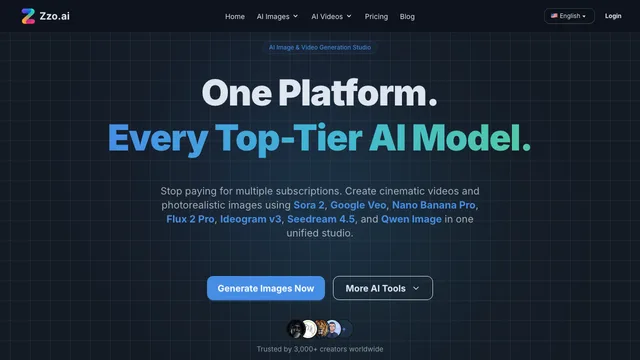

Zzo.ai
Create and edit images, then turn text or stills into video with multiple AI models.
Freemium
Compare AI Image & Video Generators side by side
Checked against each tool’s own pages; every tool page links its sources and the date we checked. A dash means the tool doesn’t publish that detail or we haven’t verified it yet.
| Tool | Free plan | Starting price | API | Open source | Platforms |
|---|---|---|---|---|---|
| Flux3Max.io | 60 credits on Google sign-up plus 120 from a 7-day check-in streak (180 credits covers one 5-second 720p clip with sound) (Check-in credits expire after 14 days; sign-up credits do not expire while the account is active) | $9.90 one-time (Starter pack gives 1,000 credits (5 clips at 5s/720p, 36 credits/s); 1080p uses 62 credits/s; pack credits never expire) | No (Flux3Max.io sells browser credit packs only; developers must call FLUX 3 Max through fal's API directly) | No (FLUX 3 Max weights are unpublished and run on fal's servers; Flux3Max.io is a proprietary web service) | Web (Browser studio only; no desktop or mobile app listed) |
| AI Photo Editor | 5 free signup credits (1 standard edit), no card required; no recurring free quota (Larger sizes and premium models cost 8–15 credits; failed or safety-blocked runs cost 0 credits) | $4.99 one-time (Starter pack: 150 credits (~30 standard edits), no subscription, credits do not expire while account is active) | No (No public developer API published) | No (Proprietary web service operated by Code Canyon LLC) | Web (Browser-based editor; no native mobile or desktop apps) |
| LayerSplit | 150 one-time credits on Google sign-in (one split of up to 15 layers, no card, no watermark); browser PSD viewer and converters free without login (No recurring monthly free credits; each element layer costs 10 credits and the filled background is free) | $9.90 one-time (Starter pack (900 credits / 90 layers, non-expiring); Basic subscription is $12/mo monthly or $99/yr ($8.25/mo) for 1,400 credits/mo) | No (No public REST API or developer docs; interactive web workflow only) | No (Proprietary hosted web service operated by Code Canyon LLC) | Web (Browser web app only; exports PNG, ZIP, and layered PSD for Photoshop, Photopea, Affinity Photo, Figma, or Canva) |
| ngram | 600 credits/month (no card); public watch links and embeds only (no MP4 download); 1 premium video/month up to 60s (Lighter ngram-flash model at 3 credits/s stays available with remaining credits; personal use only) | $23.20/month, billed annually (Basic plan: $278.40/yr upfront credits, or $29/mo monthly; 3,000 credits/mo, 720p MP4 downloads) | Yes (REST API and signed webhooks require Basic or higher to create videos; remote MCP server at mcp.ngram.com) | No (Proprietary cloud platform per Terms §6 & §19) | Web, Chrome extension, API (Browser Studio, Chrome extension, REST API, remote MCP server for Claude/ChatGPT, GitHub App, Zapier, n8n) |
| remove.bg | Free low-res web previews (up to 0.25 MP, personal use), 1 signup trial credit, and 50 API preview calls/month until Dec 1, 2026 (Standalone remove.bg website and self-serve API close December 1, 2026 at 9:00am CET; web use moves to Canva) | — | Yes (Self-serve REST API stops accepting requests Dec 1, 2026 (migrating to Leonardo.Ai); Enterprise API contracts continue) | No (Proprietary background-removal service; thin client SDK wrappers are on GitHub, while reverse engineering is prohibited) | Web, Windows, macOS, Linux, Android, API, CLI, Figma plugin (No official iOS app; standalone web, desktop app, Photoshop plugin, and self-serve API retire Dec 1, 2026) |
| Pixelcut | Limited background removal, upscaling, Magic Eraser, Generative Fill, and Expand Image; watermark-free exports; no monthly AI credits (Help Center Usage Limits notes free users typically get 3 uses/day) | $8/month, billed annually (Pro plan: $8/mo billed annually ($10/mo monthly); includes 600 credits/mo, 3 seats, and 1,000 batch exports/mo) | Yes (Separate REST API starting at $10/mo for 1,000 credits ($0.01/credit), plus an MCP server) | No (Proprietary web/mobile workspace and API) | Web, iOS, Android, API (Also connects to Claude and Cursor via MCP; no native Windows or macOS app) |
| HeyGen | Up to 3 watermarked videos/month (1 min max), 500+ stock avatars, 1 custom avatar, 30+ languages (No credit card required; 720p sharing link; quota is 1–3 videos by region; personal use only) | $29/month, billed monthly (Creator plan (600 credits/mo, 1080p); $24/mo ($288/yr) when billed annually) | Yes (Standalone pay-as-you-go API credits from $5 minimum (no subscription needed); CLI & MCP included) | No (Core platform is proprietary SaaS; companion HyperFrames framework & agent skills are open source) | Web, iOS, Android, API, CLI (Web studio, iOS & Android apps (mobile guide); REST/MCP API and CLI on developers.heygen.com) |
AI image and video generators turn text prompts, reference images, scripts, or screen recordings into still visuals and finished video clips. Use this guide alongside the comparison table above to match your deliverable—generative video, talking avatars, prompt-to-image design, or ecommerce product edits—and check the export, licensing, and credit rules that headline plan names leave out.
How to choose an AI image or video generator
- Match the tool family to your deliverable. This category covers four distinct workflows: generative video studios (Runway, Kling AI, Luma Dream Machine) for B-roll, motion shots, and camera control; avatar and doc-to-video presenters (Synthesia, Colossyan, HeyGen) for narrated explainers, training, and dubbing; image and vector studios (Midjourney, Ideogram, Recraft) for illustrations, typography, and brand graphics; and commerce photo editors (Photoroom, Cutout.Pro) for product cutouts and catalog staging. Picking across families wastes credits on controls the product was not built to handle.
- Check what a free tier actually exports. Some studios skip free plans altogether and require a subscription upfront, while freemium tools split between clean image cutouts, low-resolution previews, watermarked clips, and hosted watch links. On video platforms, "free" often stops short of a clean file download: many browser video editors watermark free exports or cap output resolution, and doc-to-video tools like ngram share public watch links and embeds on the free tier without MP4 downloads (as of November 2026).
- Factor re-render credit burn into monthly cost. Monthly subscription tiers in the comparison table do not show how quickly video and multi-model iterations consume credits. Generative video platforms typically meter usage by clip duration, resolution, or model tier, and failed prompts or awkward motion rarely receive automatic credit refunds—a recurring complaint among HeyGen users on Reddit (as of November 2026). For more predictable spend, check whether a studio lets you approve a script or keyframe layout before rendering, or buy non-expiring credit packs without a monthly subscription (as on Zzo.ai, checked November 2026).
- Separate commercial rights from AI training defaults. Free tiers rarely clear client work or paid ads, and commercial rules can split by input type even inside one product—for example, Pixelcut allows commercial use on your own edited product photos on Free while requiring a paid plan for AI-generated visuals (as of November 2026). Data-training defaults also vary across enterprise tiers, self-serve plans, consumer apps, and third-party partner models inside multi-model suites. Read both the Terms of Service and Privacy Policy before uploading client likenesses or unreleased products.
- Distinguish workspace seats from developer API billing. An "API: Yes" label in the comparison table covers two incompatible billing setups. Some platforms bundle API access into a paid workspace tier—such as ngram requiring a paid plan to create videos through its REST API (as of November 2026)—whereas other avatar, design, and image-editing providers sell standalone pay-as-you-go API credits or separate developer plans independent of editor seats.
Picks by workflow
- Good fit for generative video clips and shot-level editing: Runway, because it combines text-to-video, image-to-video, video-to-video, and browser editing tools in one workspace; compare Kling AI when you need multi-shot generation with native audio, or Luma Dream Machine for keyframe-guided camera transitions.
- Good fit for testing multiple video and image models in one workspace: Krea or Higgsfield, because both bring first-party and partner models under one account—Krea leans toward realtime canvas iteration and upscaling, while Higgsfield focuses on cinematic ad shots, consistent characters, and voiceovers.
- Good fit for presenter videos and lip-synced multilingual dubbing: HeyGen, because it pairs stock and custom avatars with voice translation across web and mobile apps, plus standalone pay-as-you-go API, CLI, and MCP access for automated video workflows (checked November 2026).
- Good fit for workplace training modules vs. software walkthroughs: Synthesia and Colossyan focus on turning slide decks and scripts into multilingual L&D courses, whereas ngram suits product and support teams turning docs, URLs, or screen recordings into walkthroughs with script-and-scene approval before rendering (checked November 2026).
- Good fit for stylized concept art and visual exploration: Midjourney, because its web workspace centers on aesthetic prompt iteration, style and character reference controls, and animating still frames into motion; compare Leonardo AI if you also want asset upscaling and custom model training.
- Good fit for editable vectors, brand mockups, and text-in-image layouts: Recraft, because it generates and edits true scalable vectors alongside raster graphics and custom brand styles, whereas Ideogram specializes in accurate typography inside images and Canvas layout editing, and Adobe Firefly connects generative edits to Adobe creative apps.
- Good fit for ecommerce product staging and batch catalog visuals: Pixelcut and Photoroom, because both combine background removal, AI product scenes, and batch editing—Pixelcut clears commercial use on your own edited photos on Free and includes team seats on paid plans (checked November 2026), while Photoroom extends into virtual fashion models and product-page video ads.
- Good fit for quick background cutouts, ID photos, and photo cleanup: Cutout.Pro, because it groups automatic background removal, face and object cutouts, passport photo formatting, and image upscaling into focused single-task utilities rather than a full design studio.
FAQ
Which AI image and video generators are free without a watermark?
Unwatermarked free downloads are much more common for basic photo edits than for AI video. In image and commerce workflows, freemium photo editors often export clean basic cutouts while capping daily runs, output resolution, or generative scene credits—for instance, Pixelcut exports watermark-free basic cutouts on Free while gating generative AI credits behind paid plans (as of November 2026). Across video and avatar platforms, free plans typically add watermarks, cap clip length, or restrict exports to hosted preview links (such as ngram sharing public watch links without MP4 downloads on Free as of November 2026), while several dedicated image and video studios skip free tiers altogether and require a paid subscription upfront.
Can I use AI-generated images and videos commercially on a free plan?
Most platforms reserve commercial rights for paid subscriptions, even when the workspace is free to try. Free tiers across video, avatar, and design studios are generally restricted to personal evaluation—as verified on both HeyGen and ngram as of November 2026—while paid creative suites typically tie commercial permissions to your active plan tier and whether a first-party or partner model generated the output. Some ecommerce editors split rules by input type, clearing commercial use on your own uploaded product photos while requiring a paid plan for AI-generated backgrounds, so verify license terms for both your source files and generated assets before client delivery.
Should I choose an AI avatar generator or a generative video model?
Choose an avatar generator when a presenter needs to speak a script on camera, and a generative video model when you need custom scenes, B-roll, or animated product shots. Presenter studios like Synthesia, Colossyan, and HeyGen keep lip sync, voice dubbing, and slide layouts consistent across languages, whereas generative platforms like Runway, Kling AI, and Luma Dream Machine synthesize environments and camera movement from prompts or reference frames. If your source material is an article, slide deck, or software documentation rather than a visual prompt, script- and doc-to-video tools like Fliki, Pictory, or ngram sit in between with editable scene timelines.
Do AI image and video generators train models on uploaded photos and videos?
Training rules depend on your plan tier, whether you use the consumer app or the API, and whether external partner models process the job. Enterprise plans generally exclude customer uploads by default, whereas free and self-serve tiers often permit training unless you opt out in settings or by email—for example, HeyGen excludes Enterprise data by default while other plans require an email opt-out as of November 2026. Developer APIs and consumer apps from the same vendor can also follow different retention policies (Pixelcut deletes API files within 24 hours without training on them unless consented, while its app policy does not specify, as of November 2026), and multi-model studios like Krea or Higgsfield route prompts across partner models that carry their own data policies, so check both the Terms of Service and Privacy Policy before uploading sensitive visuals.