

WikiFixPaid
Find conflicting, duplicate and ownerless Confluence pages, then review and apply fixes.
Sellio AI customer support with a shared inbox
Handle customer conversations together and let a knowledge-based AI agent answer website visitors.
What does Sellio actually do?
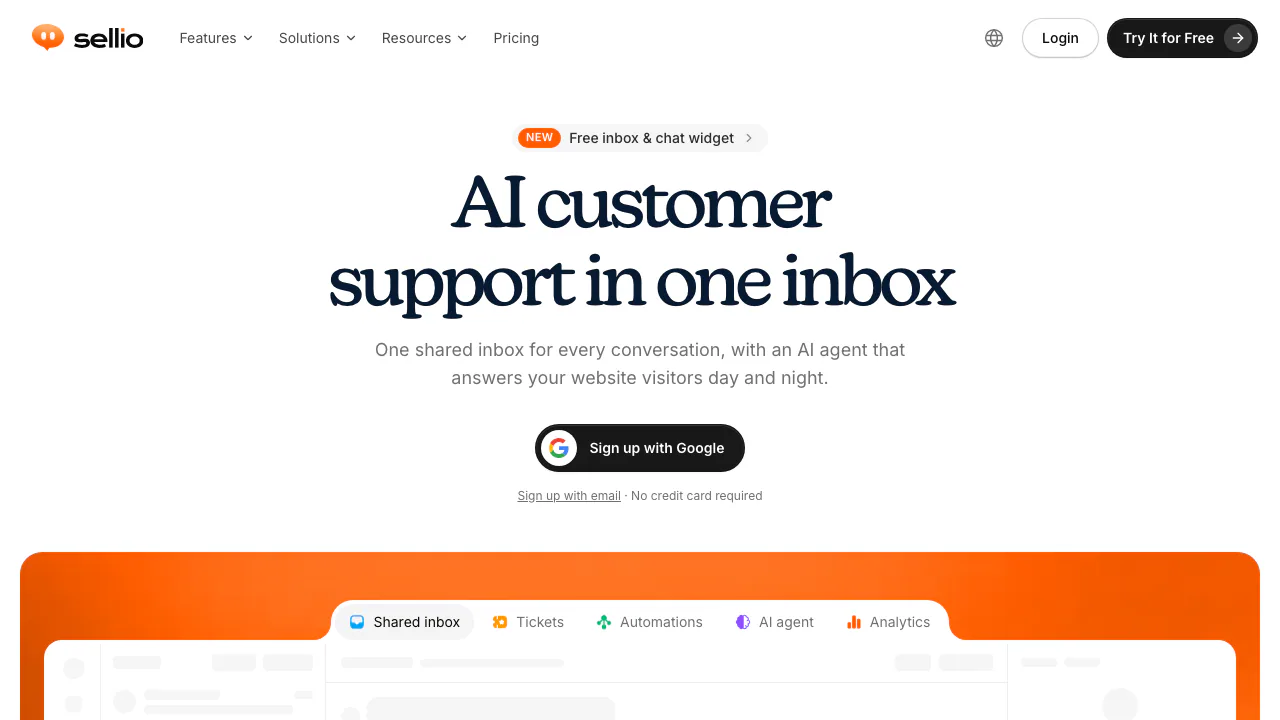
Sellio is AI customer support software for small teams. Think of it as a shared service desk: a visitor asks a question through your website chat bubble, your team sees the conversation in one inbox, and an optional AI agent answers routine questions using your business information.
For a SaaS business or online shop, that could mean answering a question about a documented return policy, then passing an exception to a person with the earlier messages intact. Sellio brings the conversation and its follow-up together; it still needs maintained knowledge and people available for cases the AI cannot resolve.
Keep customer conversations and team handoffs together
The inbox receives website chat, WhatsApp, Instagram, Telegram and email. Teams can assign work, add private notes, search history and filter conversations by status or priority. Slack, Discord and Microsoft Teams mirror conversations into team threads and carry replies back.
Channel support does not mean autonomous AI on every channel. The documented AI agent answers website chat only. Other messages wait for a teammate; AI drafts and rewrites in the inbox require someone to press send. Ticketing supports ongoing work, while plan-dependent analytics show response, resolution and satisfaction measures.
Give the agent usable knowledge and a clear stopping point
Sources include website links, crawls, sitemaps, Q&A pairs, pasted text and PDF, DOCX, TXT or Markdown files up to 10 MB each. Sellio extracts text and discards the original file. Scanned PDFs need OCR first.
Create an agent, attach sources and set its instructions and handover rules. In the playground, test actual customer questions and inspect the passages used. Fix missing information with a clear source or Q&A before activating the agent. Low confidence, trigger words or a teammate taking control can hand the conversation to a person without losing the thread.
Daily answer caps, monthly token caps and workspace credits limit usage. When a limit is reached, a fallback message leaves the conversation for a person. Grounding reduces unsupported answers but does not guarantee correctness. Follow the AI agent guide for configuration.
Install, test and automate a support flow
- Create a workspace and copy its widget key from Settings → Install.
- Follow the installation instructions to add the snippet before the closing body tag on relevant pages.
- Deploy, open a private browser window and send a message. Confirm it reaches Unassigned, reply from the inbox and verify the reply in the widget.
- Check Widget live, then adjust colors, welcome text, pre-chat questions and page visibility.
- Test your knowledge-based agent and human takeover before activation. For routing, create an automation with one trigger, connect conditions and actions such as assignment, tagging, waiting or AI reply, then inspect its run history.
Customer-message triggers currently run on website chat only. Do not assume a rule will start from an incoming WhatsApp or email message.
Separate the free inbox from AI usage costs
Checked October 6, 2026: Free includes ongoing website chat and the shared inbox, two seats, one channel, one agent and five AI trial conversations. It is not unlimited free AI.
Published monthly prices are in USD, excluding VAT:
- Mini: $45, five seats, three channels and $5 AI credits. Email, messaging channels and the workflow builder start here.
- Essentials: $95, ten seats, five channels and $25 AI credits, with ticketing and analytics listed on the pricing page.
- Plus: $295, fifty seats, twenty-five channels and $75 AI credits.
AI costs approximately $0.05 per conversation; include extra credits when estimating the bill. Annual billing has separate terms. Voice replies and AI-created ticket eligibility differ between pricing and documentation, so confirm those features before buying. See the current plan comparison.
Review data handling before importing customer material
Sellio says the workspace owner normally controls conversation data and Sellio processes it to provide the service. International processing may occur. Its policy says it does not sell personal data or train public foundation models for unrelated products on visitor conversations. That is not a promise of zero retention or no subprocessors.
Conversation data is retained under its service practices until workspace deletion or completion of a valid deletion request. Only upload material you have permission to use, and review the privacy policy. Data residency and jurisdiction-specific compliance were not independently verified.
Frequently asked questions
Is Sellio free?
The basic inbox and website chat can remain on Free. AI has a five-conversation trial allowance; additional channels start on Mini and ongoing AI use depends on credits.
Can a person take over?
Yes. A teammate can take control, and configured handover conditions can return a thread to Unassigned with its history. Someone still needs to monitor that queue.
Can it learn from my documents?
Yes: supported text documents, website sources and Q&A can supply the knowledge base. Files are limited to 10 MB each, and scanned PDFs need text recognition first. Test answers before enabling them for visitors.
Official setup and support resources
- Product and developer documentation: framework installation, Widget JavaScript API and public API guides.
- Contact Sellio: setup assistance, plan questions, demos and migration enquiries.
Sellio offers a web dashboard and a macOS app; Windows is marked coming soon.
Related tools
AI Customer Support Agents →
InvofoxPaid
Turn invoices, PDFs and scans into structured JSON for your software.
DailyHelmPaid
A daily business review that turns connected metrics into priorities.
CoreSpeedFreemium
Connect your existing agent to business apps, durable memory and metered tools.
ZooWorkPaid
Turn expertise, operating rules and connected tools into agents that carry out reviewed business tasks.
Vitra.aiFreemium
Translate and review video, images and documents in one workflow.